Settings
42 Manual m600 basic 2.6_01
6
Port
Here, the port to be used can be defined. Port 7 is set as default. Ports 20
and 21 should not be used, as these are used by the FTP protocol as
default.
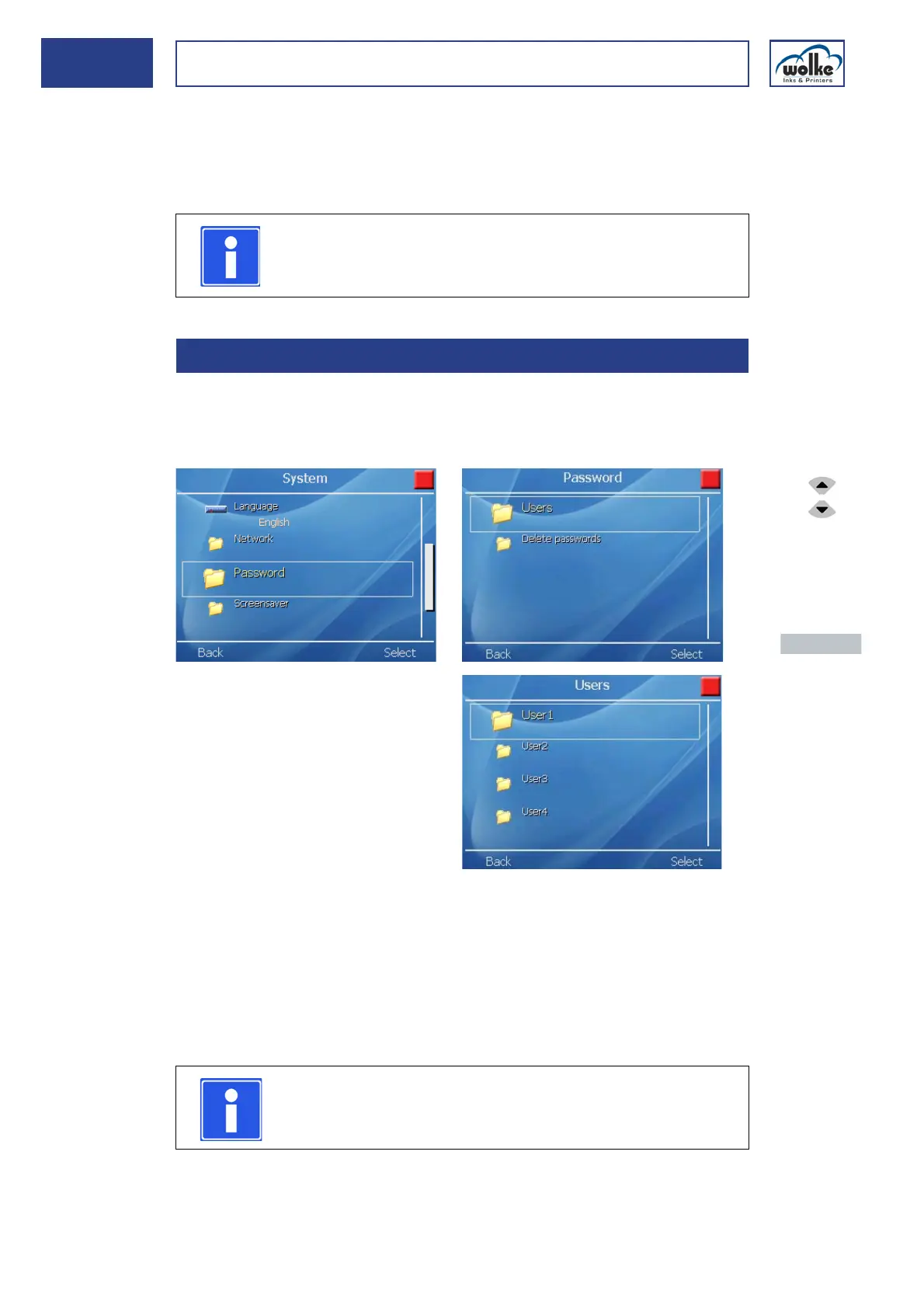
Password Under the menu item "Password", you can assign names, access rights
and passwords to the appropriate users, or change and delete these as-
signments.
Fig. 6_69: Settings > System > Password
In the state as delivered, no user passwords are activated; you are logged
on as "User1". It is recommended to define a user as administrator. This
user may assign for all the other users (and for himself/herself!) user
names, passwords and access rights. In order to activate the access pro-
tection, all of the user groups have to be provided with a password.
If no passwords are assigned, all users remain logged on with full access
rights.
NOTE
After changing the network settings, the system is
restarted once the menu is exited.
6.1.5 Password
NOTE
A user should always be configured as an administrator
(with all access rights).
Actuate the cur-
sor buttons to
select the indi-
vidual menu
items.
Actuate the
menu button
"Activate" to
enter the menu.
Actuate the
menu button
"Back" to return
to the previous
menu view.



 To Next Page