Settings
38 Manual m600 basic 2.6_01
6
Password:
Here, passwords and access rights can be assigned to certain users (see
Chapter 6.1.5).
Screen saver:
Activation/deactivation of the screen saver function (see Chapter 6.1.6)
Factory settings:
Here, the settings of the m600 basic are reset to the state as delivered
(see Chapter 6.1.7).
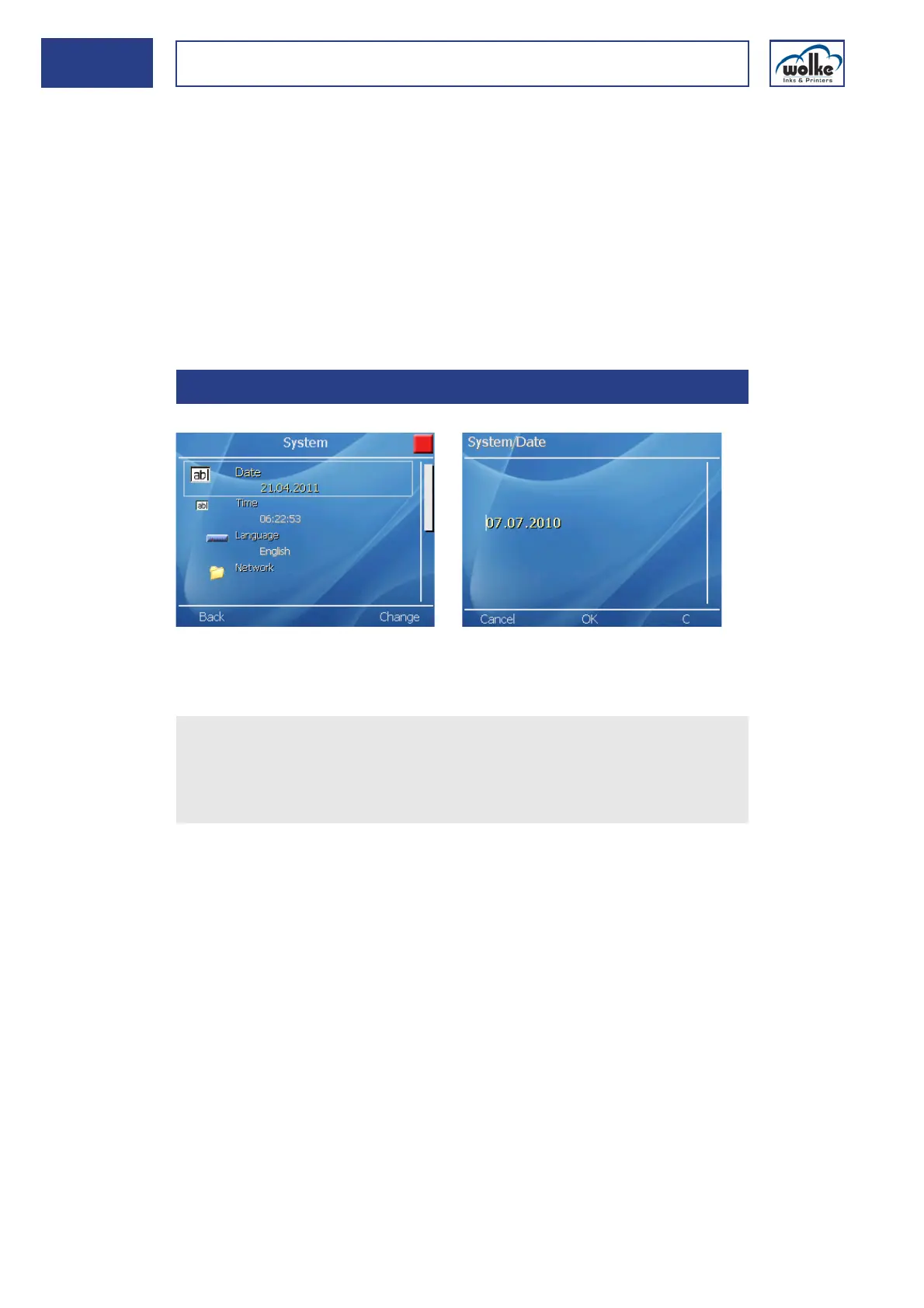
System date
Fig. 6_62: Settings > System > Date
Changing the date:
6.1.1 Date
Actuate the cursor buttons to select the menu "Date".
Actuate the function key "Change".
Enter the new date.
Actuate OK to confirm the selection.
Actuate the
function key "C"
to delete a digit.



 To Next Page