Operation
32 Manual m600 basic 2.6_01
5
Tab. 5_1: Key assignment - overview
Display The controller is switched on with the master switch at the back of the
controller. (If the switch fails to light up, this means that the main fuse
isfaulty or there is no voltage.) The main menu appears after booting has
been completed:
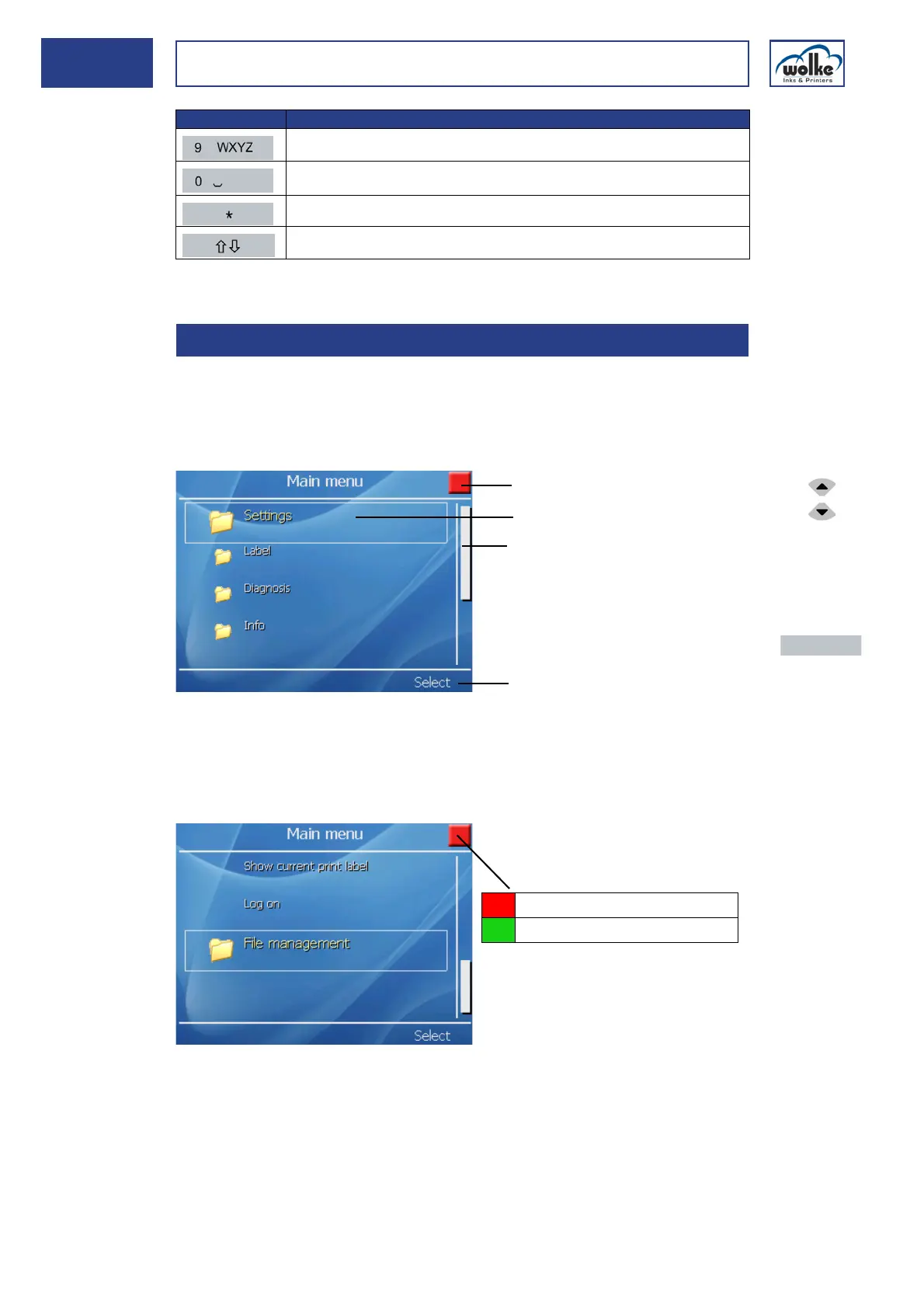
Fig. 5_53: Main menu
Fig. 5_54: Main menu – continued
WXYZ9 wxyz9
0
is used to insert an embedded field
Switches between digits, upper case and lower case
5.2 Display
Button Function
1 Status display m600 basic controller 3 Scroll bar
2 Selected menu item 4 Menu button "Activate"
m600 basic has been deactivated
m600 basic has been activated
Actuate the cur-
sor buttons to
select the indi-
vidual menu
items.
Actuate the
menu button
"Activate/Exe-
cute" to get to
the appropriate
menu.



 To Next Page