Installation
10 Manual m600 basic 2.6_01
4
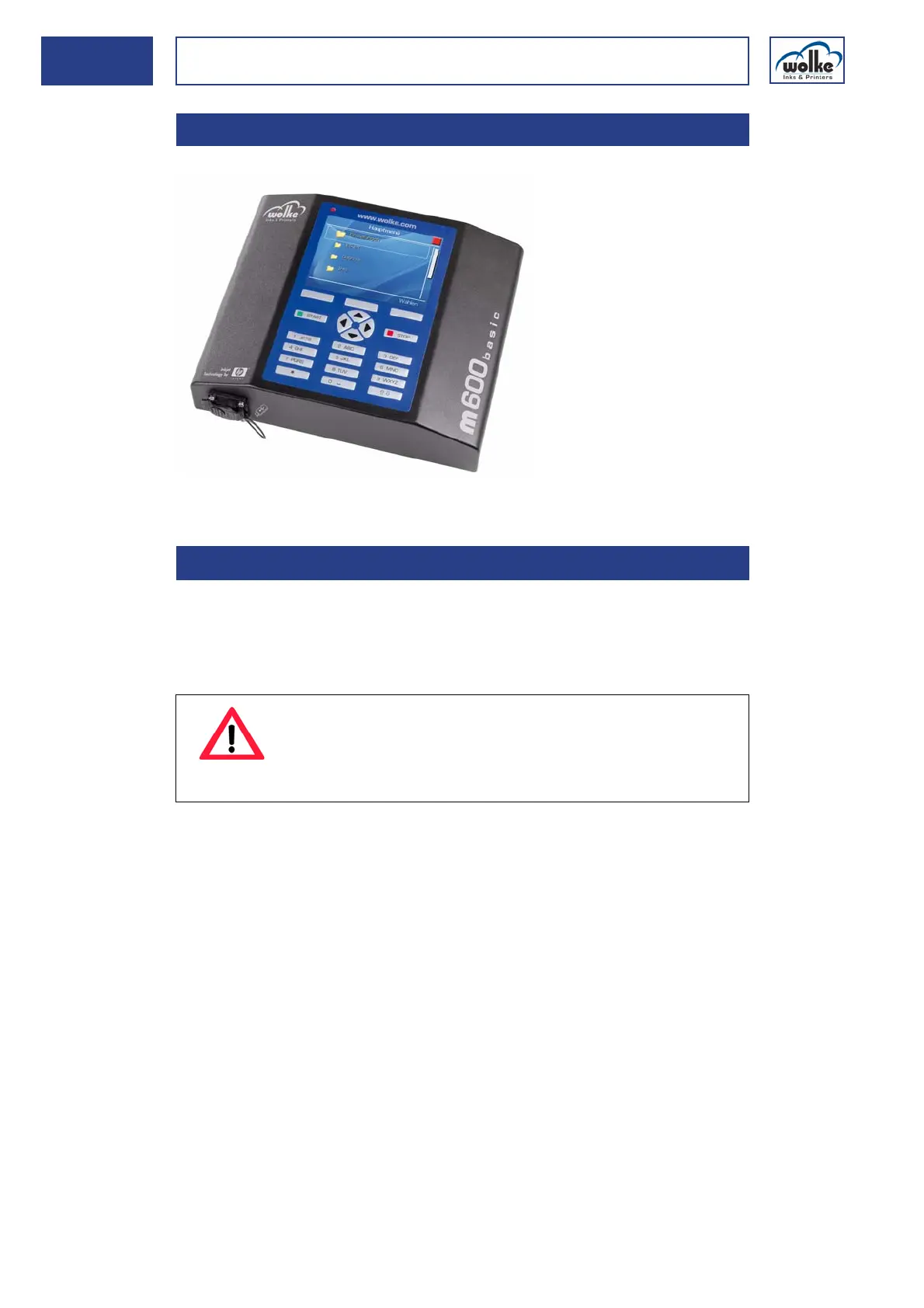
Controller
Fig. 4_20: Controller
Installation The controller can be placed either on a mount or on a table top. It can
also be mounted on a wall, for which an optional mounting plate is avail-
able. Alternatively, it can also be mounted vertically, for which the four
threaded holes (M6) on the underside of the controller are provided.
4.2 Controller
4.2.1 Installation
ATTENTION
Only use screws with a maximum length of 12 mm.
Screws which are any longer will damage the controller
housing.
Dimension
drawings are
included in
Chapter 14.1.



 To Next Page