Label
Manual m600 basic 2.6_01 81
7
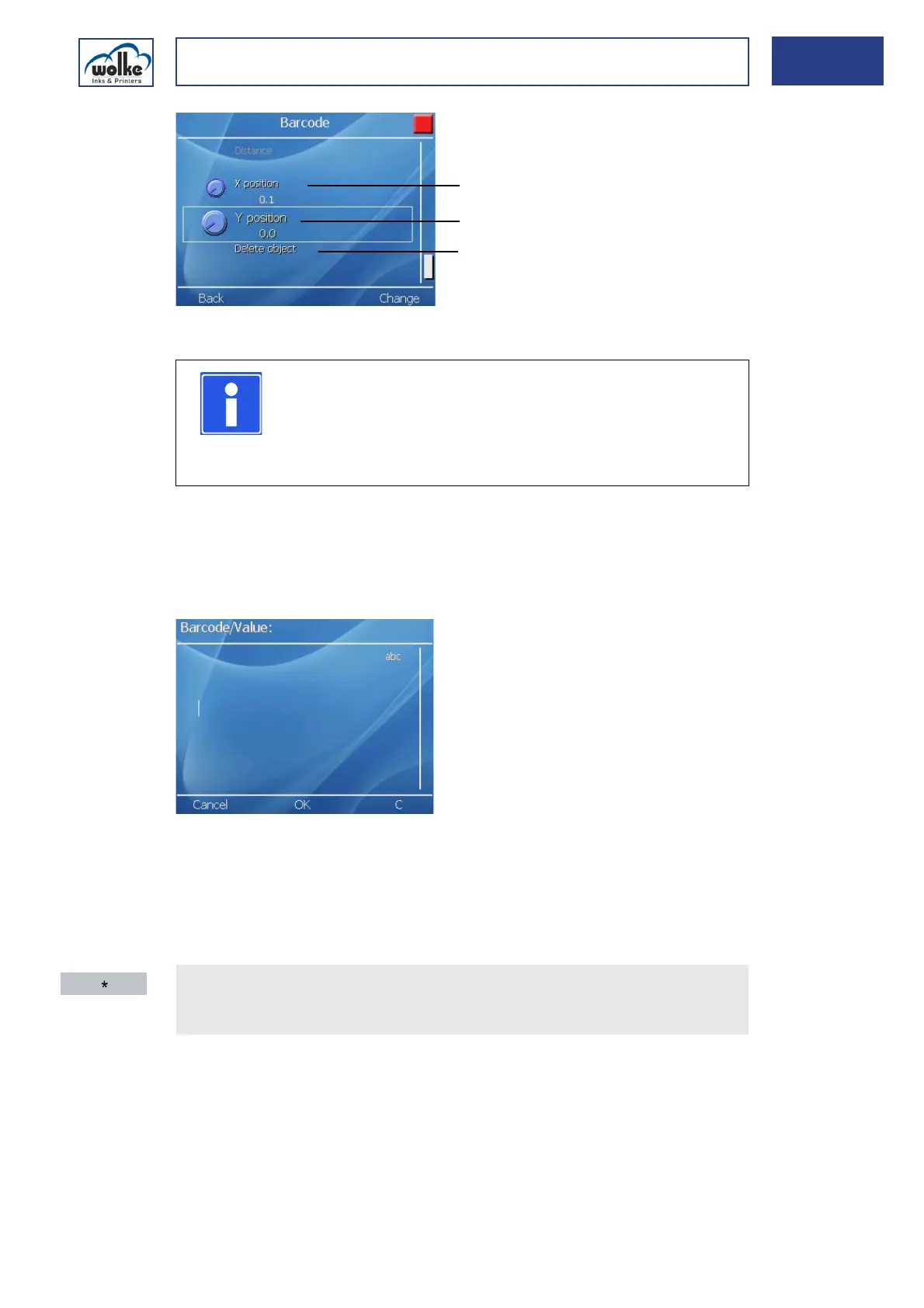
Fig. 7_130: Barcode parameters - continued
EAN13/EAN8
This is for entering 12 digits of the EAN 13 or the 11 digits for a UPC-A.
The last (13th or 12th) digit = check sum, does not have to be entered
manually because it is calculated by the program itself.
Fig. 7_131: Barcode – Value
To provide a barcode with an embedded field (e.g. date or counter), pro-
ceed as follows:
NOTE
For explanations relating to the menu items marked ,
please refer to Chapter 7.3.1, "Text".
The explanations marked below are provided once only
for all barcodes.
Value
Embedded fields
Call up "Value" in conjunction with a barcode.
Actuate the asterisk button. Now, the displayed embedded fields are
available:



 To Next Page