Settings
48 Manual m600 basic 2.6_01
6
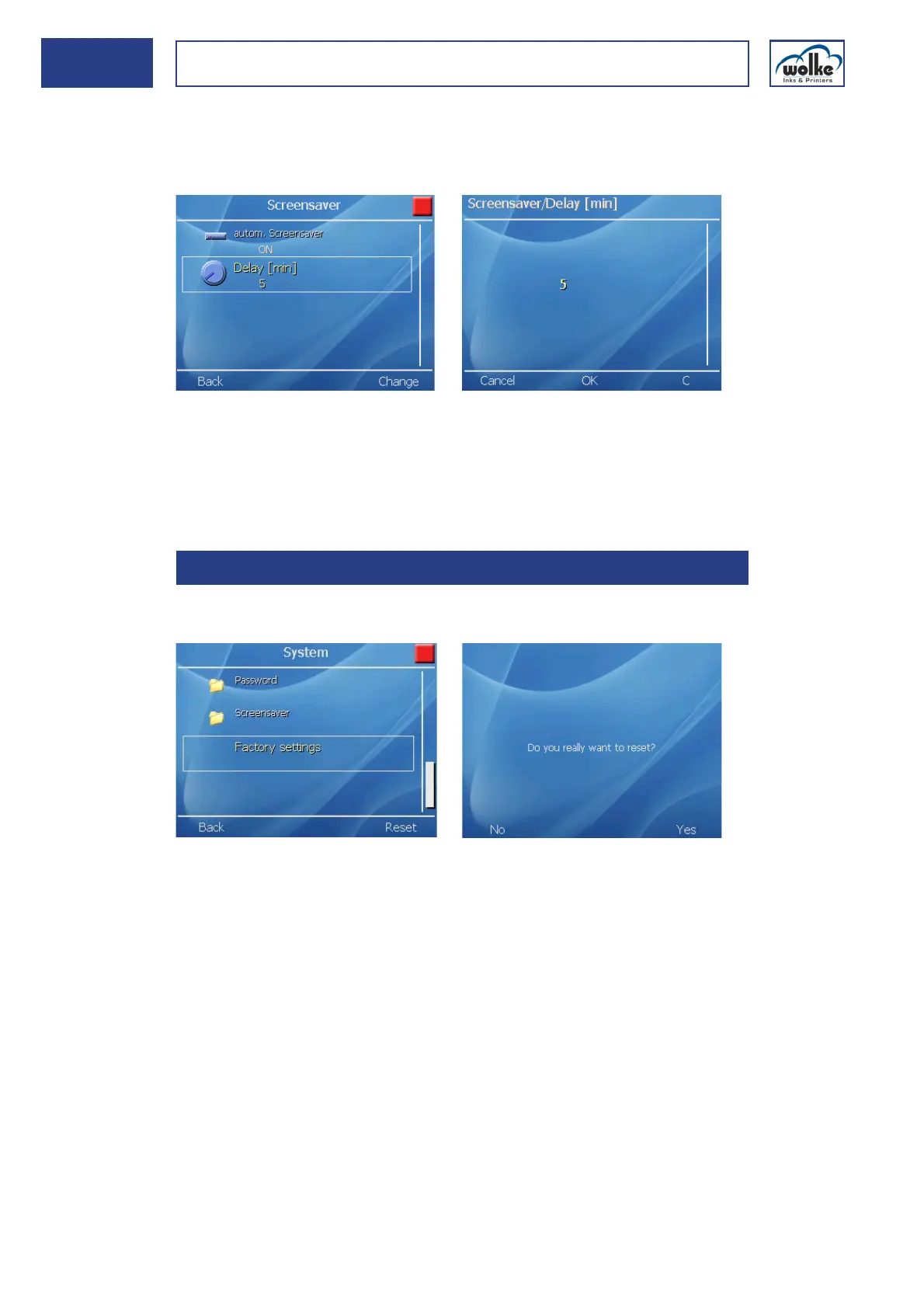
Delay [min]
The shut-off time of the display lighting can be adjusted from 5 to 30
minutes.
Fig. 6_78: Autom. screen saver > Delay [min]
Actuation of any key causes the m600 basic’s display lighting to be
switched on without triggering any other function on the m600 basic. The
display lighting is also switched on again whenever information, a warning
or an error message appear.
Factory
settings
In this menu, the m600 basic is reset to the factory setting.
Fig. 6_79: Settings > System > Factory settings
After actuating the function key "Reset", the query "Do you really wish to
reset?" appears.
If you acknowledge via "Yes", the factory settings are loaded.
If you actuate "No", the process is cancelled. The previous settings are re-
tained.
6.1.7 Factory settings



 To Next Page