Label
Manual m600 basic 2.6_01 127
7
Other
parameters
Cyclic
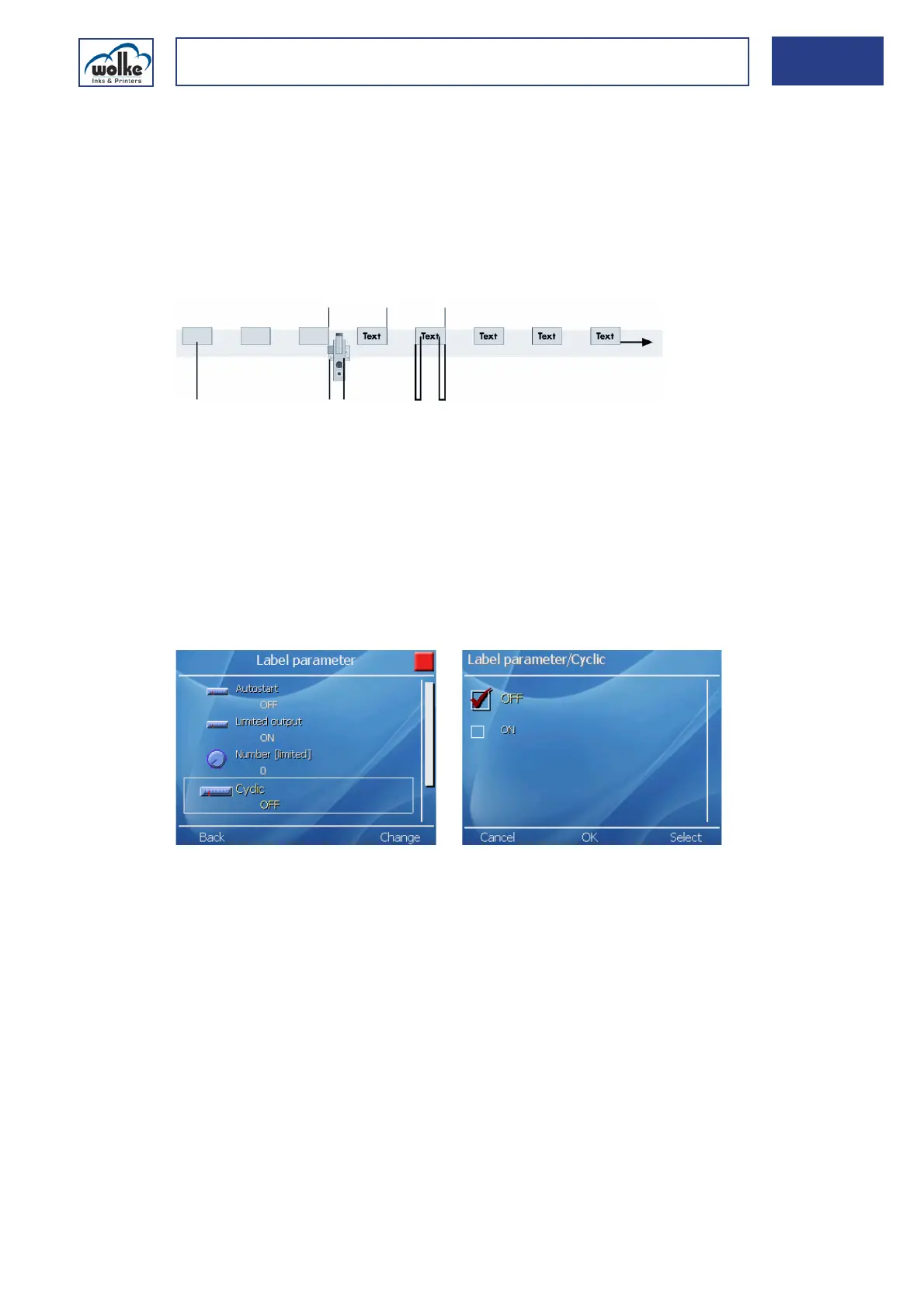
The "Cyclic" function allows print material which has been identified once
to be printed several times. It is suitable both for endless material and for
the multiple printing of a single carton or other kind of print material.
If you do not select "Cyclic", the photoelectric cell will trigger a print every
time it detects new print material. This is the most commonly used setting
for the printing of unit loads (e.g. cartons).
Fig. 7_218: Photoelectric cell pulse, e.g. caused by a carton edge
If you activate the "Cyclic" function you can manually enter the number
of print cycles to be carried out for a single trigger of the photoelectric cell.
Fig. 7_219: Label parameter – Cyclic
1 Photoelectric cell pulse, e.g. caused by
a carton edge
4 Print head
2 Distance before 5 Photoelectric cell
3 Distance after 6 Print material, e. g. cartons



 To Next Page