Settings
40 Manual m600 basic 2.6_01
6
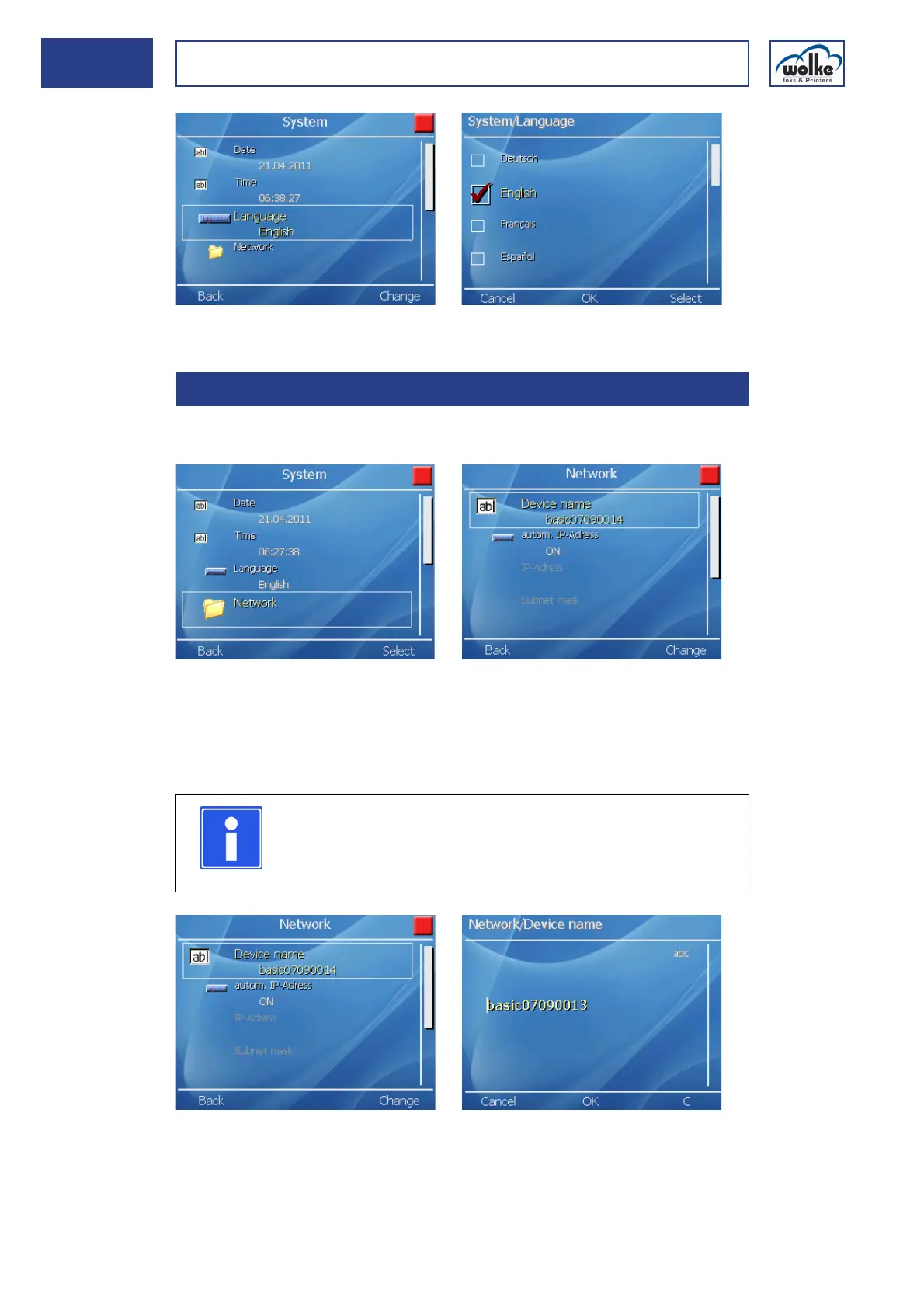
Fig. 6_64: Settings > System > Language
Network This menu is provided for definition of the network settings.
Fig. 6_65: Settings > System > Network
Device name
An individual device name can be entered here. Max. 20 characters are
available for the device name to be assigned.
Fig. 6_66: Network > Assigning a device name
6.1.4 Network
NOTE
If the device name is deleted and no name assigned,
"m600 basic" is entered automatically as device name
when the menu is exited.



 To Next Page