Replacement of cartridge
144 Manual m600 basic 2.6_01
12
The cartridge is actuated via the contactor pins in the print head. In new
print heads these contactor pins may sometimes be a little sluggish. This
soon clears after the HP cartridge has been used the first few times.
Inserting the
HP cartridge
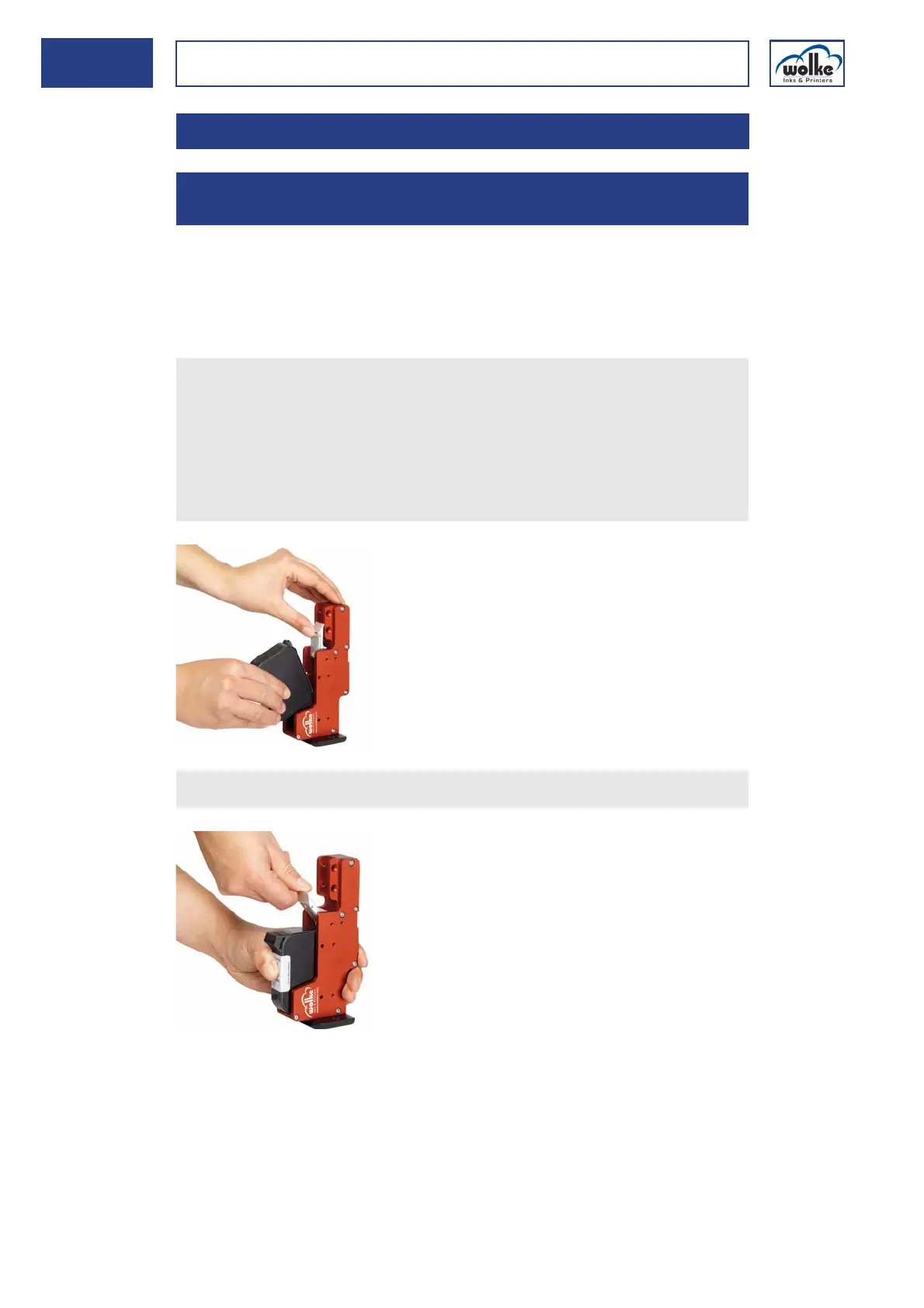
When inserting the HP cartridge into the print heads, proceed as follows:
12 Replacement of cartridge
12.1 Inserting the HP cartridge into various print
heads
Deactivate the m600 basic (STOP key).
For new HP cartridges, remove the protective tape from the gold
contactor and nozzle plate, or for cartridges already in use, remove
the cap.
Make sure that you do not touch the contactor plate as any soiling
will have a negative impact on the print image.
Flip the locking lever back and insert the cartridge.
Press the cartridge in towards the back in a straight line.



 To Next Page