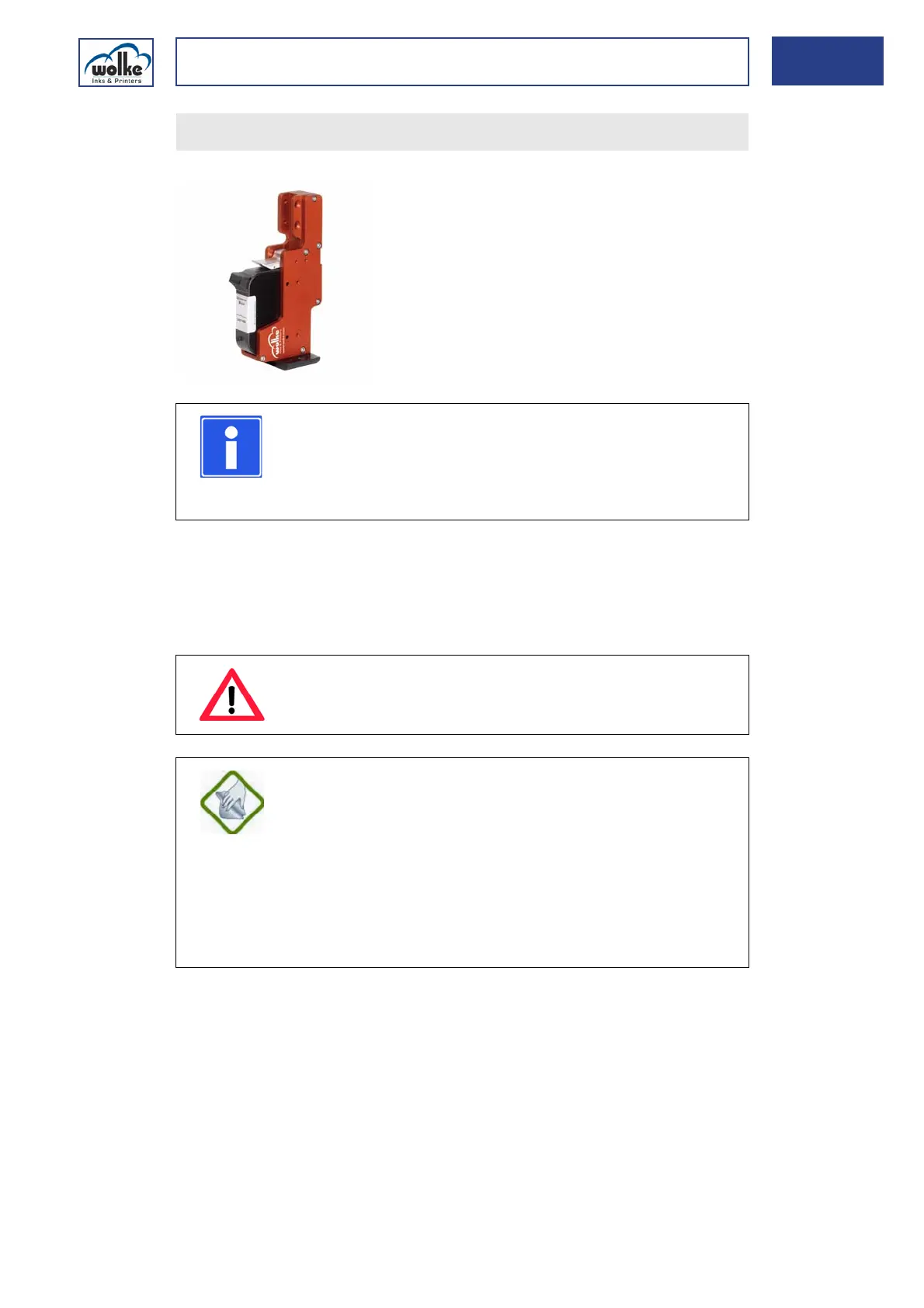
Replacement of cartridge
Manual m600 basic 2.6_01 145
12
Inserting the
HP cartridge
Whenever the printer is not used for any lengthy period (e.g. at the week-
end), it is advisable to remove the cartridges from the mounts and to store
them in the protective caps which are available as options (to protect the
nozzles from drying out). The amount of time it takes for a cartridge to
dry out varies according to the type of ink used.
Secure the cartridge by pressing the locking lever down.
NOTE
Do not touch either the contactor pins on the print head
or the contactor plate on the cartridge with your fingers
(oxidation). This will ensure that you have a long lasting
high print quality.
ATTENTION
Never allow the print head and cartridge to come into
contact with liquids (especially solvents).
INFORMATION ON CARE
If the nozzle plate should become soiled, clean it exclu-
sively with an absorbent, lint-free, damp cotton wool
cloth. Do not use paper! To dampen the cloth, only use
de-ionized or distilled water.
Always make sure that the cartridge is dry before you re-
insert it. Do not use solvent-containing cleaning agents.
Our black fast-drying ink (ref. no. 660015) is supplied
with a bottle of cleaner with each unit pack (2 cartridges).



 To Next Page