Operation
34 Manual m600 basic 2.6_01
5
Navigation:
• if necessary, actuate the shift key to change over between lower-
case and upper-case letters
• actuate menu button „C“ to delete last entry
• actuate menu button „OK“ to confirm entry
• discard input(s) via the menu button "Cancel", and exit menu
Once you have edited all your desired menu items, press the "Back" key
(= apply entry(ies) and exit the menu).
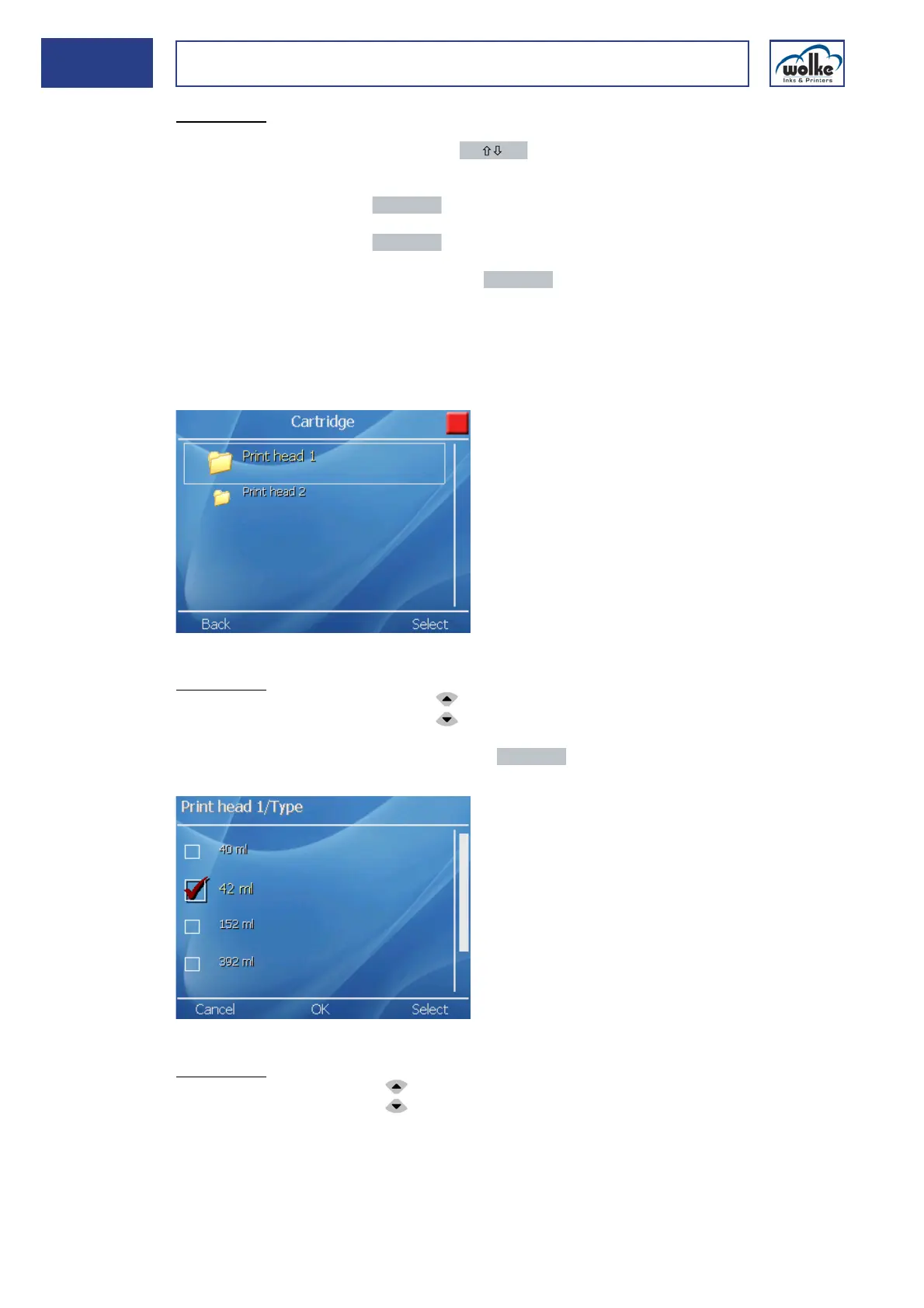
Navigation Lists, example:
Fig. 5_57: Lists, example 1
Navigation:
• Select the menu line with the arrow keys
• Select the menu with the menu button "Activate"
Fig. 5_58: Lists, Example 2
Navigation:
• To move up and down in the list, use the arrow keys.
• Exit the list without selection via the menu button "Cancel" or actuate "OK"
to accept the selection and exit list.
• Actuate the menu button "Back" to exit the menu and change over to pre-
vious menu display.



 To Next Page