Label
Manual m600 basic 2.6_01 105
7
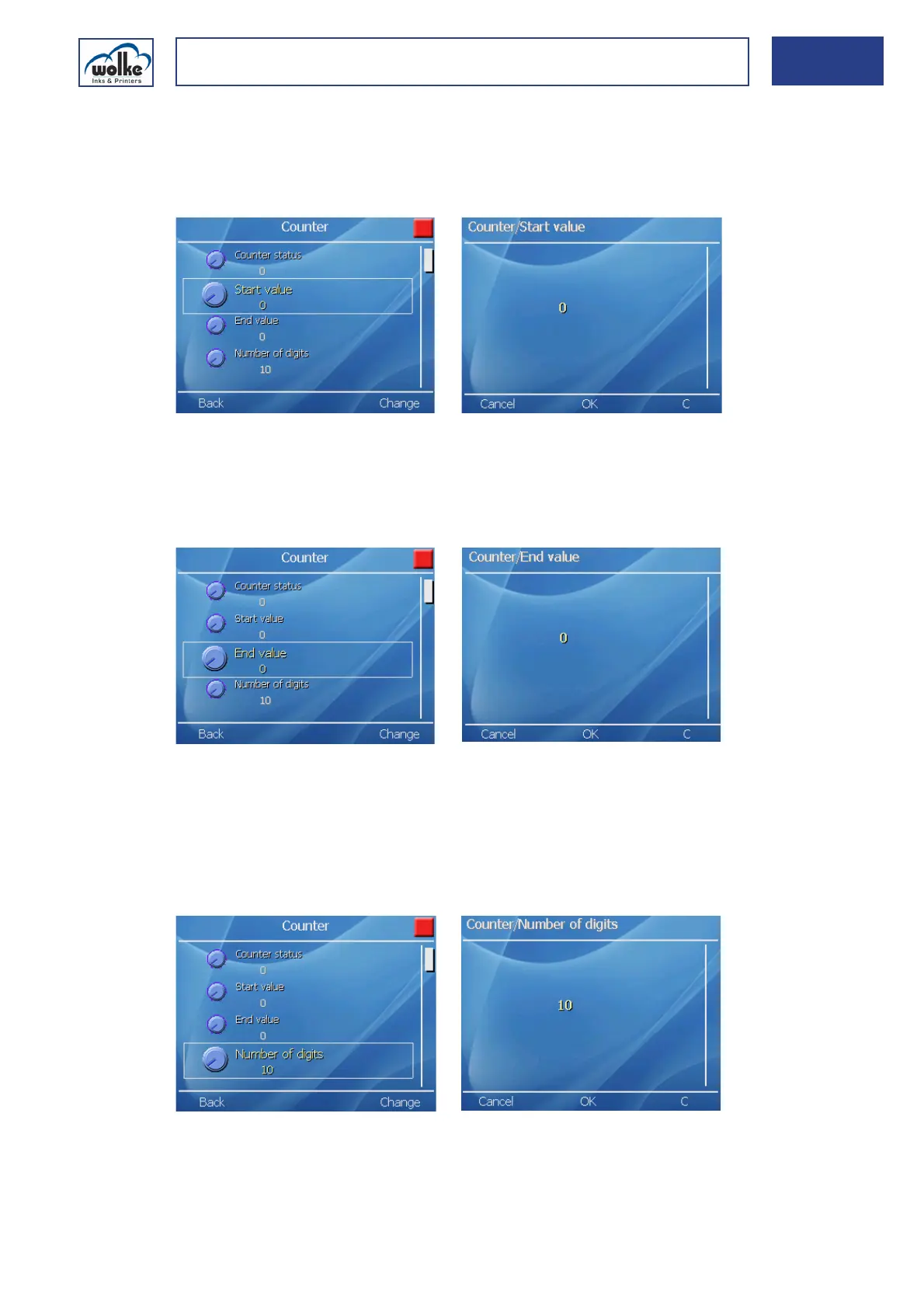
CounterStart value
When the actual number of batches running through reaches the value
specified in "Counter end value", the counter is reset to the value specified
here.
Fig. 7_173: Counter – Start value
End value
The counter is incremented up to this value. The subsequent process is
determined by the following function "End value reached".
Fig. 7_174: Counter – End value
Number of digits
This is for setting the number of digits for the counter (max. 10 digits).
You can also enter more digits than the counter value actually has, and fill
up the rest with “0”. To this effect, however, the selection "Leading zeros"
must be activated.
Fig. 7_175: Counter – Number of digits



 To Next Page