Label
Manual m600 basic 2.6_01 89
7
Barcode
This menu item is for entering the digit combination for the barcode.
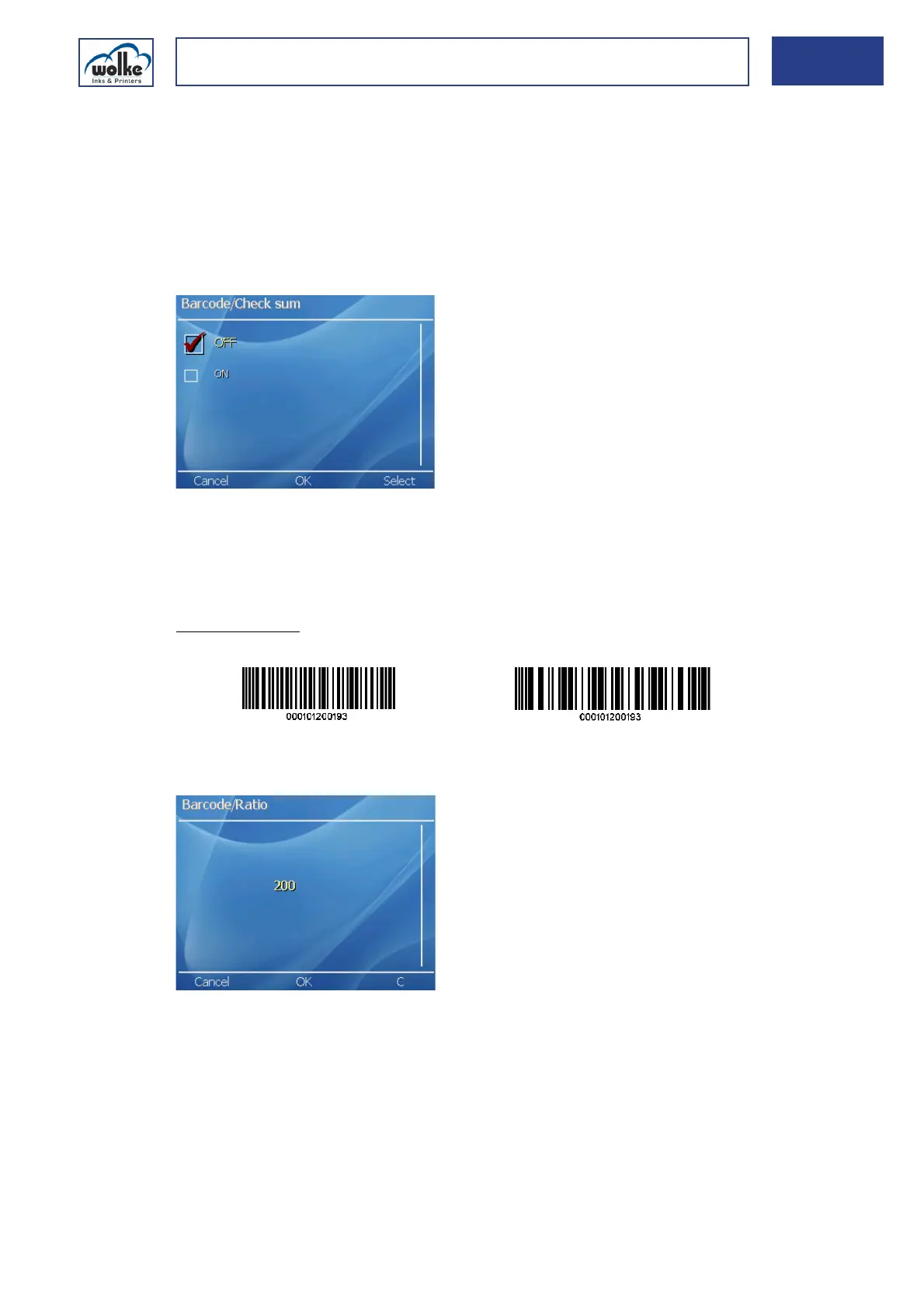
"Check sum" is for specifying whether the barcode appears with or without
a check sum.
2/5iChecksum
This is for specifying whether a checksum calculation and presentation is
required or not.
Fig. 7_144: Activation/deactivation of check digit calculation
Ratio
Bar ratio is for specifying the ratio between thick and thin barcode bars.
The value entered here should be between 200 % and 300 %.
Example prints:
Fig. 7_145: Barcode – Ratio
Bar ratio 200 Bar ratio 300



 To Next Page