Diagnosis
138 Manual m600 basic 2.6_01
8
Product
sensor/
Encoder
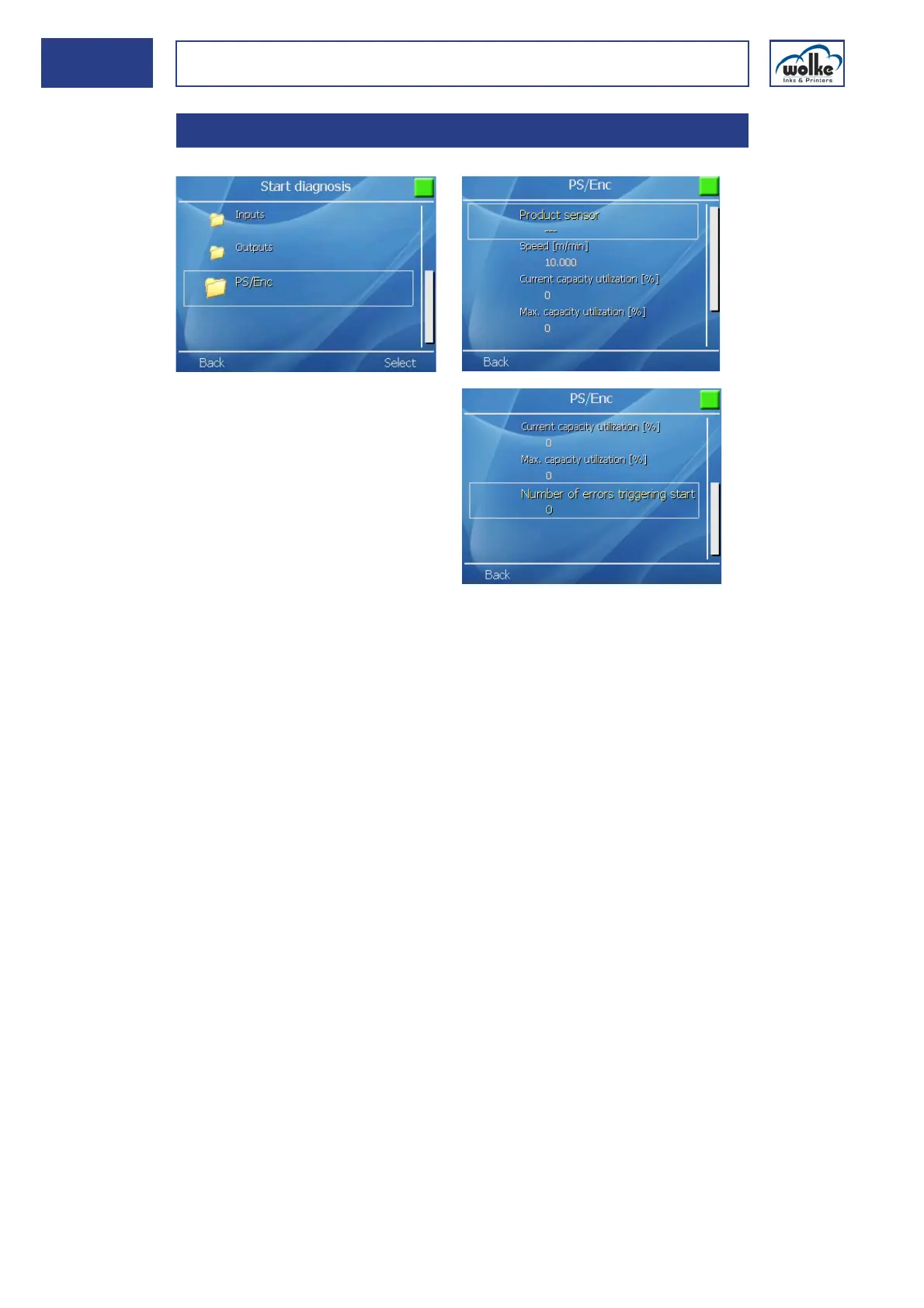
Fig. 8_230: Start diagnosis > Product sensor/Encoder
Product sensor
Here, the photoelectric cell or the input of the start sensor (1 or 2)
configured in the inputs is displayed.
Speed [m/min]
If a shaft encoder is connected and it is activated in the “Settings/Plant/
Pulse generator” menu, the measured speed will be shown in m/min.
If a shaft encoder is connected but is not in operation, the speed will be
shown as “0”.
Current capacity utilization [%]
The current capacity utilization displays the current capacity utilization of
the CPU in percent. The display is updated after each print.
The longer the computing time required for accomplishing current printing
processes, the higher the CPU capacity utilization.
8.2.3 Product sensor (PS)/Encoder



 To Next Page