Operation
Manual m600 basic 2.6_01 33
5
NavigationThe following fundamental input modes are available within the menu
fields:
• Selection lists
• Fields for user-defined editing
•Lists
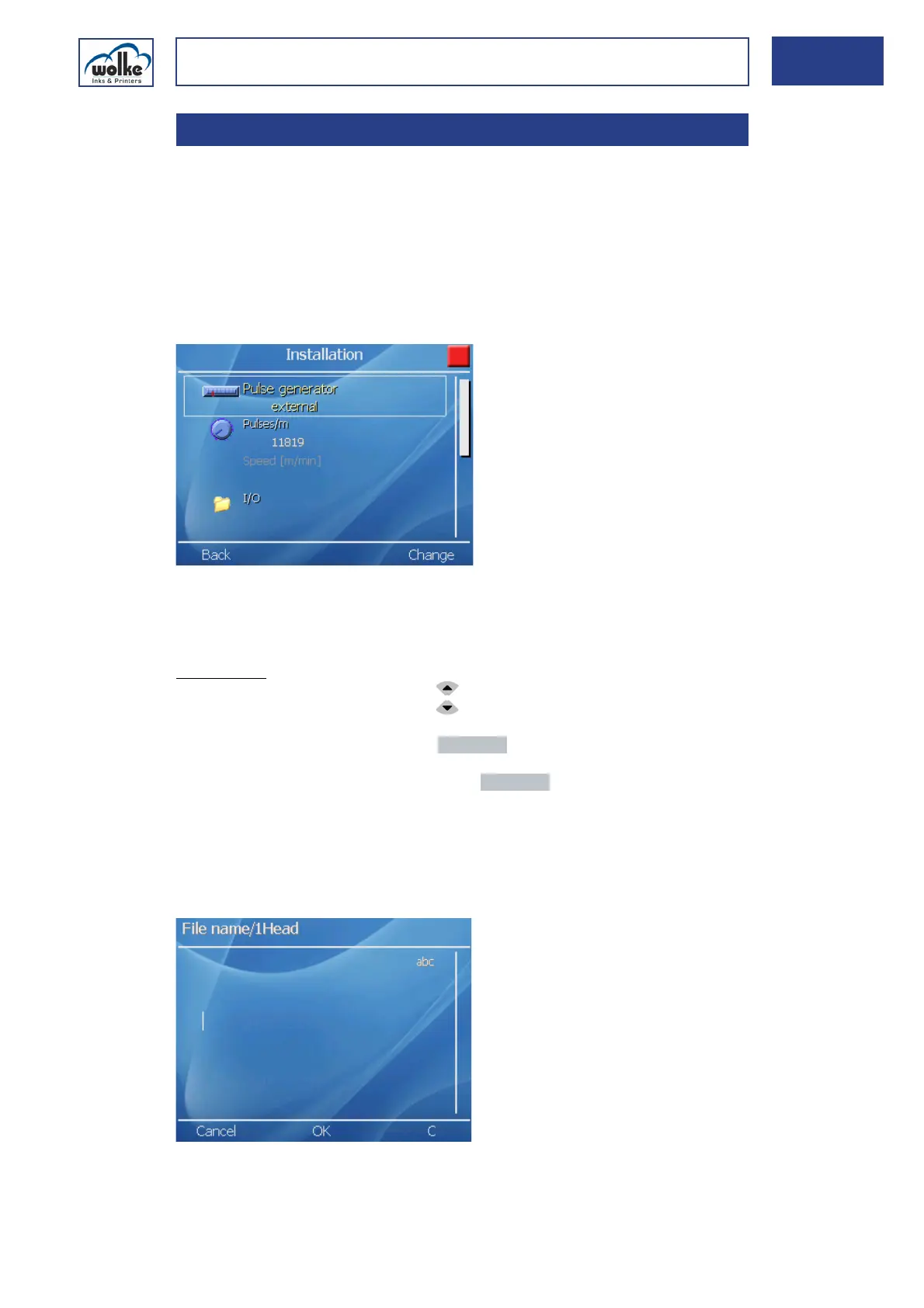
Menus with several options, for example:
Fig. 5_55: Example – Menus with several options
The selected menu item appears enhanced and is highlighted within a
white frame.
Navigation:
• Select the menu line with the arrow keys
• Select using the menu button „Change“
• Discard input(s) via the menu button "Cancel", and exit selection
Once you have edited all your desired menu items, press the "Back" key
(= apply entry(ies) and exit the menu).
Fields for user-defined editing, example:
Fig. 5_56: Example – Fields for user-defined editing
5.3 Navigation



 To Next Page