Settings
70 Manual m600 basic 2.6_01
6
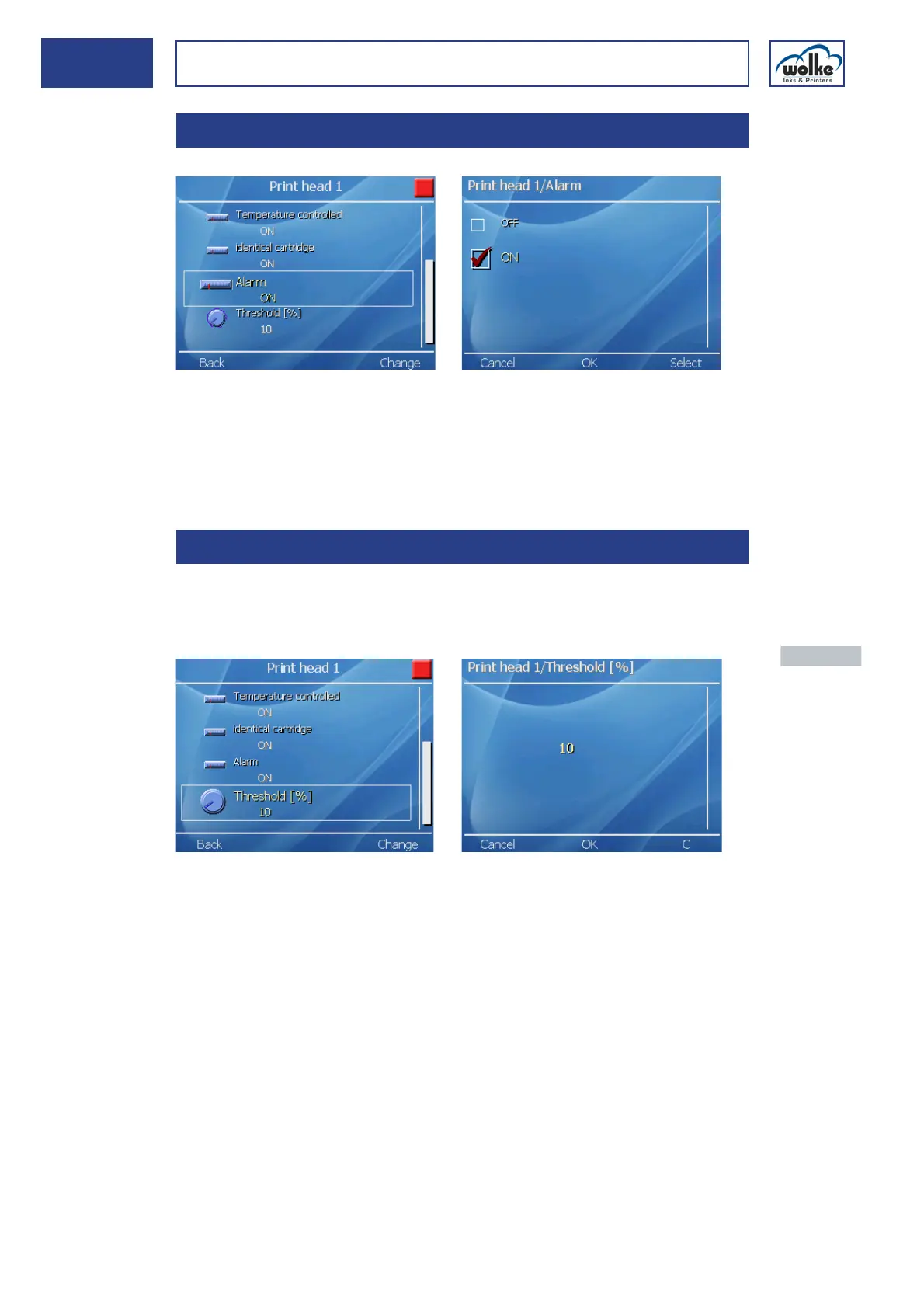
Alarm function
Fig. 6_113: Cartridge > Print head 1 > Alarm
It is possible to send out an alarm signal via the output channel 3 on the
I/O socket and to connect the signal to an alarm horn/alarm lamp. The
alarm function must be activated to enable the alarm to be tripped.
If the alarm function is no longer required, it must be deactivated.
"Cartridge
empty"
threshold
In this menu, a percentage value can be entered for the ink level at which
the "Cartridge empty" alarm is triggered.
The message is triggered once the preset threshold is reached.
Fig. 6_114: Cartridge > Print head 1 > Treshold
6.3.6 Alarm function
6.3.7 "Cartridge empty" threshold
Actuate the nu-
meric keys to
enter a value.
Actuate the
menu button
"OK" to accept
the value
Enter "C" to de-
lete the last en-
try.
Actuate "Can-
cel" to exit the
menu.



 To Next Page