Settings
Manual m600 basic 2.6_01 37
6
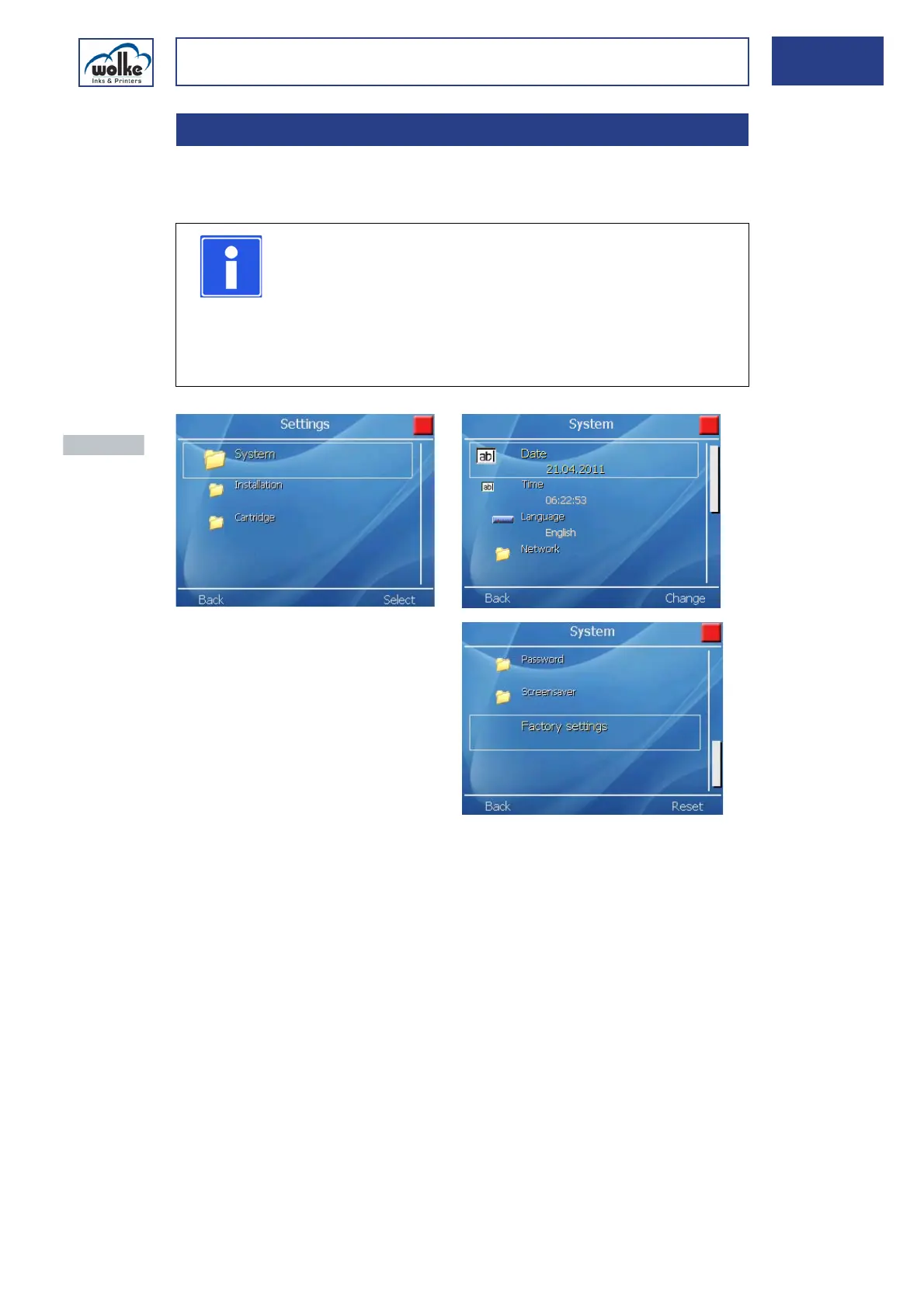
SystemActuate the cursor buttons to select the individual menus and to change
the appropriate settings.
Fig. 6_61: Main menu > Settings > System
Date:
Setting the system date of the m600 basic (see Chapter 6.1.1)
Time:
Setting the system time of the m600 basic (see Chapter 6.1.2).
Language:
Here, the system language of the m600 basic is set (see Chapter 6.1.3).
Network:
Setting of the parameters for communication via Ethernet interface (see
Chapter 6.1.4)
6.1 System
NOTE
On principle, all settings performed under System, Sys-
tem Configuration or Cartridge are implemented immedi-
ately.
These settings are saved on return to the main menu. In
all the other cases (e. g. saving labels), you are directly
prompted to save.
Actuate the
menu button
"Back" to return
to the previous
menu view.



 To Next Page