Label
Manual m600 basic 2.6_01 117
7
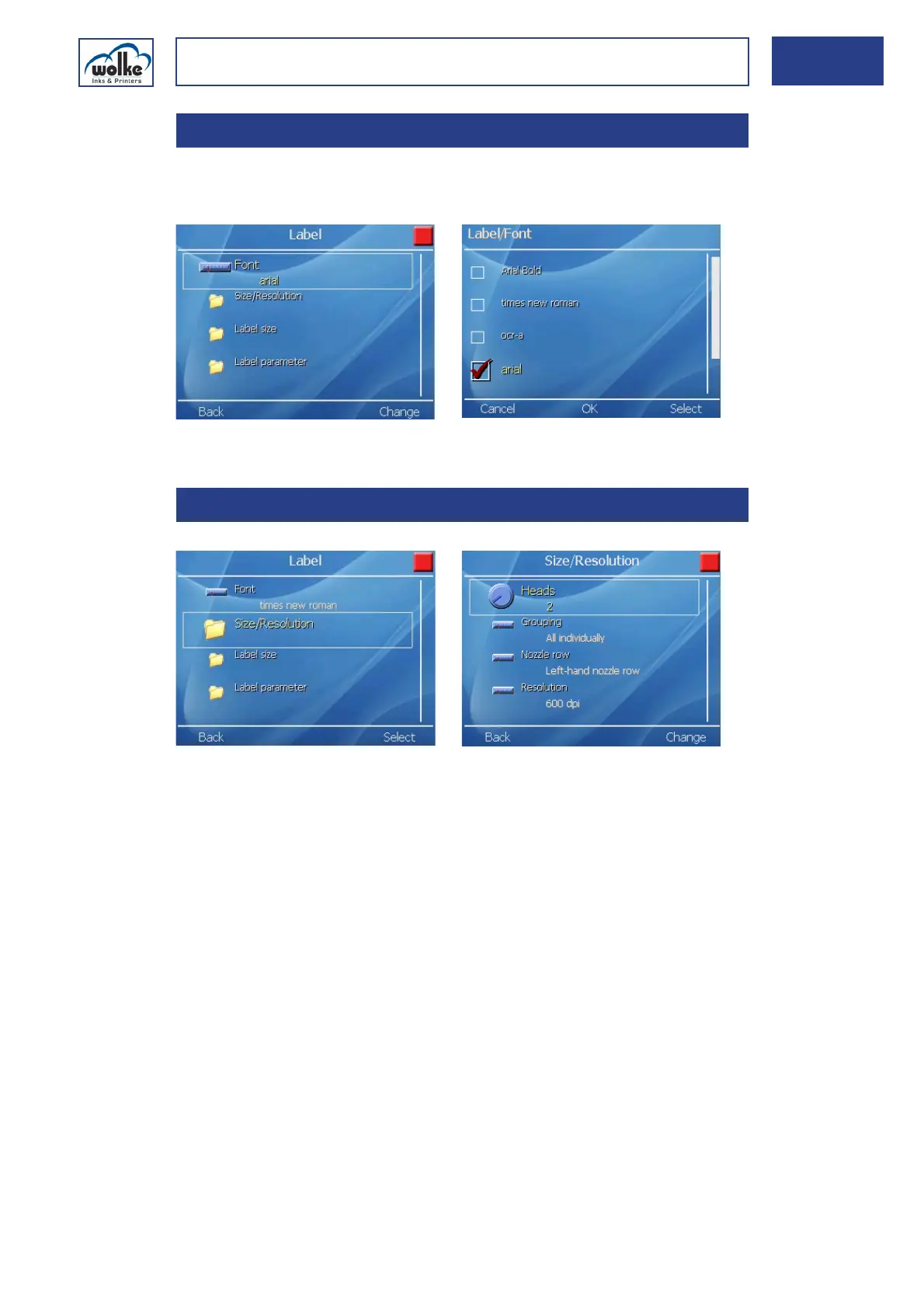
FontThis menu is used to select the required font. It is accepted for all ele-
ments of the label. Arial is used as standard font.
Fig. 7_202: Label settings – Font
Size and
resolution
Fig. 7_203: Label settings – Size and resolution
Number of print heads
This is for setting the number of print heads to be used for printing the
current label. Only the number of print heads specified here will be taken
into account by the diagnosis menu.
One print head corresponds to one print field. The label can be user-de-
signed within this print field. Only the maximum print heights are prede-
fined.
7.5.1 Font
7.5.2 Size & resolution
1 print head = max. print height 12.7 mm
2 print heads = max. print height 25.4 mm



 To Next Page