Settings
Manual m600 basic 2.6_01 39
6
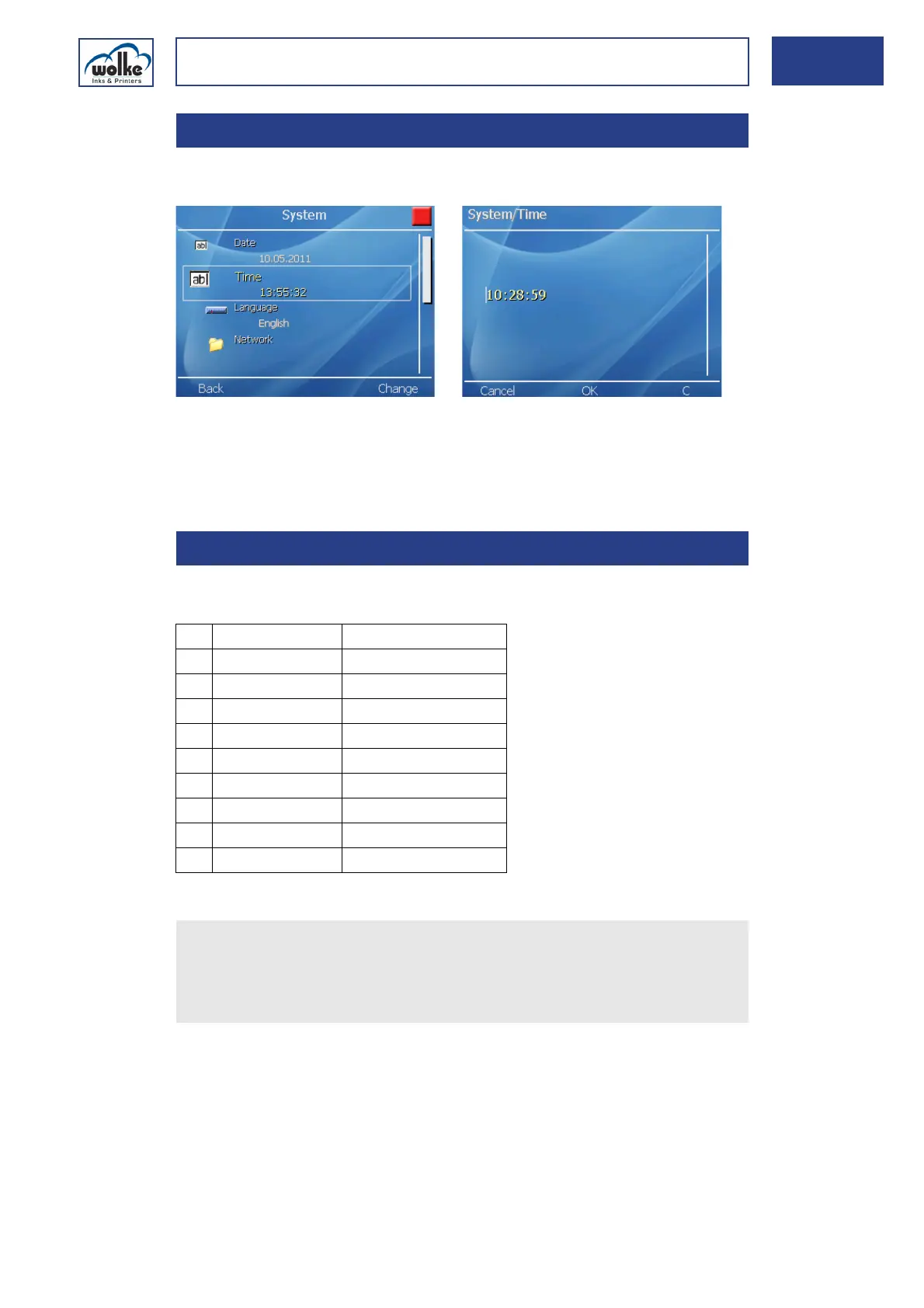
System timeThis menu is used to set the system time.
Fig. 6_63: Settings > System > Time
Changing the time:
Proceed in the same way as for changing the date.
LanguageHere, the required system language can be set.
Tab. 6_2: Selection list "Menu language"
6.1.2 Time
6.1.3 Language
1 Deutsch (German)
2English
3Francais (French)
4 Español (Spanish)
5 Italiano (Italian)
6 Nederlands (Dutch)
7Svensk (Swedish)
8 Suomi (Finnish)
9 Português (Portuguese)
10 Dansk (Danish)
Actuate the cursor buttons to select the menu "Language".
Actuate the menu button "Select" to accept the required menu lan-
guage of the m600 basic.
Actuate OK to confirm the selection.



 To Next Page