Label
Manual m600 basic 2.6_01 107
7
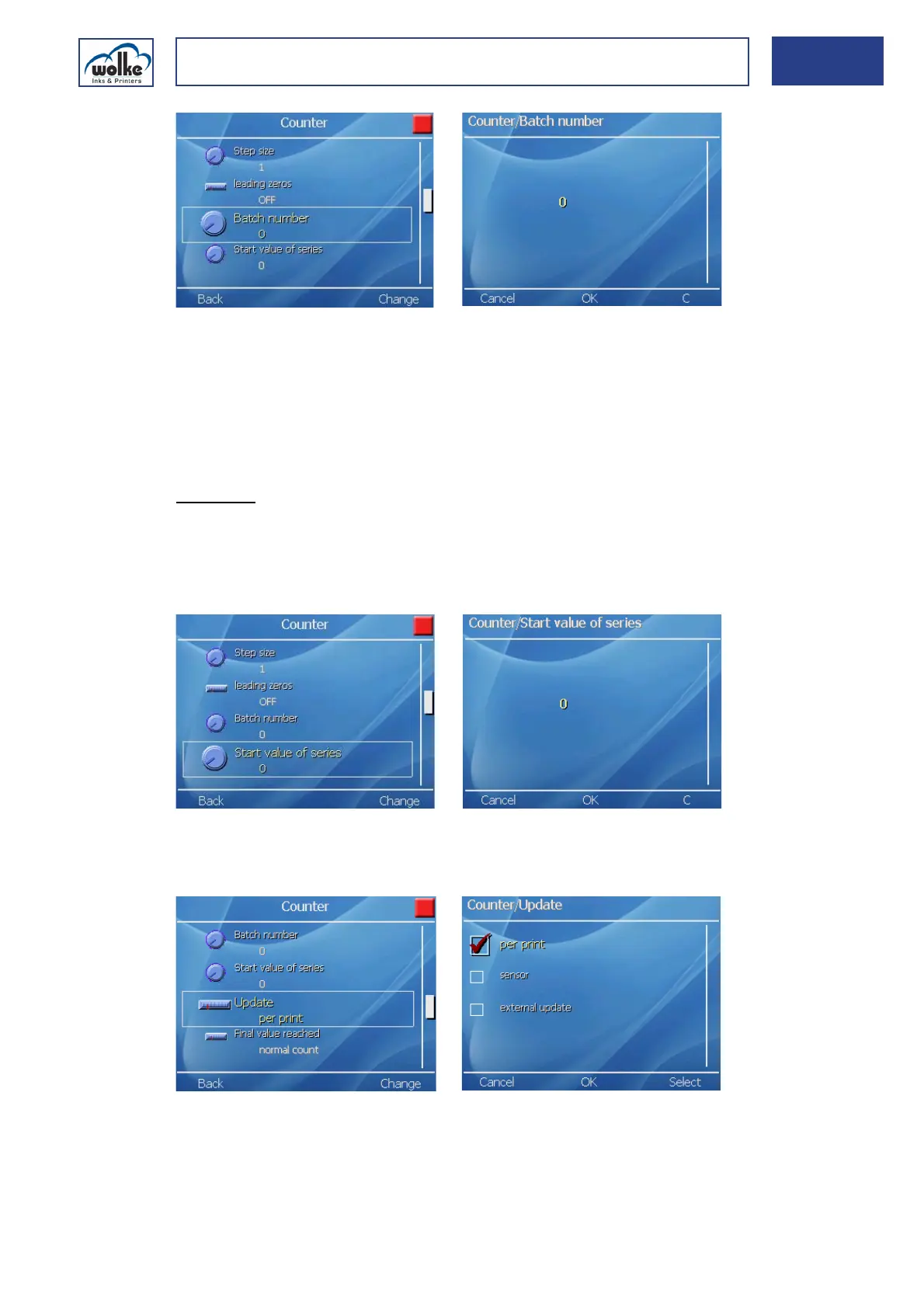
Fig. 7_178: Counter – Batch number
CounterStart values of series
By specifying a batch start value you can adjust the size of the first batch.
For example, if the quantity in the first batch is lower (rejects in the start
up of production, etc.), this can be specified here.
The changed quantity only applies to the first batch. After this the value
in "Number of batches" is used as the basis.
Example:
The batches are comprised of 50 packages per batch. In the first run
through, however, 10 packages are rejected before the printing process
can start up. Therefore, 10 is entered in "Batch start value" and 50 in
"Number of batches" (applicable for all subsequent batches).
Fig. 7_179: Counter – Start values of series
Update
Fig. 7_180: Counter – Update



 To Next Page