Settings
Manual m600 basic 2.6_01 43
6
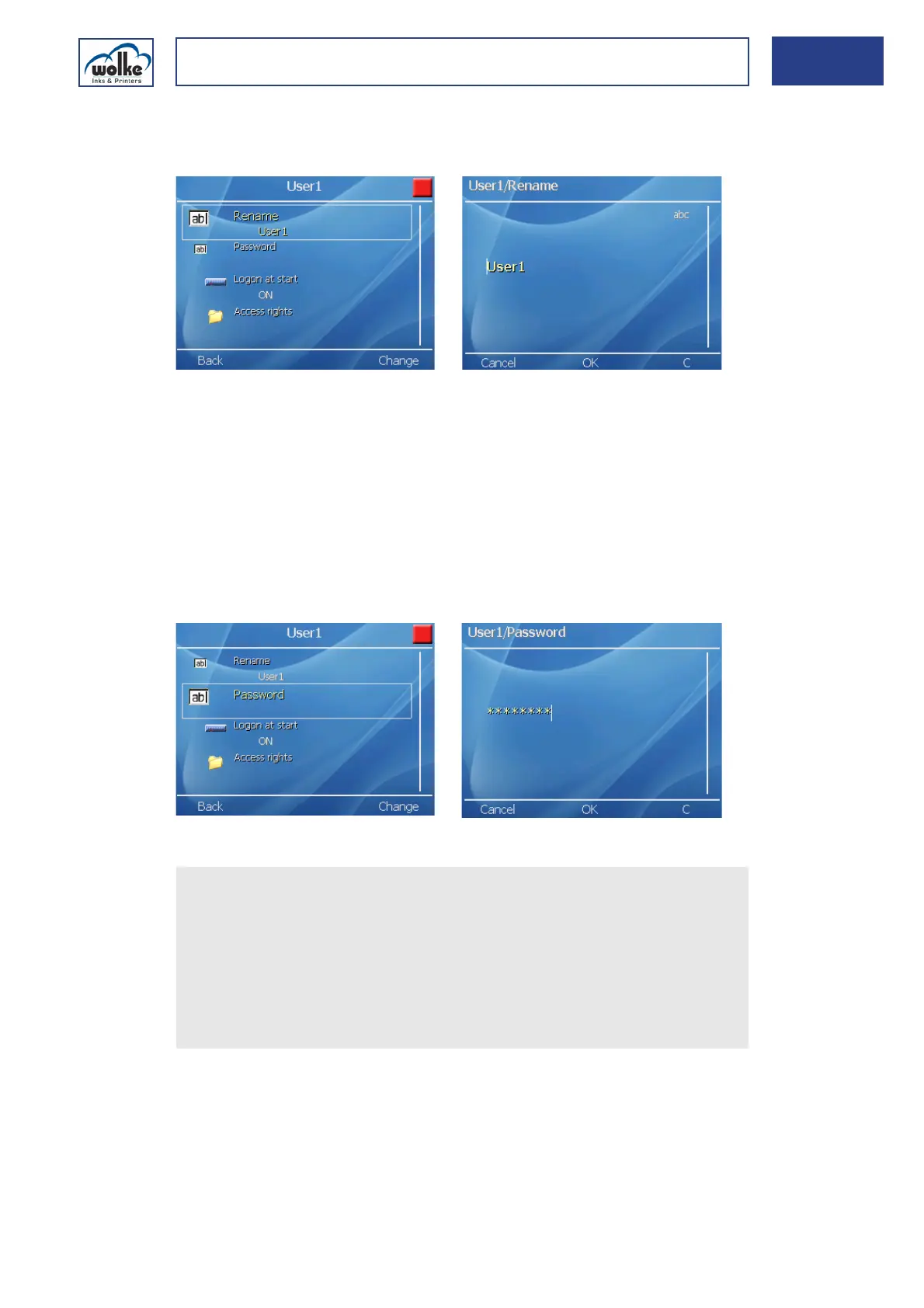
Assigning or changing the user name:
Here, e.g. for User1 (accordingly for User2, 3 and 4):
Fig. 6_70: Password > User > User1 > Rename
PasswordNow any name can be assigned instead of "User1".
Repeat the same procedure for other users if you wish to assign or change
their names.
Assigning or changing the password:
Only numeric characters (0-9) can be assigned as passwords. A password
must consist of min. 2 and max. 10 characters.
The more characters a password contains, the safer it is.
Fig. 6_71: Password > User > User1 > Password
Repeat the same procedure for other users if you wish to assign or change
their passwords.
Actuate the cursor buttons to select the user whom you wish to as-
sign a password.
Select "Password" and enter your password or change the former
password. Only numeric characters are taken into consideration as
passwords. To delete a password, see under "Deleting a password".
Confirm by pressing "OK". Now, the password has been assigned.
Repeat this procedure for all other users.
To exit the Logon menu, press the "Back" menu button.



 To Next Page