Label
96 Manual m600 basic 2.6_01
7
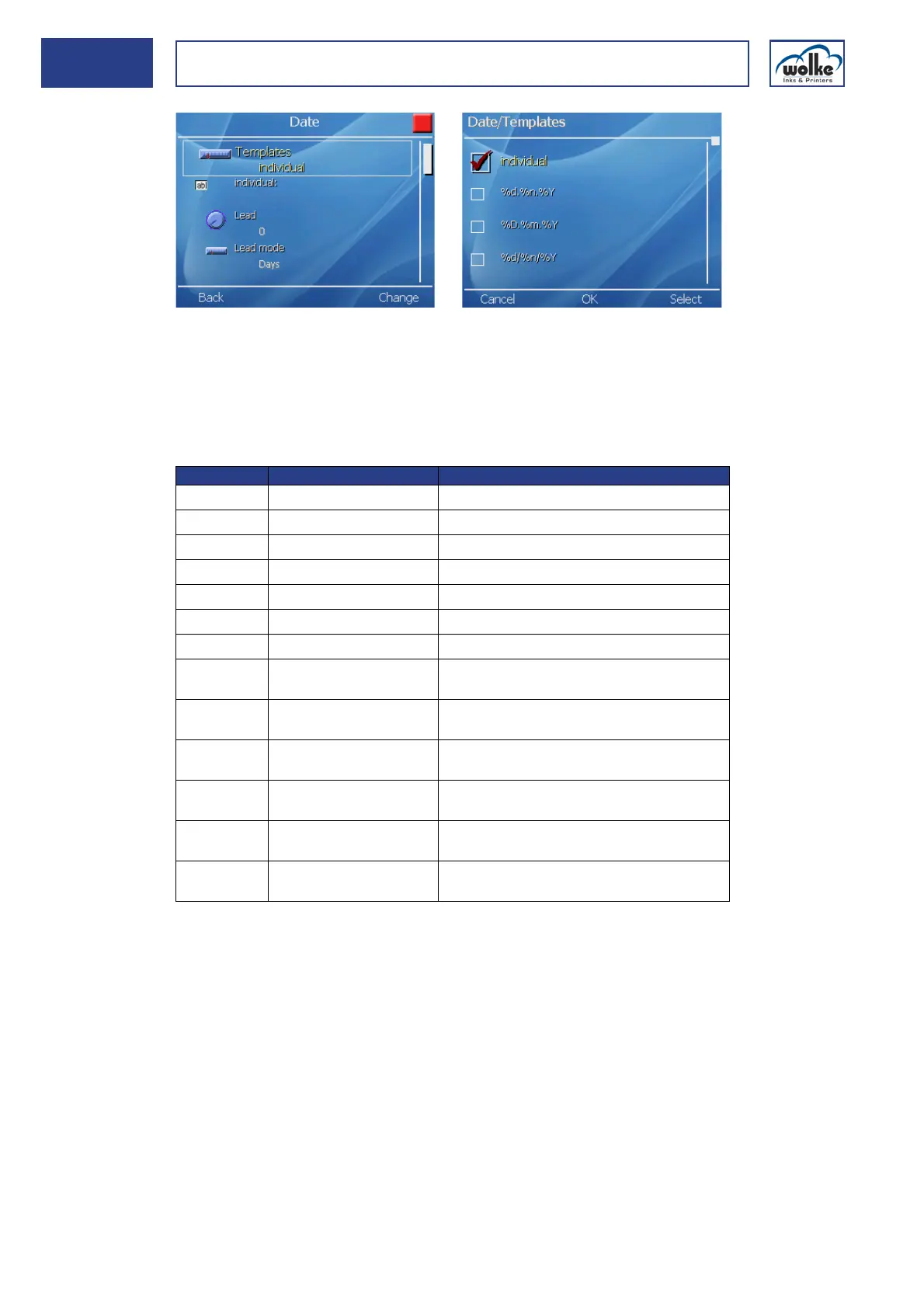
Fig. 7_152: Date templates
The menu individual "%d.%n.%Y" field can be used for creating user-de-
fined date formats. The percent symbols are required for specifying a new
format parameter (e. g. "d" for day, "n" for month, "Y" for year).
Date The different format parameters are shown in the table below:
Tab. 7_8: Format parameters in the date field
Lead (Days, Months, Years)
If instead of printing the date of the day you wish to print a date which is
after that date, the number of days/months/years offset has to be entered
here.
Parameter Explanation Example for representation
%D Day, 2-digit 03
%d Day 3
%m Month, 2-digit 08
%n Month 8
%Y Year, 4-digit 2000
%y Year, 2-digit 00
%z Year, 1-digit 0
%K Calendar week, 2-digit 31 (for 1-digit calendar week: e. g. 6
06 )
Monday = 1st day of the week
%k Calendar week 31 (for 1-digit calendar week: e. g. 6 ) Mon-
day = 1st day of the week
%C Calendar week, 2-digit 31 (for 1-digit calendar week: Example: e.g.
6
06 ) Sunday = First day of the week
%c Calendar week 31 (for 1-digit calendar week: e. g. 6 ) Sun-
day = 1st day of the week
%J Days in the year, 3-digit
(Julian calendar)
216 (for 2-digit value: e. g. 10
010)
%j Days in the year (Julian
calendar)
216 (for 2-digit Value: e. g. 10)



 To Next Page