Label
72 Manual m600 basic 2.6_01
7
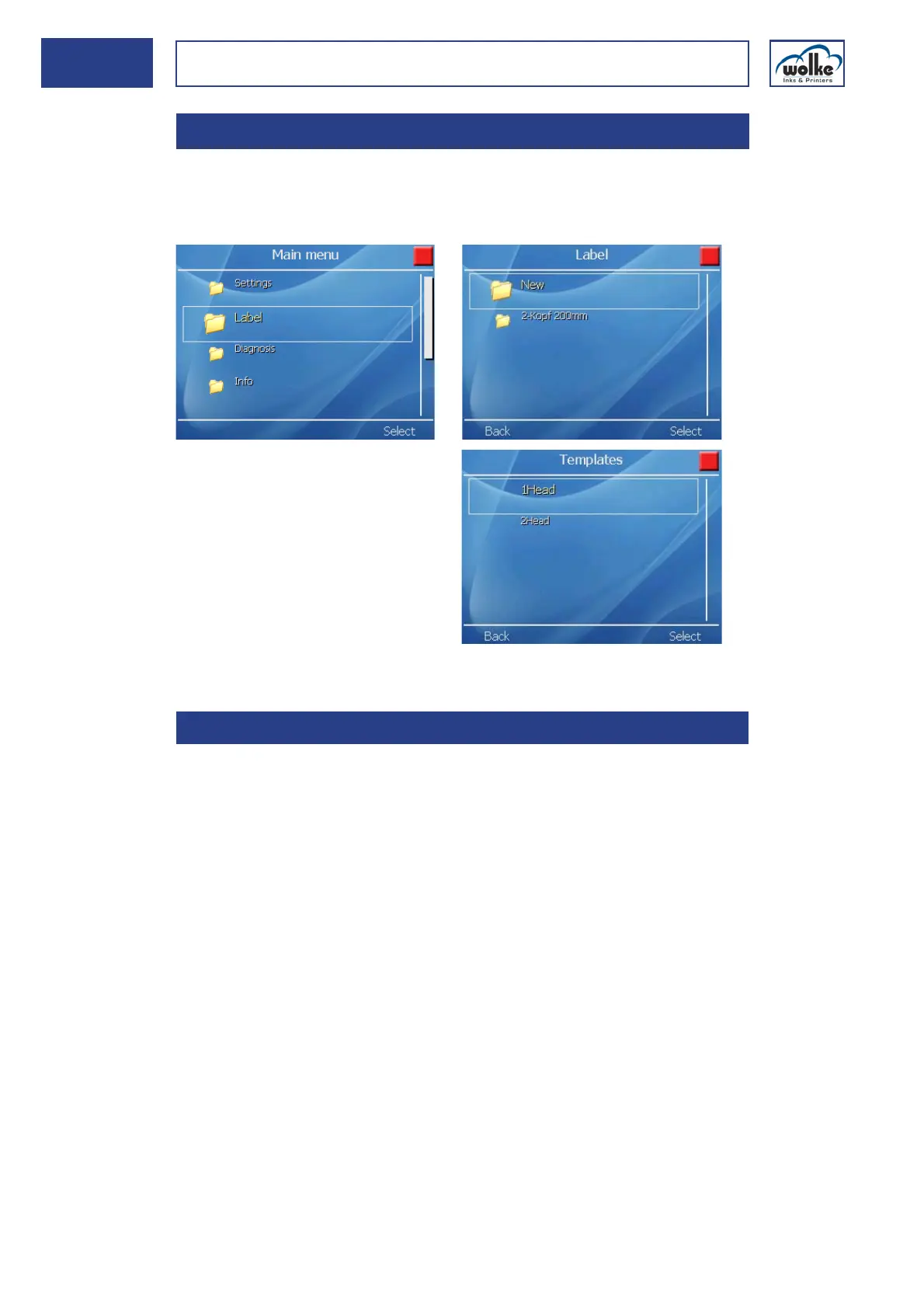
Label You can choose the sample label and edit it, or create a new label via
"New". Under the menu item "New", you can select from a template for
one print head or for two print heads.
Fig. 7_117: Main menu > Label
Creating labels When creating labels, the possible length and height of the label should
be considered. In most cases, these values are specified by the product,
the contents of the label and the local conditions.
Size of a label:
• maximum length of label: 500 mm
• maximum height of label (one print head): 12.7 mm
• maximum height of label (two print heads): 25.4 mm
7Label
7.1 Creating labels



 To Next Page