Label
Manual m600 basic 2.6_01 109
7
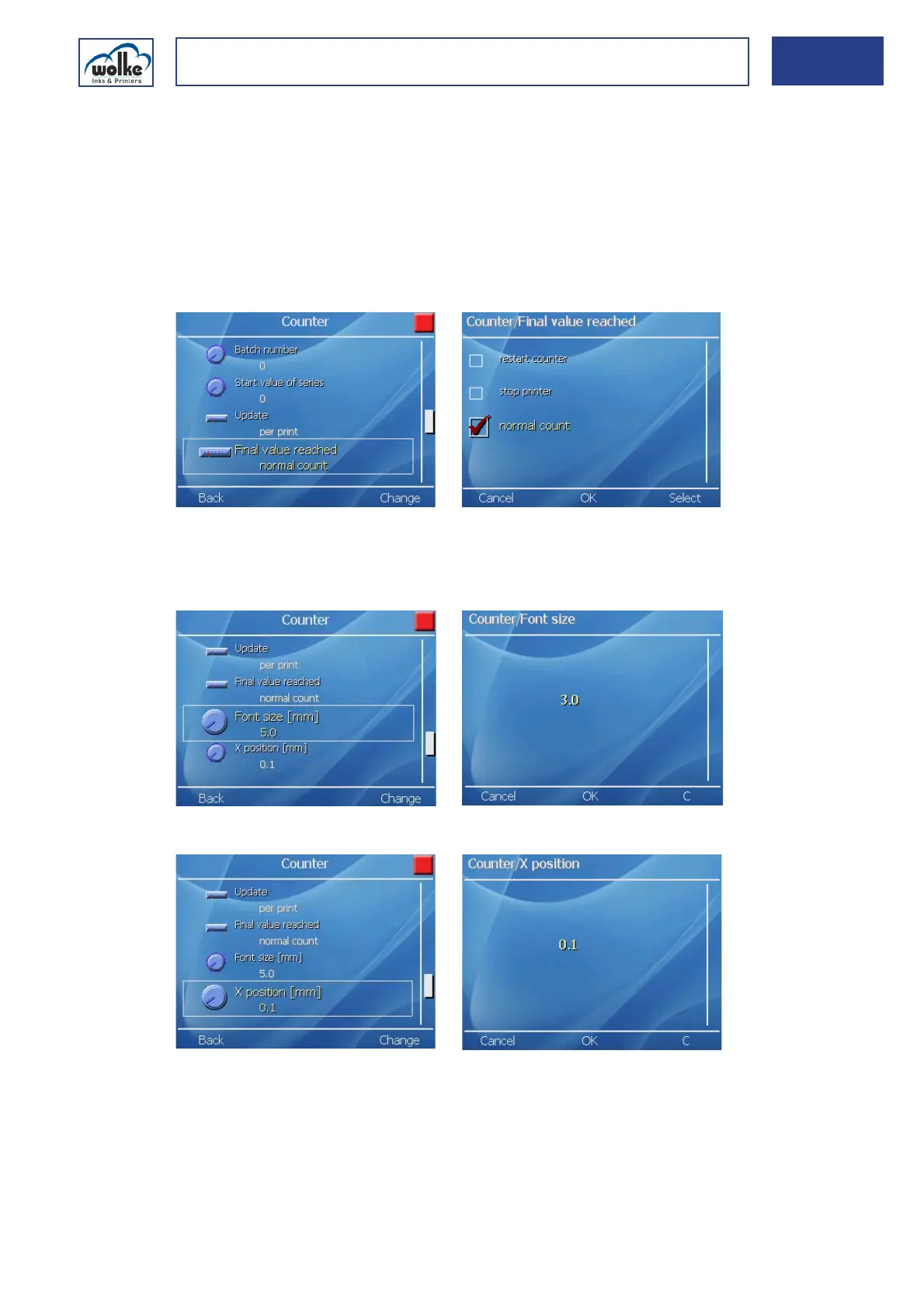
CounterFinal value reached
In this menu item this is for specifying what happens next when the
"Counter end value" has been reached.
Fig. 7_183: Counter – Final value reached
For an explanation on the menu items Font size [mm], X position [mm],
Y position [mm] and Delete object, please refer to Chapter 7.3.1, "Text".
Fig. 7_184: Counter – Font size
Fig. 7_185: Counter – X position
Re-start counter: The counter starts again at the value specified under
"Counter start value".
Stop printer: Printing stops when the end value is reached.
Normal count: Printing continues.



 To Next Page