Label
Manual m600 basic 2.6_01 115
7
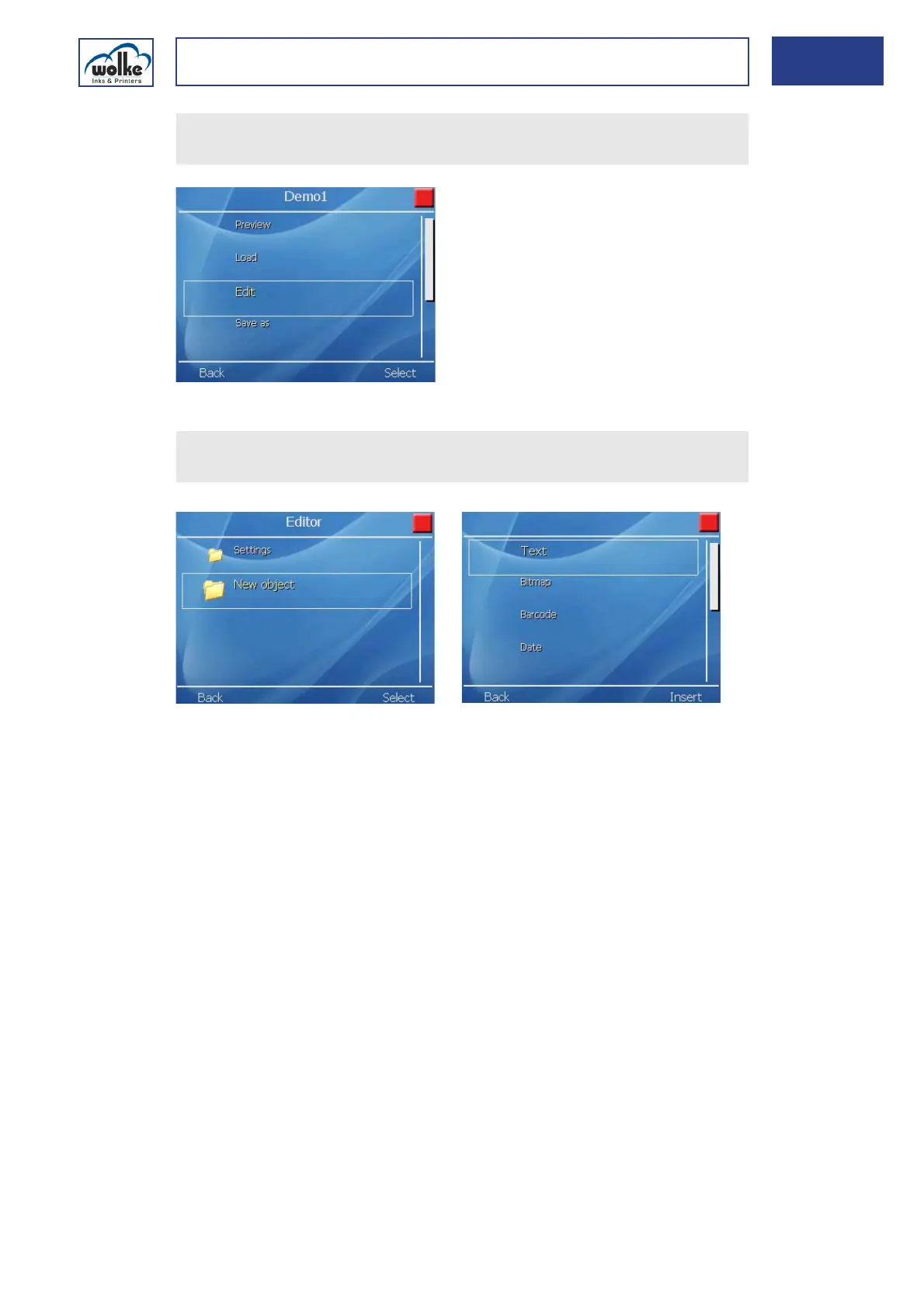
Fig. 7_199: Edit Demo1
Creating a label
Fig. 7_200: Demo1 -New object
Regarding the further approach, see Chapter 7.3.1 and Chapter 7.6.
Select the menu item "Edit" using the cursor buttons.
Accept the selection via the menu button "Activate".
Select "New object" via the arrow keys.
Select the required object.



 To Next Page