Settings
Manual m600 basic 2.6_01 51
6
Pulse genera-
tor/Pulses/
Speed
Activation:
To activate the pulse generator, select "external" via the cursor buttons
and acknowledge via "OK".
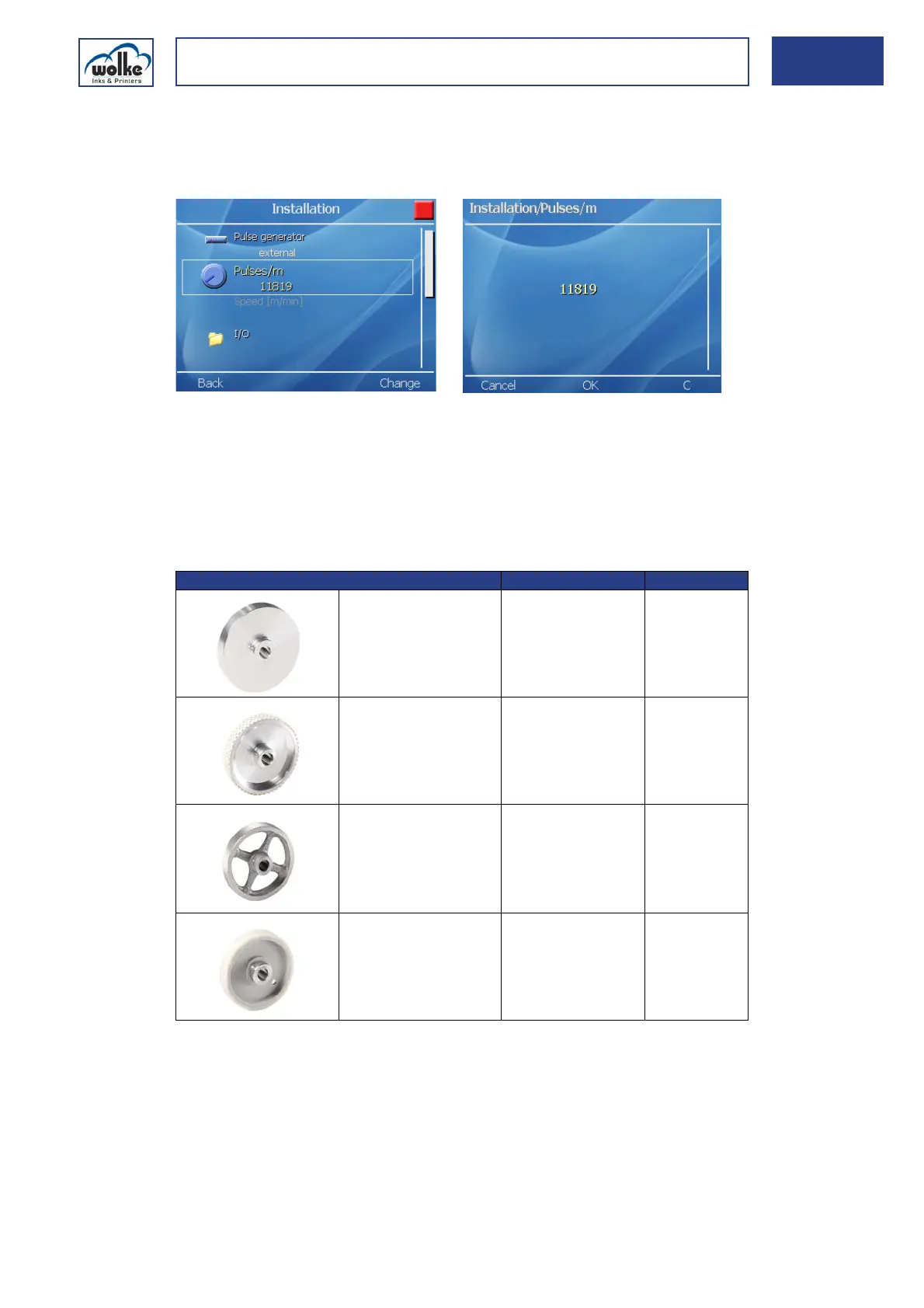
Fig. 6_83: Installation > Pulses/m
The "External speed measurement" is now activated.
When the pulse generator input is activated, the "pulses/m" line is auto-
matically made visible.
The default value of 11819 pulses/m is based on the pulse generator with
a standard aluminium wheel available as an option. The selection of the
wheel depends on the local circumstances.
Tab. 6_4: Pulse generator with dimensions
Wheel design Wheel diameter Pulses/m
Solid aluminium,
smooth (standard)
67,33 mm 11.819
Aluminium with studded
rubber cover
63,66 mm 12.500
Solid aluminium with
cross spokes
63,66 mm 12.500
Plastic, smooth 63,66 mm 12.500



 To Next Page