Operation
Manual m600 basic 2.6_01 35
5
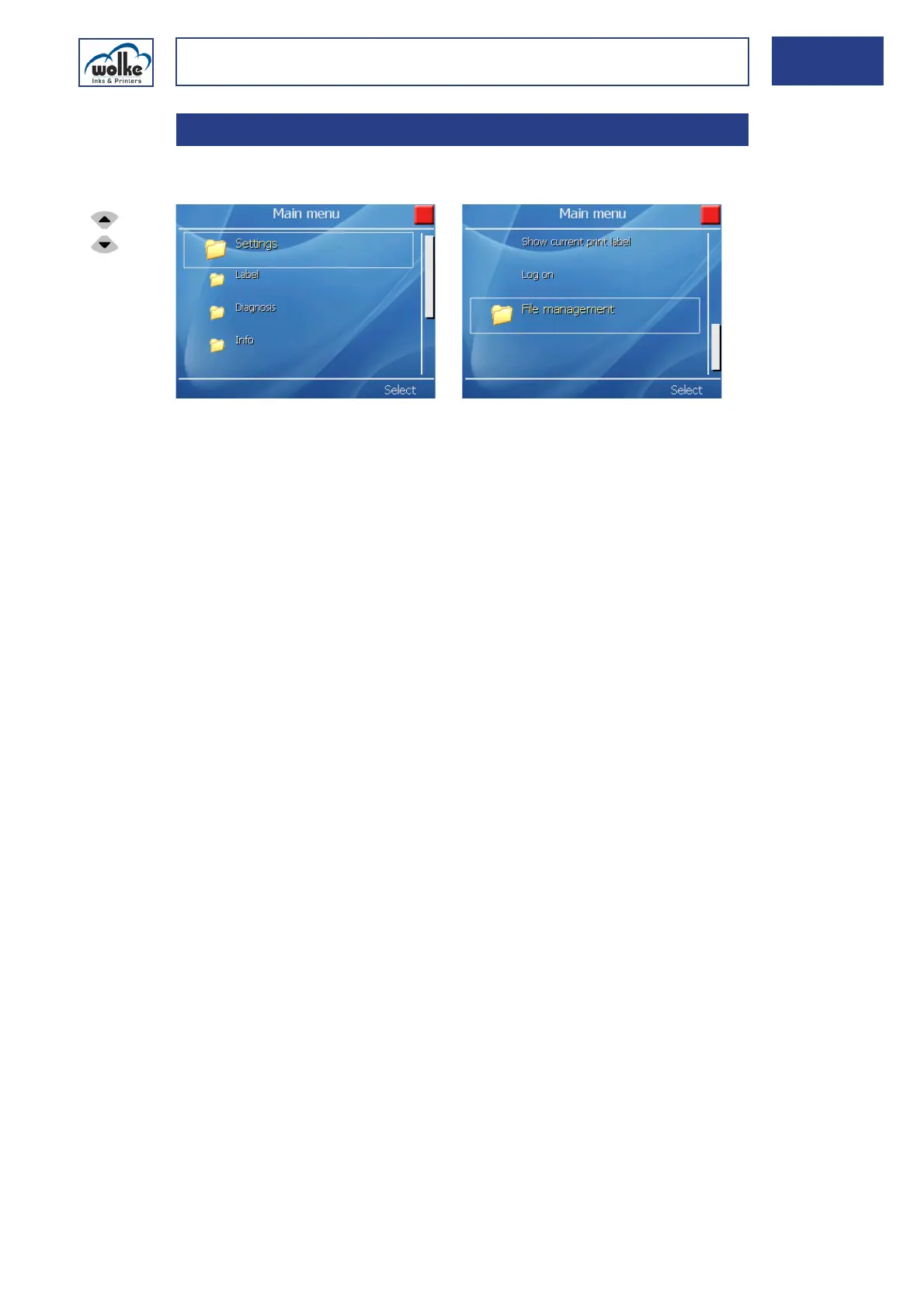
Main menuFor orientation purposes, a main menu is shown below.
Fig. 5_59: Main menu – Overview
Settings:
Concerns settings of the system, the system configuration and the car-
tridge (see Chapter 6).
Label:
Here, all settings are made which concern the label. They include creating,
editing, loading, saving and deleting a label (see Chapter 7).
Diagnosis:
Performing a diagnosis -> status of cartridge(s) and of the inputs and out-
puts (see Chapter 8).
Info:
Displays the hardware and software versions, the free memory space
available and the current label and current user (see Chapter 9).
Show current print label:
Function to access quickly the preview of the current print label (see
Chapter 10).
Logon:
Logon as user (see Chapter 11).
File management
Function to load and save files via USB stick or delete files on the flash
disk (see Chapter 13).
5.4 Main menu
Actuate the cur-
sor buttons to
select the indi-
vidual menu
items.



 To Next Page