Data exchange
152 Manual m600 basic 2.6_01
13
Backup of
files
In the function "Backup", backup of the data in question, which are on the
m600 basic, is performed. The data are saved in the folder "m600Backup"
in the subfolder with the appropriate device name of the m600 basic.
In case of labels, bitmaps and fonts, files can be loaded or saved
individually or collectively.
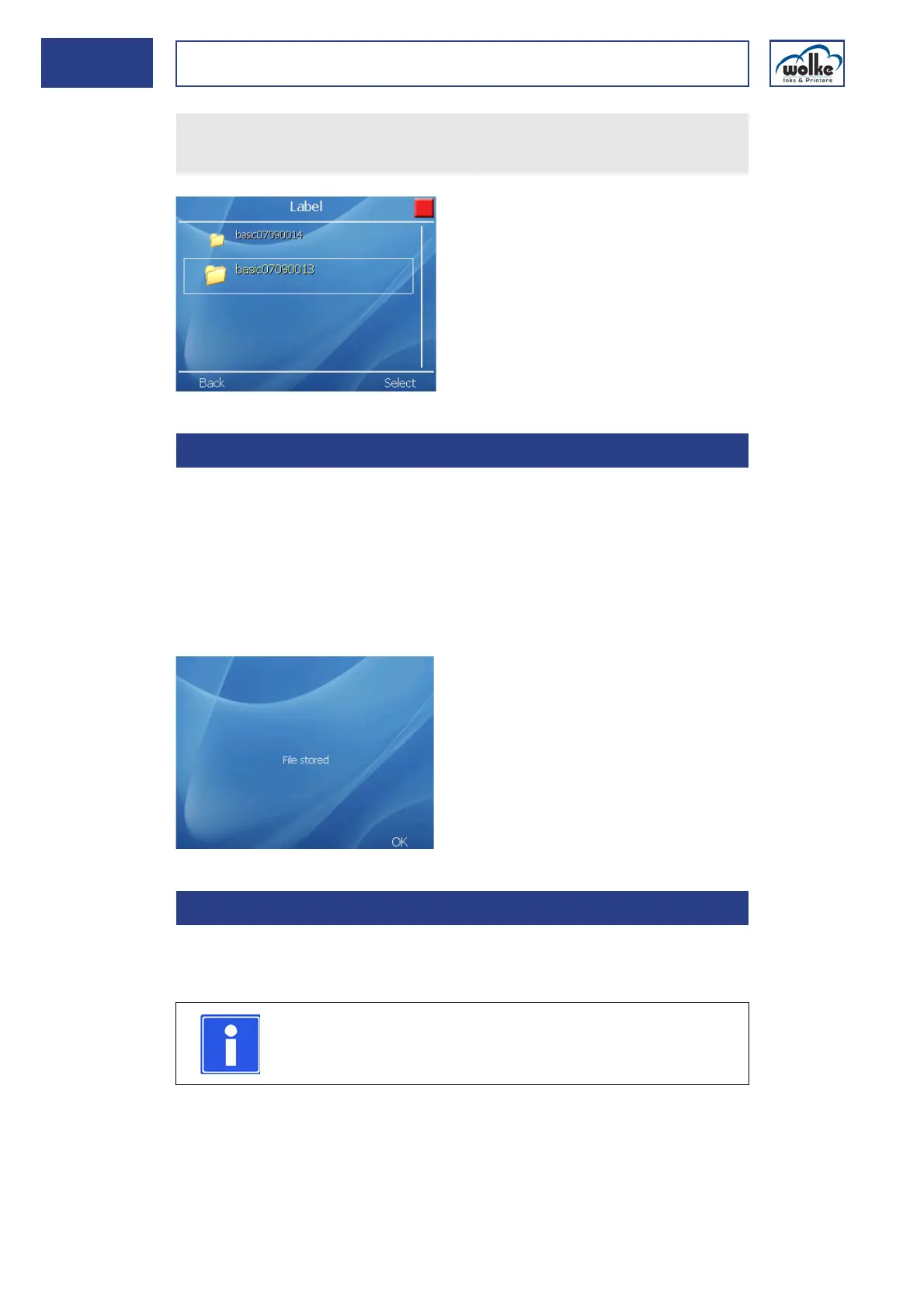
After backup, the message "File saved" appears in terms of confirmation.
Deleting
files
In the "Delete" menu, the folders "Labels" and "Bitmaps" are displayed.
Files can be deleted from the flashdisk individually or collectively.
Select the required data backup via the arrow keys!
Load the required files from the USB stick onto the m600 basic!
13.1.2 Backup of files
13.1.3 Deleting files
NOTE
No safety query appears during deleting.



 To Next Page