Data exchange
Manual m600 basic 2.6_01 151
13
Complete
In the menu item "Complete", all file types (labels, bitmaps, fonts,
configuration) are loaded or secured.
If a software update is available on the stick, it is executed via the menu
item "Complete" in menu "Load" (see Chapter 13.3).
Loading files of several data backups to the USB stick:
If it is intended to load all folders (labels, bitmaps, fonts, configuration) of
a data backup, the folders must be selected individually.
Loading files from another data backup:
Loading files
NOTE
The function Loading > complete is used to perform an
update.
Insert the stick in the USB port at the front of the m600 basic.
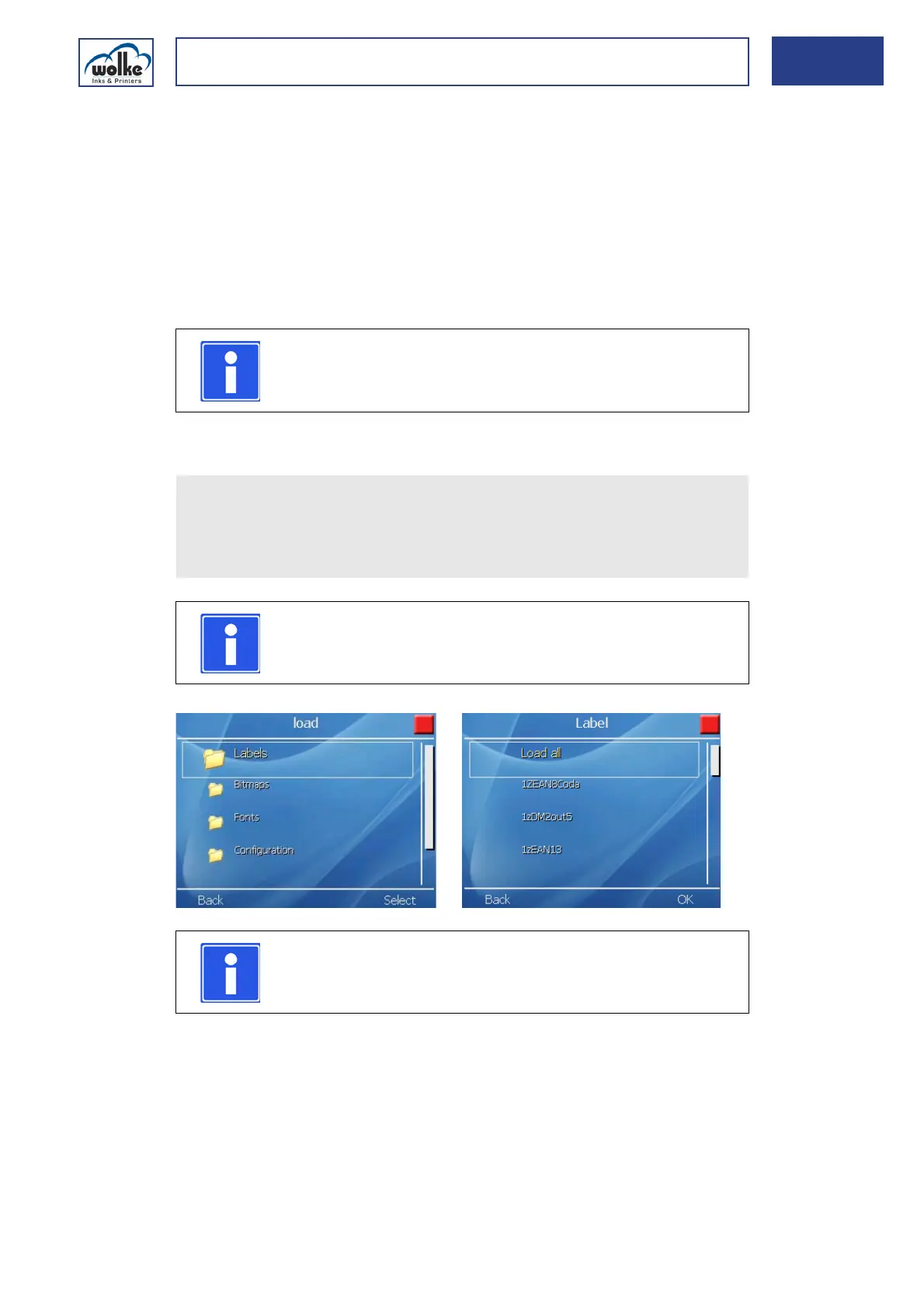
Select "Loading" in the main menu "File management" > to load the
files onto the m600 basic!
Select the required folder!
NOTE
The m600 basic looks first automatically for the folder
which bears the device name of the m600 basic.
NOTE
By pressing the menu button "back", you can display the
other data backups already saved on the USB stick.



 To Next Page