Removing Side Air Covers
Removing Side Air Covers
This procedure assumes that:
l The shelf has been unpacked and inspected;
l It is damage-free;
l The shelf is on a static-dissipative mat; and
l It came with the side air covers preinstalled and your scenario
requires them to be removed.
1. Verify that you are properly grounded with an anti-static wrist strap or heel strap
connected to the grounded ESD jack.
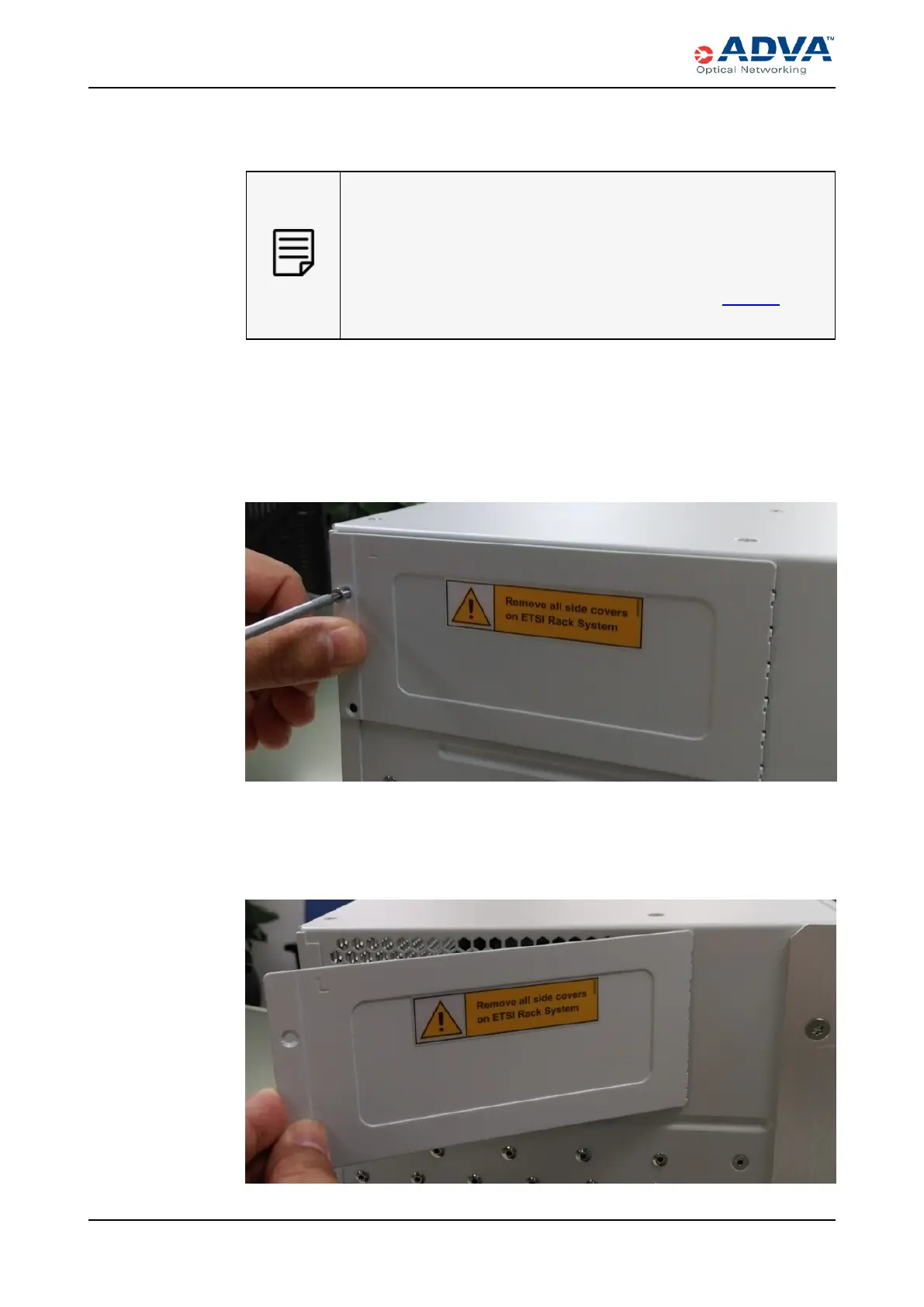
2. Use the Torx T10 screwdriver to remove the screws that affix the side panel to the
shelf (at the top of the shelf).
Figure 44: Removing the Existing Fastening Screws
3. Lift the side air cover away from the side panel and lift the fastening claws from the
air outlets.
Figure 45: Removing the Side Air Cover
190 FSP3000 C Hardware Guide - R1.1 - Issue:A (12/09/2016)



 To Next Page