Installing the SH4R Front Cover Extension
l Front Cover Extension Kits
l Installation Overview — SH12 and SH4R Shelves
l Site Preparation Checklist
Installing the SH4R Front Cover Extension
This procedure assumes that:
l The shelf has been unpacked and inspected;
l It is damage-free; and
l The shelf resides on a static-dissipative mat.
1. Verify that you are properly grounded with an anti-static wrist strap or heel strap
connected to the grounded ESD jack.
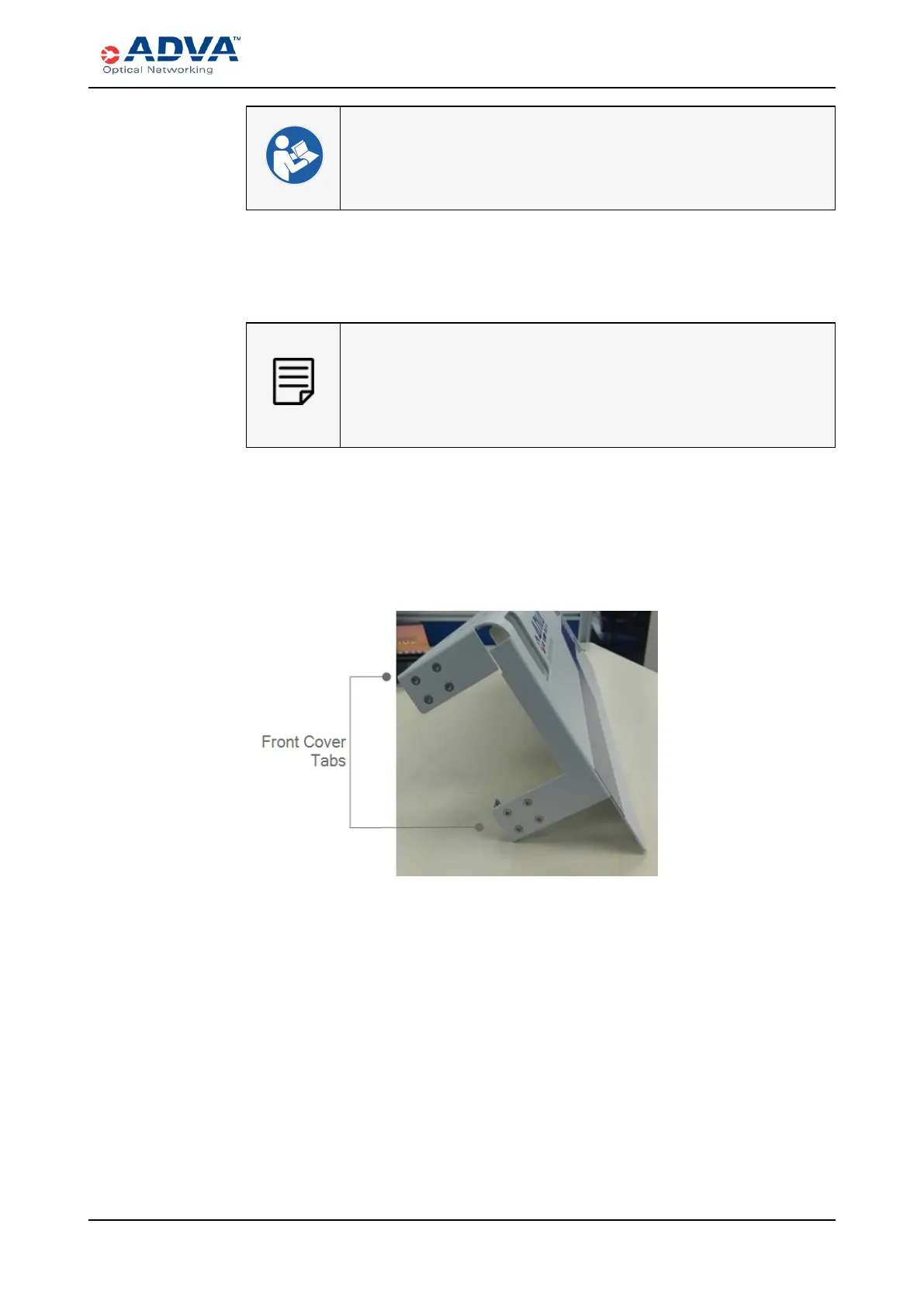
2. Use the Torx T10 screwdriver to remove the four screws that are attached to a front
cover tab. Set aside the screws.
Figure 52: Front Cover Tabs
3. Grasp the extension adapter and move it out to expose four of the screw holes, as
shown in the following figure.
FSP3000 C Hardware Guide - R1.1 - Issue:A (12/09/2016) 197



 To Next Page