Connecting aSH12 to the Grounding Terminals
A grounding cable with ring lug terminals on either end is available from
ADVA Optical Networking and must be ordered separately.
l Grounding Cable — SH4R
l Grounding Cable — SH12
l Installation Overview — SH12 and SH4R Shelves
l General Power and Grounding Guidelines
l Electrical Safety Guidelines and Warnings
Connecting aSH12 to the Grounding
Terminals
1. Verify that you are properly grounded with an anti-static wrist strap or heel strap
connected to the grounded ESD jack.
2. Locate the ground terminal on the shelf to be grounded.
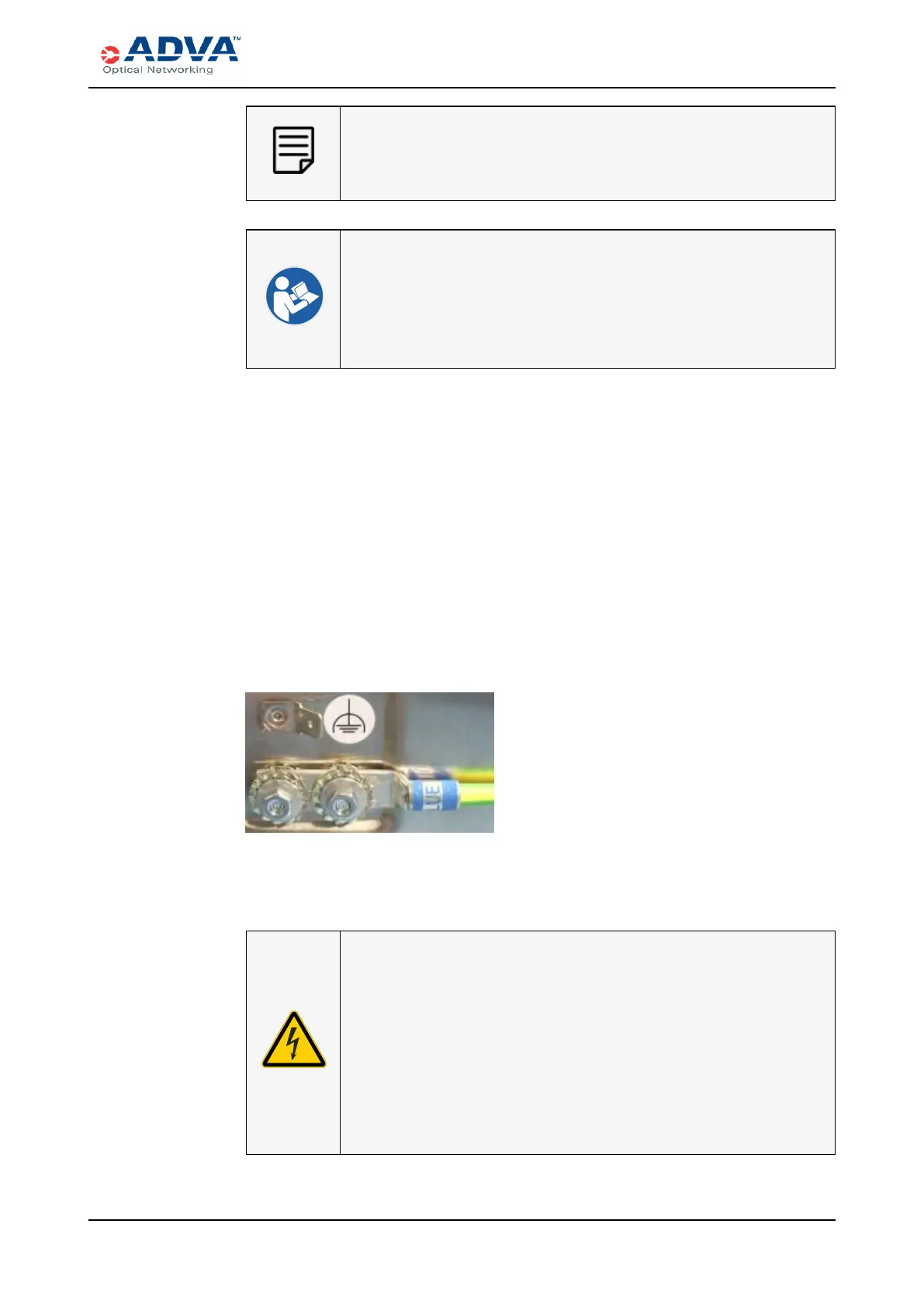
3. Use the two screws and washers to attach the two-hole lug terminal of the
appropriate grounding cable to the grounding terminal location.
Figure 56: Example - Connecting a Functional Grounding Cable with Two Hole
Lug Terminal to an FSP 3000 C Shelf
4. Repeat this procedure for each shelf needing to be grounded. You must properly
ground the shelf before connecting power.
ELECTRIC VOLTAGEWARNING
Risk of electric shock.
l After mounting the shelves into the rack and before connecting
the power cables, check the grounding and the equipotential
bonding lead according to EN 50310 and ETSI EN 300253.
l If shelves are not mounted in an appropriate rack, ensure that
the grounding is provided in an adequate way (according to
ETSI EN 300253).
FSP3000 C Hardware Guide - R1.1 - Issue:A (12/09/2016) 201



 To Next Page