Replacing the SH12 Air Filter Pad
Figure 77: Five Slots on Rear of the Air Filter Unit
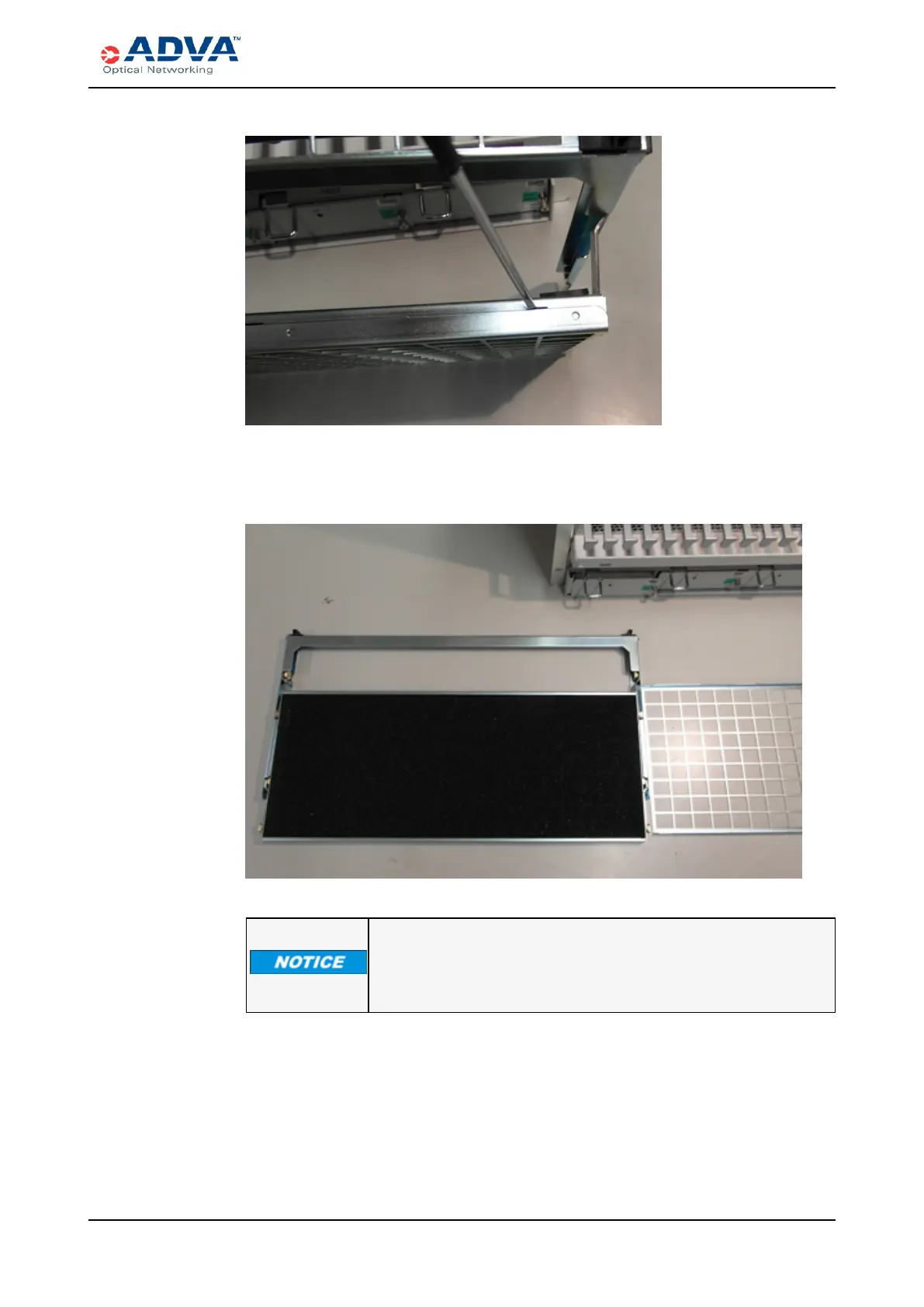
6. Remove the air filter pad from the filter unit.
Figure 78: Removing an Air Filter Pad
Use only ADVA Optical Networking original air filter pads for
replacement.
7. Insert a replacement air filter pad of the same type and dimensions into the air filter
unit.
8. Close the air filter unit by pressing both unit parts together.
9. Insert the air filter unit into the shelf.
10. Slightly push the slide latches inwards and slide the air filter unit to the back
carefully.
FSP3000 C Hardware Guide - R1.1 - Issue:A (12/09/2016) 259



 To Next Page