If you are uncertain whether the CRC4 should be selected or not, it is
recommended to enable the CRC4.
If Drop and Insert of the total contents of a receiver is selected and the signal
contains CRC4, it is possible to either Bypass or Insert Sa-Bits.
Sa-Bits
Use the drop-down menu above the setup field to select whether or not to
Insert Sa-Bits or Bypass Sa-Bits (this is only relevant when Drop and
insert is set to On).
You can set the Sa-Bits value of the non-FAS words in the transmitted signal
when containing PCM Frame/CRC4. Touch the Sa-Bits setup field to open the
setup dialog box.
In the Sa-Bits dialog box, change the individual Sa-bits by touching on the
relevant bit keys - this will toggle the bit key's binary value from logic 1 to 0
or vice versa. Touch Ok to accept the changes and close the dialog.
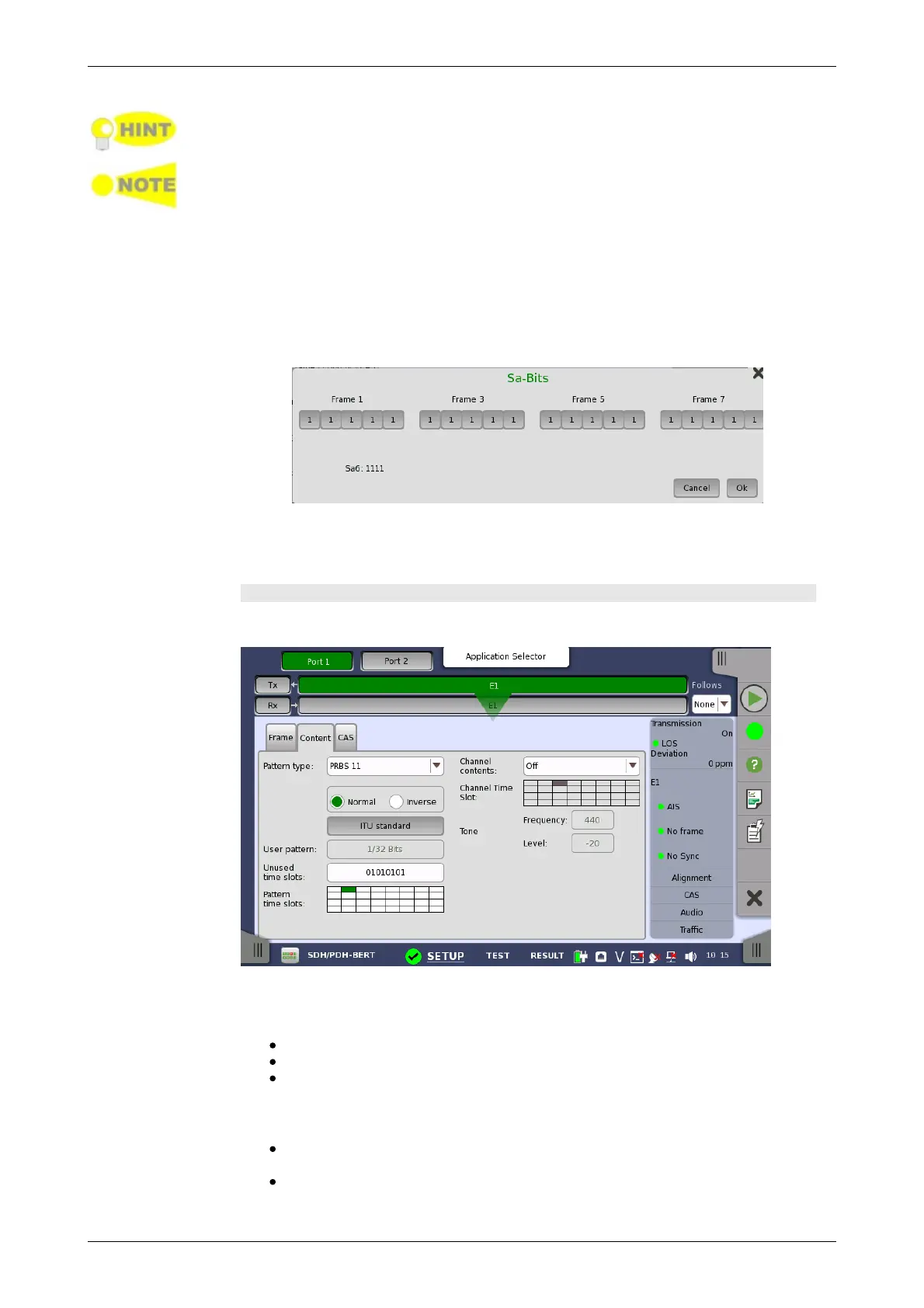
Content tab page
The Content tab page contains the following parameters:
Pattern type
Select the pattern to be inserted in the transmitted signal.
Off: Does not insert the pattern.
User [32] bit, User [2048] bit: 32 bits or 2048 bits length pattern.
PRBS 11 to PRBS 23: Pseudo-random bit sequence. The number
indicates the bit length of sequence.
For example, bit length of PRBS 9 is 2
9
-1=511.
Pattern Logic is enabled.
QRSS 11, QRSS 20: Quasi-random signal source.
The bit length of QRSS 11 is 2047, the length of QRSS 20 is 1 048 575.
Fox Pattern 'THE QUICK BROWN FOX JUMPS OVER THE LAZY DOG
1234567890' in Ascii code














 To Next Page