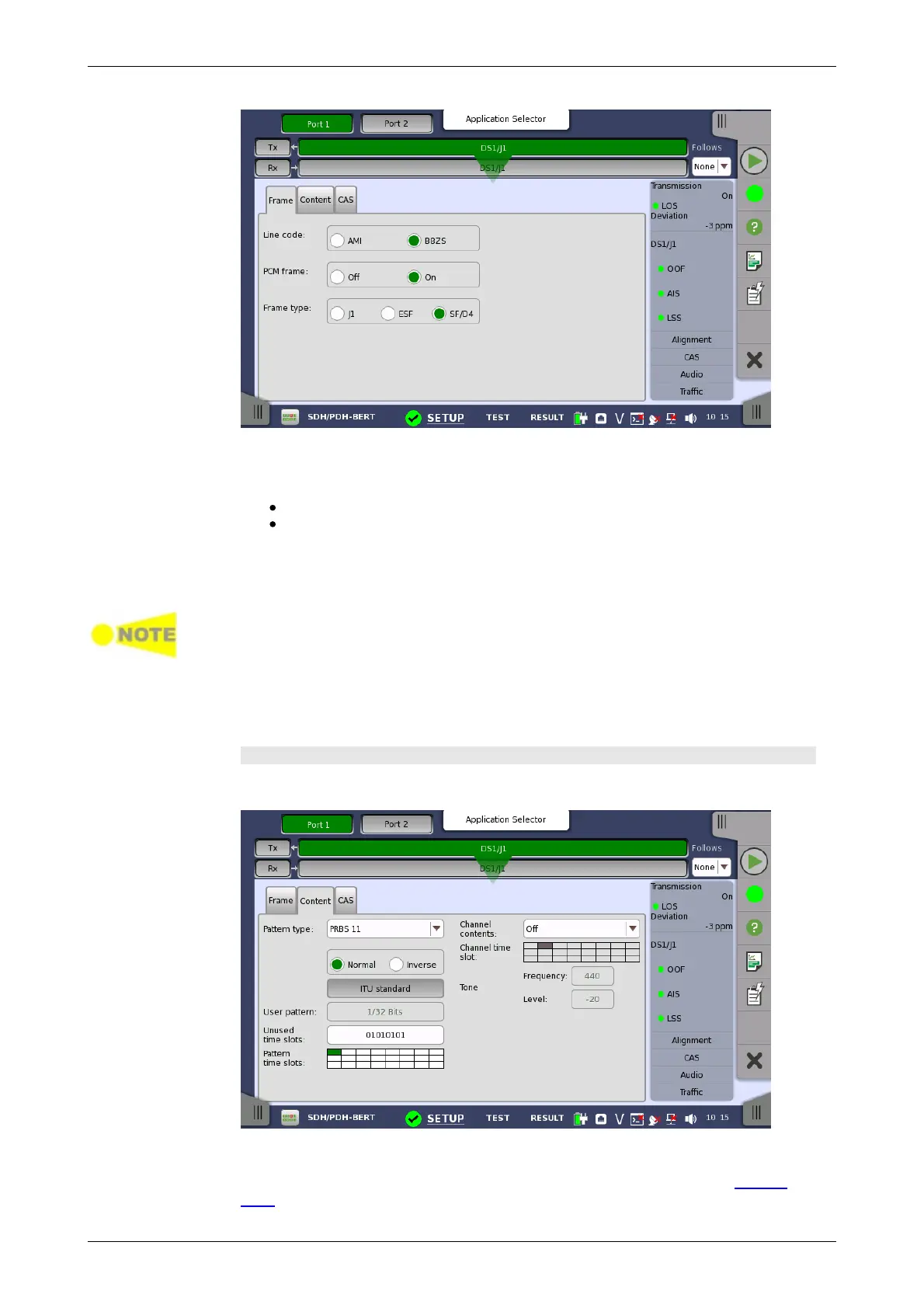
Line code
Use the Line code radio buttons to select transmission line code.
AMI: Alternate Mark Inversion
B8ZS: Bipolar Eight Zero Substitution
PCM frame
Use the PCM frame radio buttons to enable (On) or disable (Off) insertion of
PCM frame in the transmitted signal.
When PCM frame is set to Off, many of the following transmitter parameters are
insignificant.
Frame type
Use the Frame type radio buttons to select the relevant frame type: J1, ESF
or SF/D4.
Content tab page
The Content tab page contains the following parameters:
Pattern type
Select the pattern to be inserted in the transmitted signal. Refer to Pattern
type in "E1 Setup and Status". Available patterns are:














 To Next Page