ETH
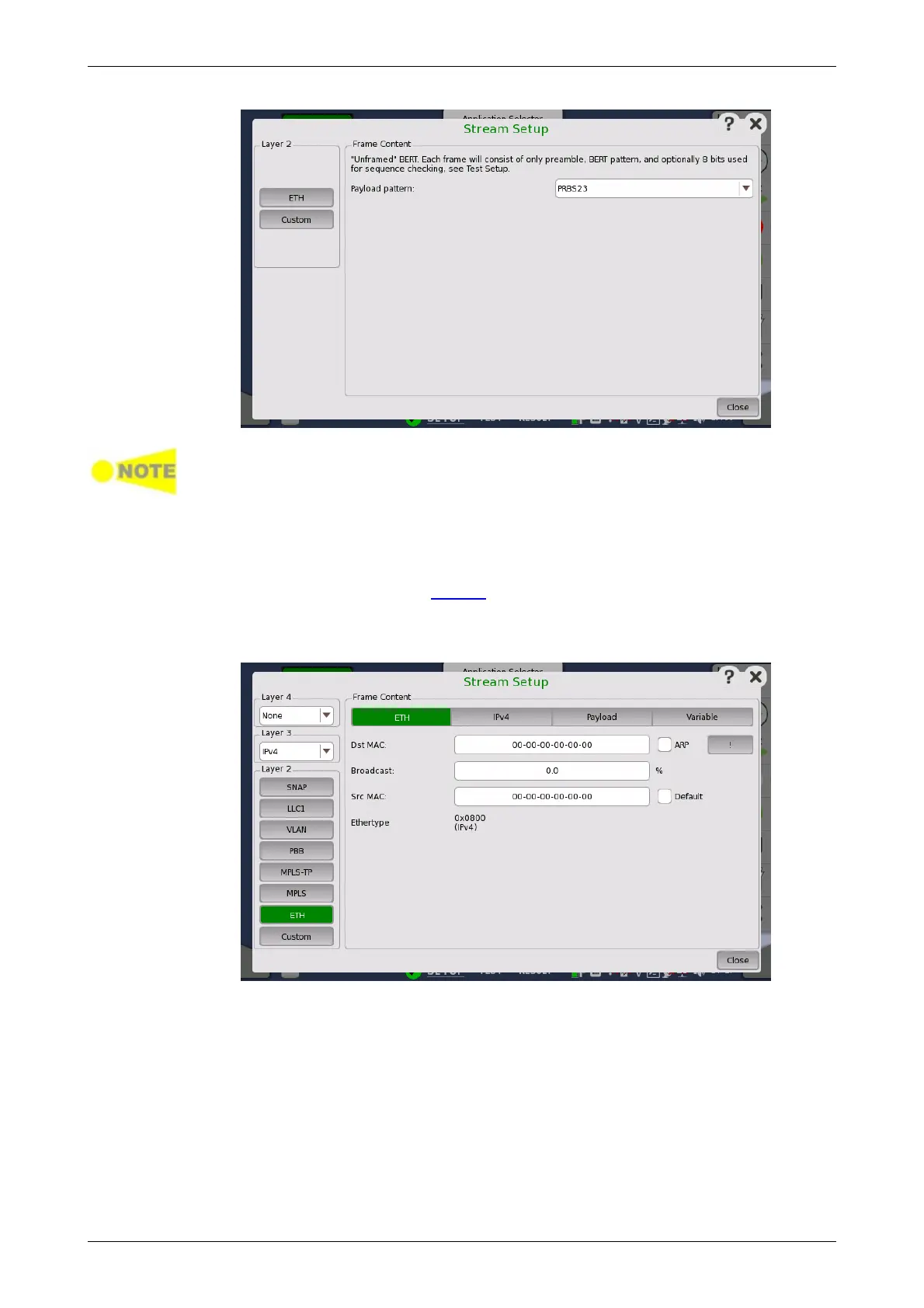
Custom button appears for BERT application only.
Frame Content
Touch the Payload patten field to set the pattern for the bit error rate test.
Each frame consists of only preamble and payload pattern.
One byte for the sequence check will be appended by selecting Enable
sequence checking on Stream screen of Test Setup.
Touching the ETH layer button displays the parameters available for the
Ethernet header.
The Ethernet (MAC) header contains MAC addresses and Ethertype.
Dst MAC
The Destination MAC address can either be specified manually, or be
decided based on an ARP lookup when IPv4 is set to Layer 3. To enable ARP,
select the ARP check box to the right of the Dst MAC field.
The ! button is an instant ARP button which when touched will perform an
ARP lookup immediately, instead of waiting until the transmitter starts.
Broadcast
The Broadcast Share control is used to set the ratio between Unicast and
Broadcast frames transmitting.














 To Next Page