Transport
Protocol
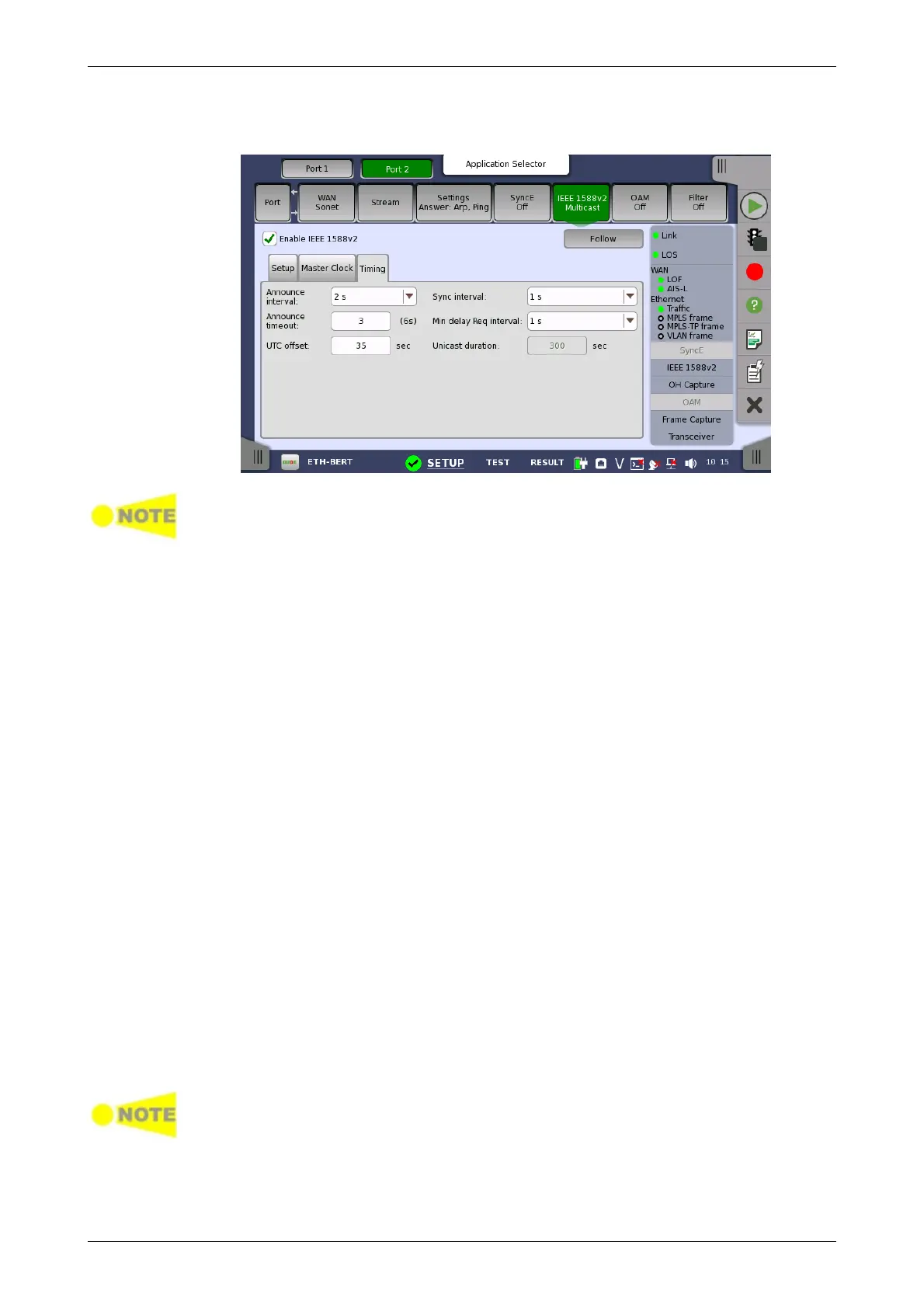
The Timing tab page contains the timing-specific parameters.
In multicast mode it is important that all IEEE 1588v2 clocks in the same
domain uses the same announce interval and announce timeout values.
Otherwise the best master algorithm may fail. Sync interval and Min. delay
Req. interval should also match the domain.
Announce interval
Allows you to specify the interval between transmitted announce messages.
Available values are between 1/8 s and 32 s.
Announce timeout
Allows you to specify the number of missed announce intervals before
announce timeout. Acceptable values are between 2 and 255.
UTC offset
Defines the offset between the internal clock or UTC and TAI. This value is
used when converting the internal time or a GPS based UTC time to TAI
based time, which is used in an IEEE 1588 clock. The correct UTC/TAI offset
value changes when leap seconds are applied to the UTC time.
Sync interval
Allows you to specify the interval between transmitted sync messages.
Available values are between 1/128 s and 32 s.
Min delay Req. interval
Allows you to specify the minimum interval between transmitted delay
request messages. Available values are between 1/16 s and 32 s.
Unicast duration
In unicast slave mode you ask a master to emit announce, sync and delay
response messages for some time. This setting is enabled when IEEE
1588v2 domain is set to Default unicast or 5 to 23. After this period the
master forgets everything about your request. The Unicast Duration is this
period in seconds. Legal values are from 60 to 1000 seconds. A Network
Master unicast slave will renew the request 10 seconds before timeout.
It is possible to let the Port 2 copy the setup from Port 1 by touching the
'Follows' button. This button appears when you can copy the Port 1 settings to
Port 2.
The IEEE 1588v2 Protocol dialog box is launched by touching the protocol
button on the Setup tab page. The dialog box allows you to configure the
protocols in detailed mode.














 To Next Page