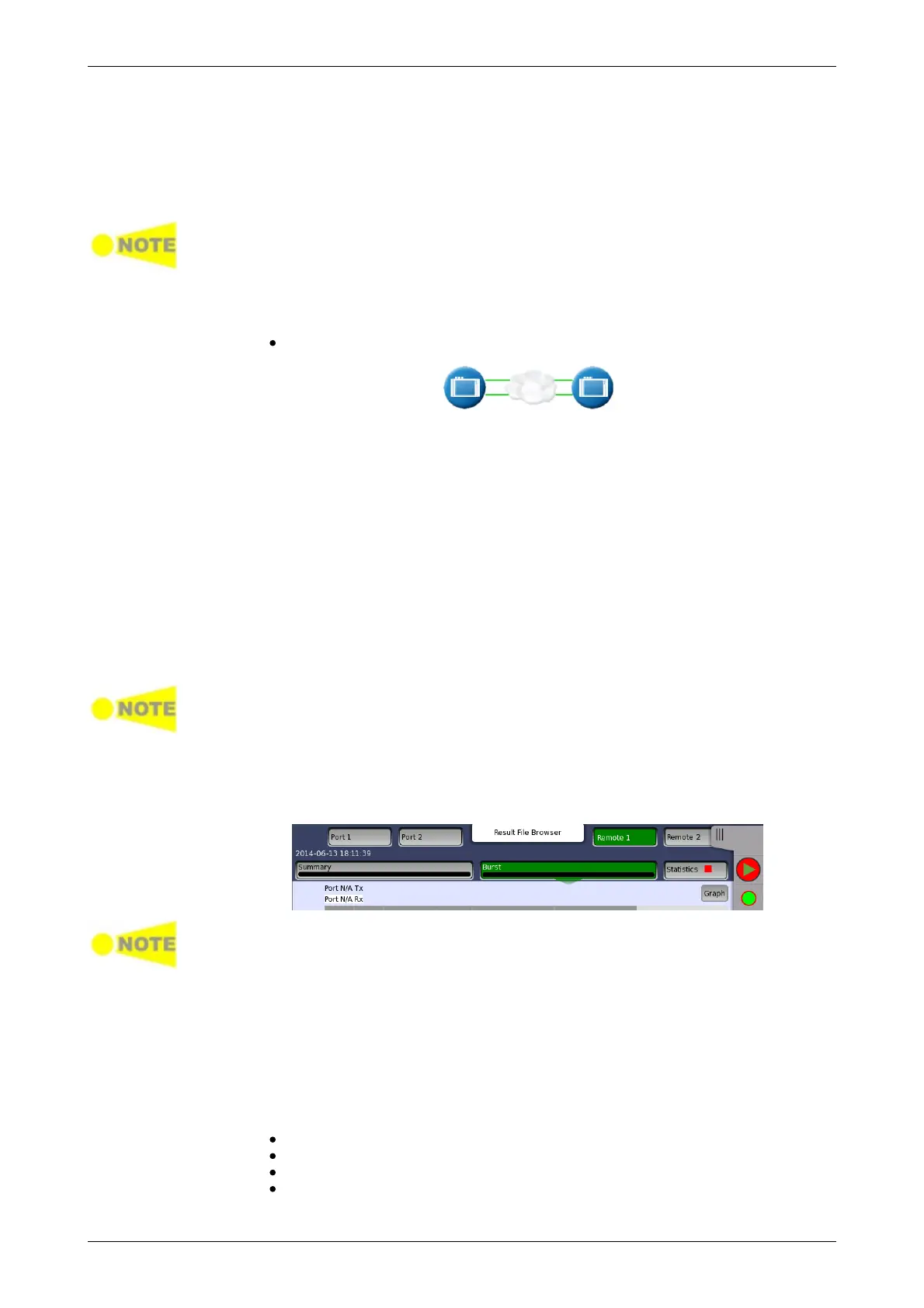
End to end
network test
In this test mode, the latency-test sends out ping frames, used for measuring
the response time for router equipment. The maximum line load for the
Router Latency Test is 1 Mbps.
The Network Master is capable of responding to incoming ping frames, and
can thus be used to run the Router Latency Test port to port, if required.
When the instrument is used to reply to incoming ping frames, the settings of
the Encapsulation type and VLAN/no VLAN in port traffic setup will decide which
ping requests to answer. So do VLAN ID and Address setups.
The Router Latency Test works with both IPv4/ICMPv4 and IPv6/ICMPv6.
Testing in this mode
Latency test
In this test mode, two Network Master units will work together performing an
RFC 2544 test. The unit initiating the test is the Local unit and the other unit is
the Remote unit. Control information is sent from the 'remote' unit on port 1
(alternative, port 2 will be used, if port 1 is turned off). When the test is
started on the 'local' unit, the unit will try to contact the 'remote' unit on the
control port using the Destination IP and MAC address (or use ARP if
selected). If the 'remote' unit receives the communication on a port with a
matching Source address, the test will begin. Apart from the Address setup,
both the 'local' and the 'remote' unit should have the Accept Network Master
Configuration frames option enabled.
The only needed setups on the 'remote' side are the source addresses and
the enabling of Accept incoming configuration frames. The complete RFC
2544 setup is transferred from the 'local' unit when the test is started (except
for the address setup which is optional).
When the test is started on the 'local' unit, a popup will appear on the 'remote'
unit, telling that the unit is being remotely controlled - providing a 'break
connection' button. The popup will disappear when the test is completed or
stopped on the 'local' unit.
When the test is completed, the test results are transferred from the 'remote'
unit to the 'local' unit. Remote 1 and Remote 2 buttons appear in
Navigation area for displaying the 'remote' side test results.
The local results and 'remote' results are related in the way that Tx statistics for
the local ports match up with the Rx statistics for the remote ports and vice
versa.
The End to End Test can be run in several modes: By default, both ports are
used for transmitting and receiving on both the 'local' unit and the 'remote'
unit. Depending on the address setup the test will run either Local port 1 >
Remote port 1, and Local port 2 > Remote port 2 or vice versa.
If One Way is selected, the test will transmit frames from either the 'remote'
unit or the 'local' unit.
Testing in this mode
Throughput test
Frame Loss test
Throughput and Frame Loss test
Burst test














 To Next Page