Select the Enabled check box to enable color awareness. You can then
choose the color method (PCP or IP DSCP), as well as the priority values to
mark the green and yellow frames with.
Choose PCP to use VLAN priority coloring. This requires that VLAN is
enabled.
Choose IP DSCP to use IP priority coloring.
With color awareness enabled, the test will include results for green and
yellow frames for the EIR, Traffic Policing and the EBS tests.
With color awareness, the transmitted frame rate is 100% CIR green-marked
frames plus 125% EIR yellow-marked frames. If EIR is less than 20% of CIR, the
transmit rate is 100% CIR green-marked frames plus 25% CIR yellow-marked
frames plus 100% EIR yellow-marked frames. Without color awareness, the
transmit rate is 100% CIR + 125% EIR. If EIR is less than 20% of CIR, the
transmit rate is 125% CIR + 100% EIR.
Frame Size tab
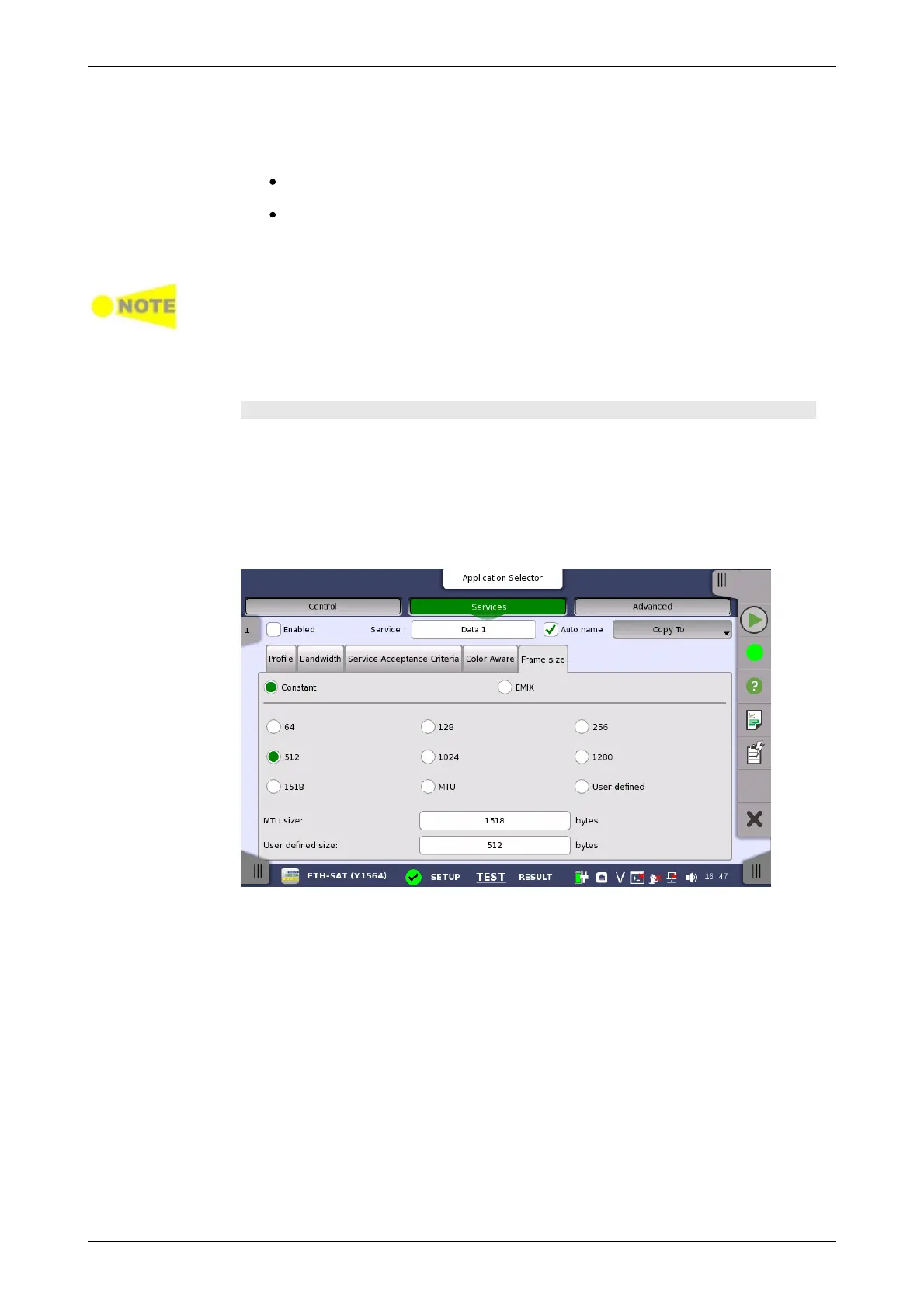
The contents of the Frame Size tab page depends on your choice of mode.
Frame size has two modes: Constant and EMIX.
Constant
Allows you to either select a constant frame size from one of several
predefined sizes, or to define a custom frame size with MTU or User defined
setting.
EMIX
Allows you to set up a repeating frame size pattern. The pattern must consist
of at least 1 frame size and at most 16.














 To Next Page