Threshold
7.4.2.2 Threshold
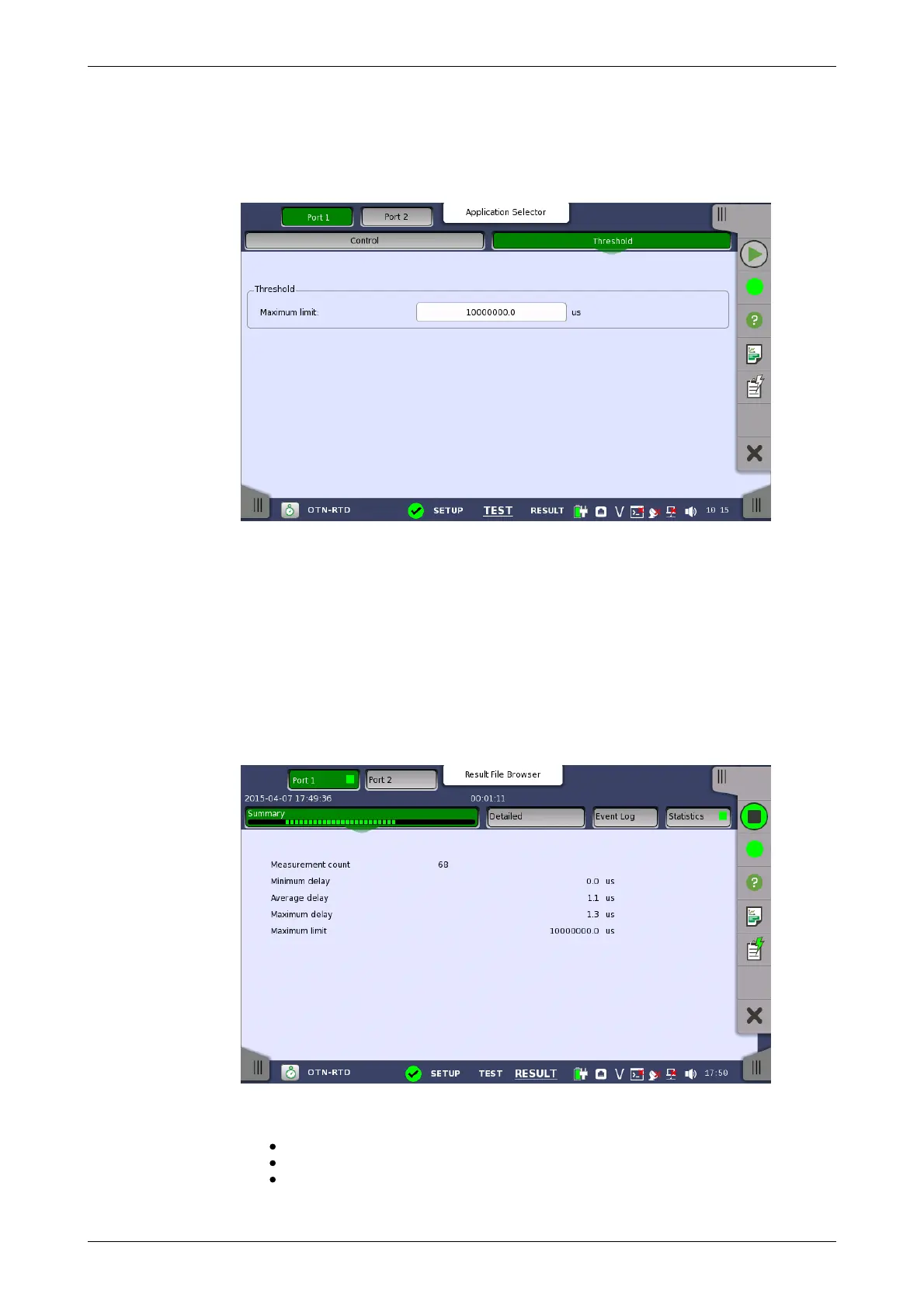
Touching the Thresholds button in the navigation area displays the
following screen.
This screen allows you to configure the RTD test conditions for the currently
selected port(s).
Maximum limit
Allows you to specify a threshold value of RTD in micro seconds (μs).
7.4.3 Test Results
7.4.3.1 Summary
Touching the Summary button in the navigation area will display the screen
shown below.
This screen presents a summary of the RTD test results, for all of the ports
included in the test. For each port, the information consists of:
The total number of measurements
Minimum, Average and Maximum RTD in micro seconds
Threshold value














 To Next Page