10.1 PDF Viewer
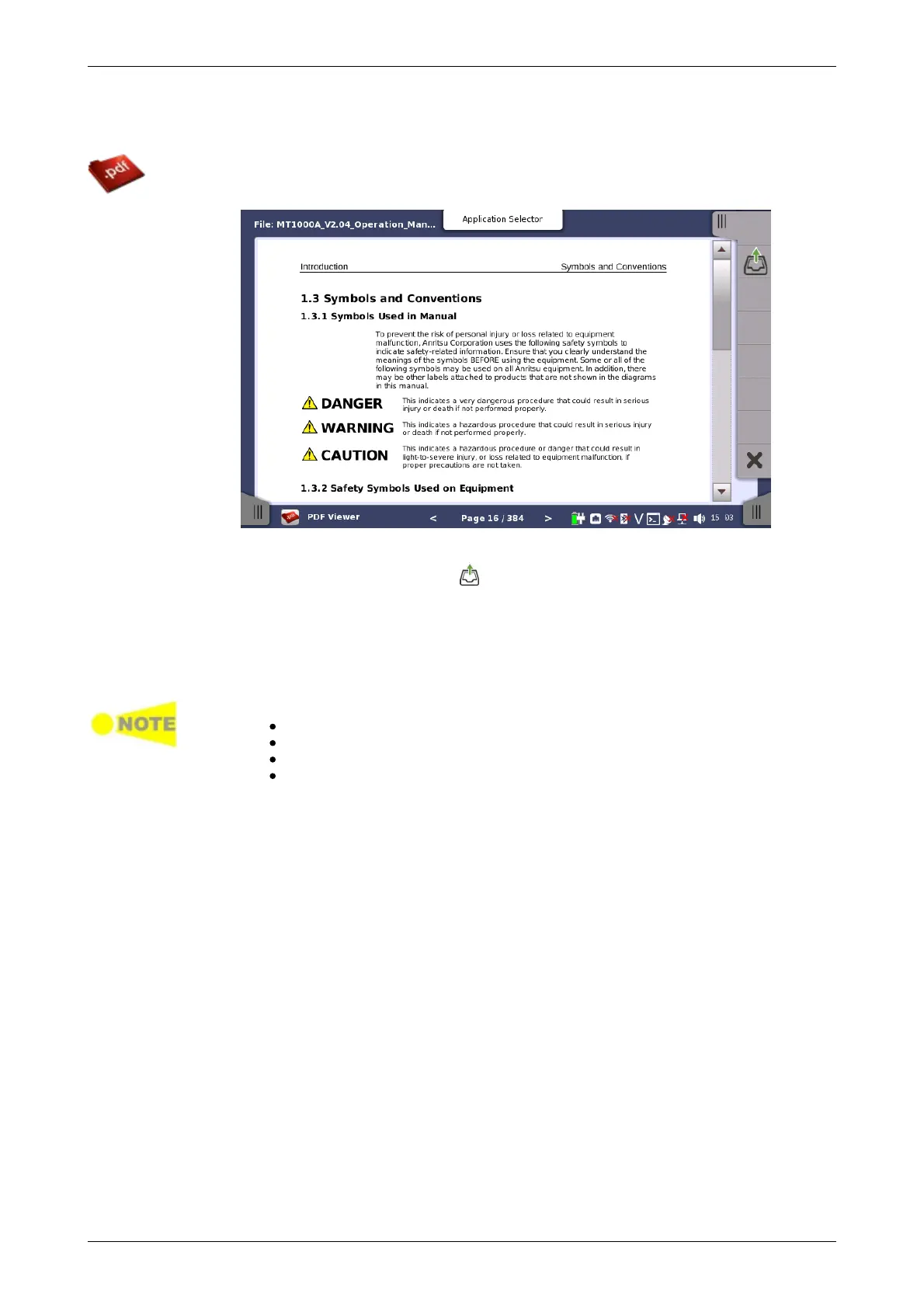
PDF Viewer allows you to view PDF files, for example, Operation Manual, report
files created by the Network Master, etc.
Opening the PDF file
Touching the File Open icon ( ) on Application Toolbar openes the dialog
box, where you can select a PDF file you want to open.
Scrolling the window
The page number is displayed at bottom center of the screen. Touching < or
> next to the page number allows you to move the page.
Right hand scroll bar allows ypu to scroll the view vertically.
The following functions are not supported.
Zoom in and out
Link
Search
Bookmarks
10.2 VIP














 To Next Page