10.3 Wireshark
Wireshark allows users to analyze captured Ethernet frames.
Wireshark is used to analyze the capture files. There are some restrictions on
functions because Ethernet interface is not connected. For example, "Capture"
and "Telephony" menus are not available.
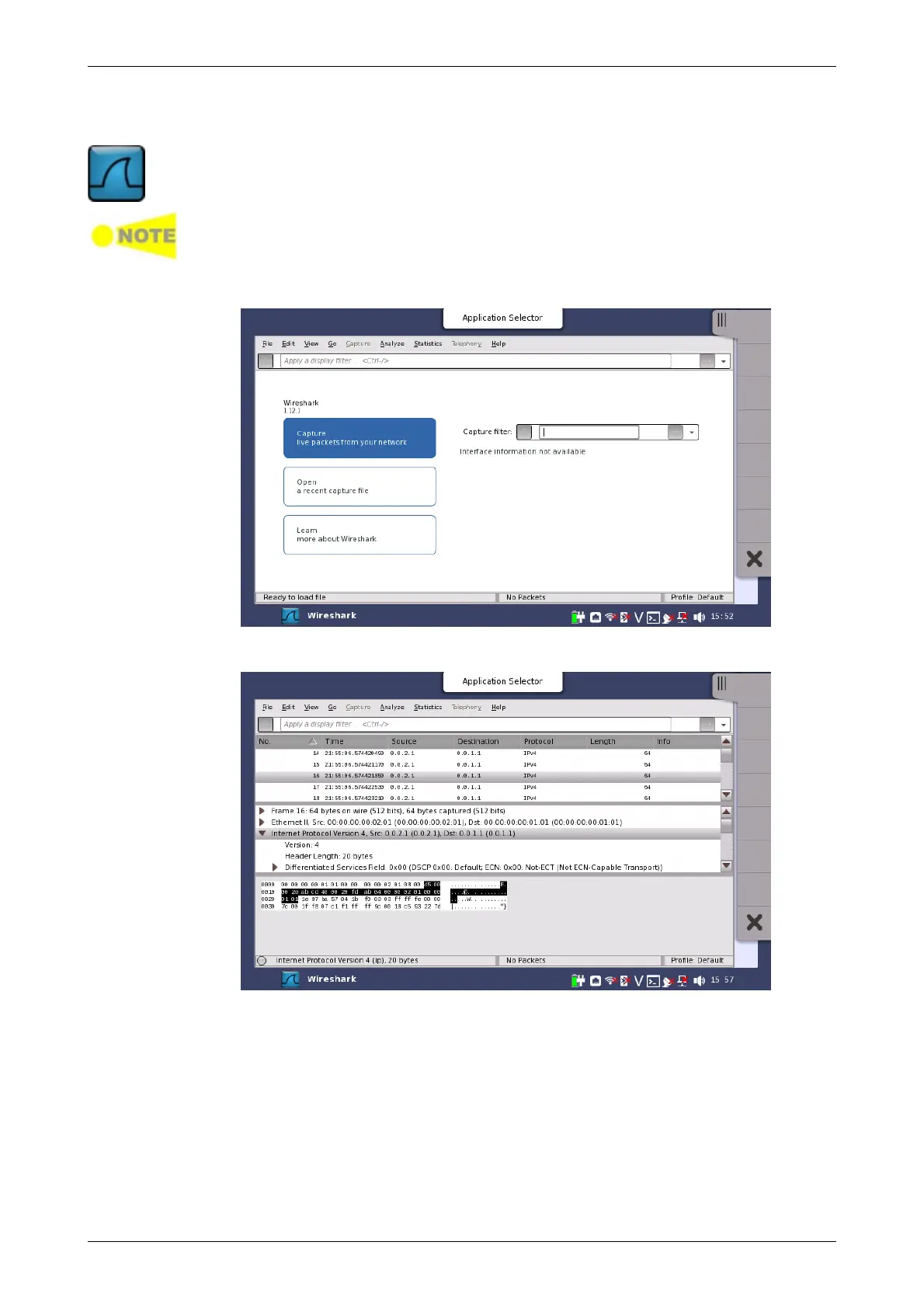
When Wireshark is started, the following screen appears.
To open a file, touch the "File" menu, and then touch "Open".














 To Next Page