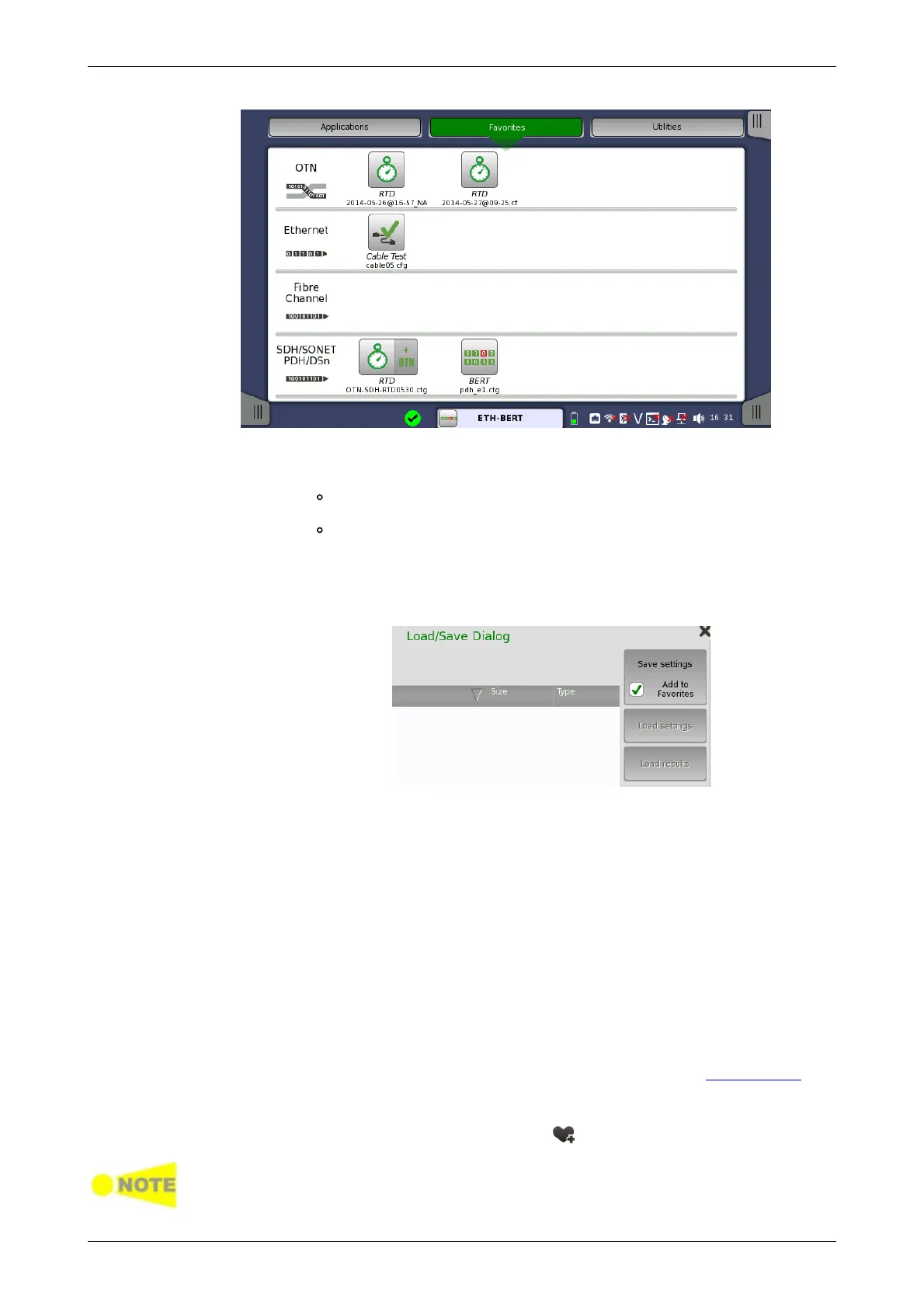
Creating favorites
1. Go to the workspace of the application you want to save as favorite.
Touch the Applications button and touch an icon to be
registered.
Return to the workspace by touching the button at bottom.
2. Touch the Application Toolbar tab.
3. Touch the Load Save icon.
4. Touch the File name field.
5. Enter the file name using the dialog box.
6. Select Add to Favorites in the Save/Load dialog box.
7. Touch the Save settings button.
On the Favorites screen a new favorite is now created containing the current
application resources and settings.
Deleting favorites
1. Touch and hold an icon in Favorites screen until a pop-up menu appears.
2. Touch Delete Favorite.
3. Touch Delete if the confirmation dialog box appears.
Renaming favorites
1. Touch and hold an icon in Favorites screen until a pop-up menu appears.
2. Touch Rename Favorite.
3. Input a new name on the opening dialog box.
Importing favorites
Settings files (.cfg) can be registered to Favorites by using the File Manager.
1. Open File Manager from the Instrument Tool bar.
2. Select to the .cfg file to import as favorite.
3. Touch the "Add to Favorites" button ( ).
Favorites cannot have the same name. If conflicts occur, rename the .cfg file or
the existing favorite before copying.














 To Next Page