Result File
Browser
Utilities
Applications to view test results or a fiber edge surface are provided in
Utilities application.
Touching Utilities button displays the screen below.
PDF Viewer: - allows to view PDF files created by Report.
VIP: - allows users to view a fiber edge surface with the Video Inspection
Probe.
Wireshark: - allows users to view capture files (pcap) saved by Frame
Capture from Ethernet applications.
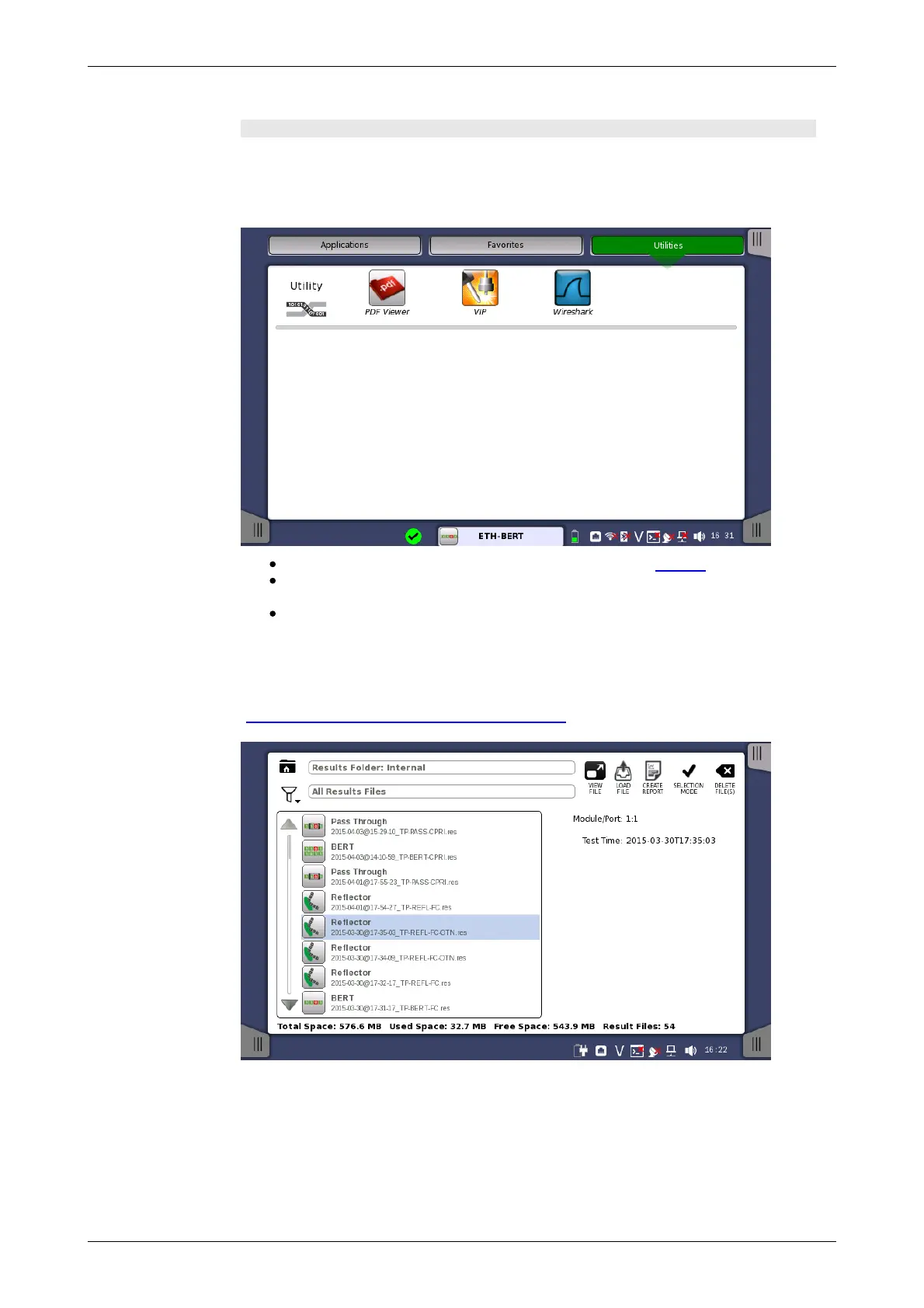
The Result File Browser screen is the other entry point after startup of the
Network Master. From here you can access the results of previous tests to
view the statistics directly, to generate PDF reports or to do both. Refer to
"Accessing Previous Tests and Test Results".














 To Next Page