Configuring the ECN330-switch
991553-KDU 137 365 Uen D 2006-06-16
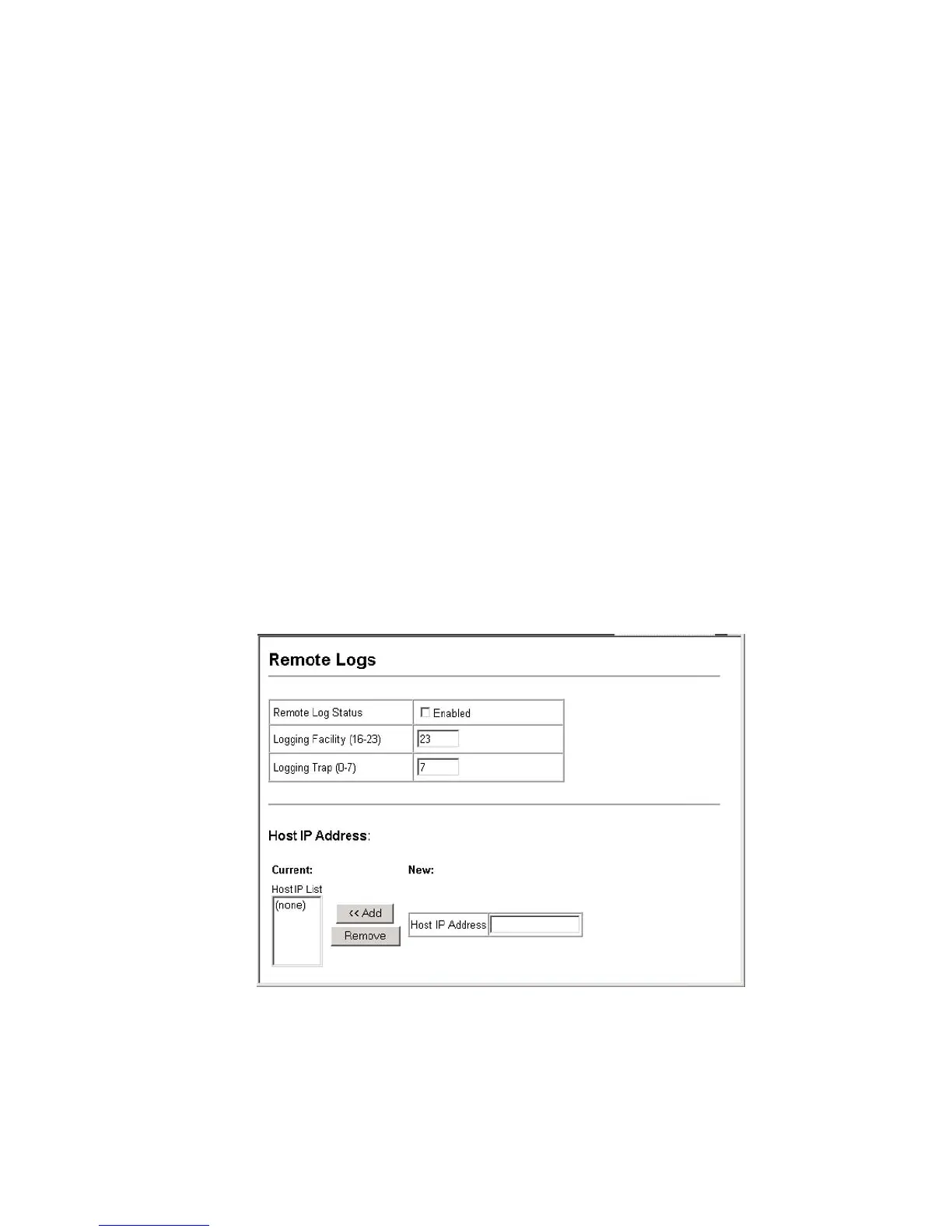
• The attribute specifies the facility type tag sent in syslog messages.
(See RFC 3164.) This type has no effect on the kind of messages
reported by the ECN330-switch. However, it may be used by the syslog
server to process messages, such as sorting or storing messages in the
corresponding database. (Range: 16-23, Default: 23)
• Logging Trap – Limits log messages that are sent to the remote syslog
server for all levels up to the specified level. For example, if level 3 is
specified, all messages from level 0 to level 3 will be sent to the remote
server. (Range: 0-7, Default: 7)
• Host IP List – Displays the list of remote server IP addresses that will
receive syslog messages. The maximum number of host IP addresses
allowed is five.
• Host IP Address – Specifies a new server IP address to add to the Host
IP List.
Web – Click System, Log, Remote Logs. To add an IP address to the Host IP
List, type the new IP address in the Host IP Address box, and then click Add. To
delete an IP address, click the entry in the Host IP List, and then click Remove.
Figure 27 Remote Logs



 To Next Page