Configuring the ECN330-switch
1911553-KDU 137 365 Uen D 2006-06-16
to specify the trunk on the devices at both ends. When using a port trunk, take
note of the following points:
• Finish configuring port trunks before connecting the corresponding
network cables between switches to avoid creating a loop.
• Up to 13 trunks can be created on the ECN330-switch, with up to eight
ports per trunk.
• The ports at both ends of a connection must be configured as trunk
ports.
• When configuring static trunks on switches of different types, they must
be compatible with the Cisco EtherChannel standard.
• The ports at both ends of a trunk must be configured in an identical
manner, including communication mode (that is, speed, duplex mode
and flow control), VLAN assignments, and CoS settings.
• Any of the Gigabit ports on the front panel can be trunked together,
including ports of different media types.
• All the ports in a trunk have to be treated as a whole when moved from/
to, added or deleted from a VLAN.
• STP, VLAN, and IGMP settings can only be made for the entire trunk.
6.7.3.1 Statically Configuring a Trunk
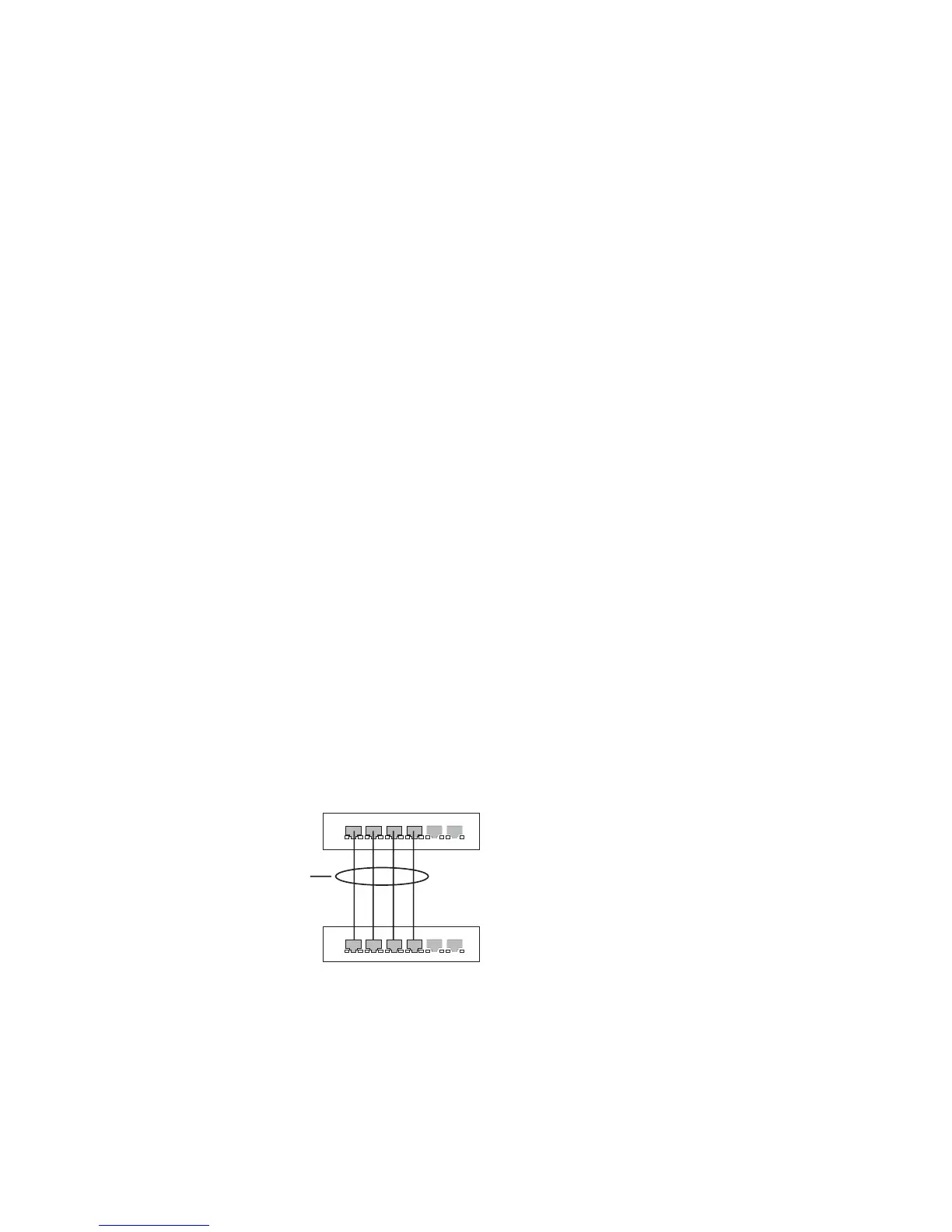
Figure 70 Configuring Static Trunks
active
links
}
statically
configured



 To Next Page