Configuring the ECN330-switch
228 1553-KDU 137 365 Uen D 2006-06-16
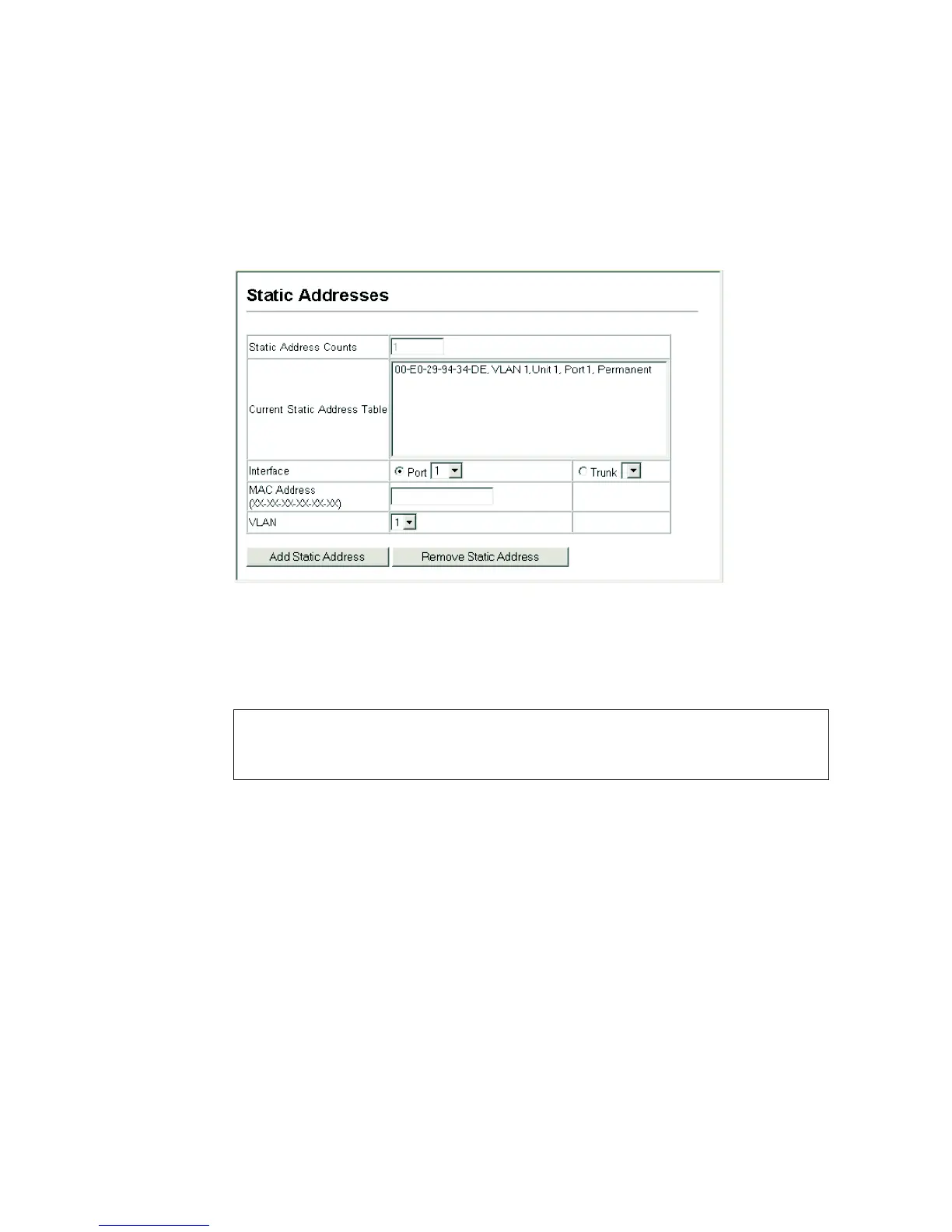
Web – Click Address Table, Static Addresses. Specify the interface, the MAC
address and VLAN, then click Add Static Address.
Figure 88 Static Addresses
CLI – This example adds an address to the static address table, but sets it to be
deleted when the ECN330-switch is reset.
6.9.2 Displaying the Address Table
The Dynamic Address Table contains the MAC addresses learned by monitoring
the source address for traffic entering the ECN330-switch. When the destination
address for inbound traffic is found in the database, the packets intended for that
address are forwarded directly to the associated port. Otherwise, the traffic is
flooded to all ports.
Command Attributes
• Interface – Indicates a port or trunk.
• MAC Address – Physical address associated with this interface.
Console(config)#mac-address-table static 00-e0-29-94-34-de interface
ethernet 1/1 vlan 1 delete-on-reset
Console(config)#



 To Next Page