Configuring the ECN330-switch
3771553-KDU 137 365 Uen D 2006-06-16
Command Usage
The IP address for at least one DHCP server must be specified. Otherwise, the
ECN330-switch’s DHCP relay agent will not forward client requests to a DHCP
server.
Command Attributes
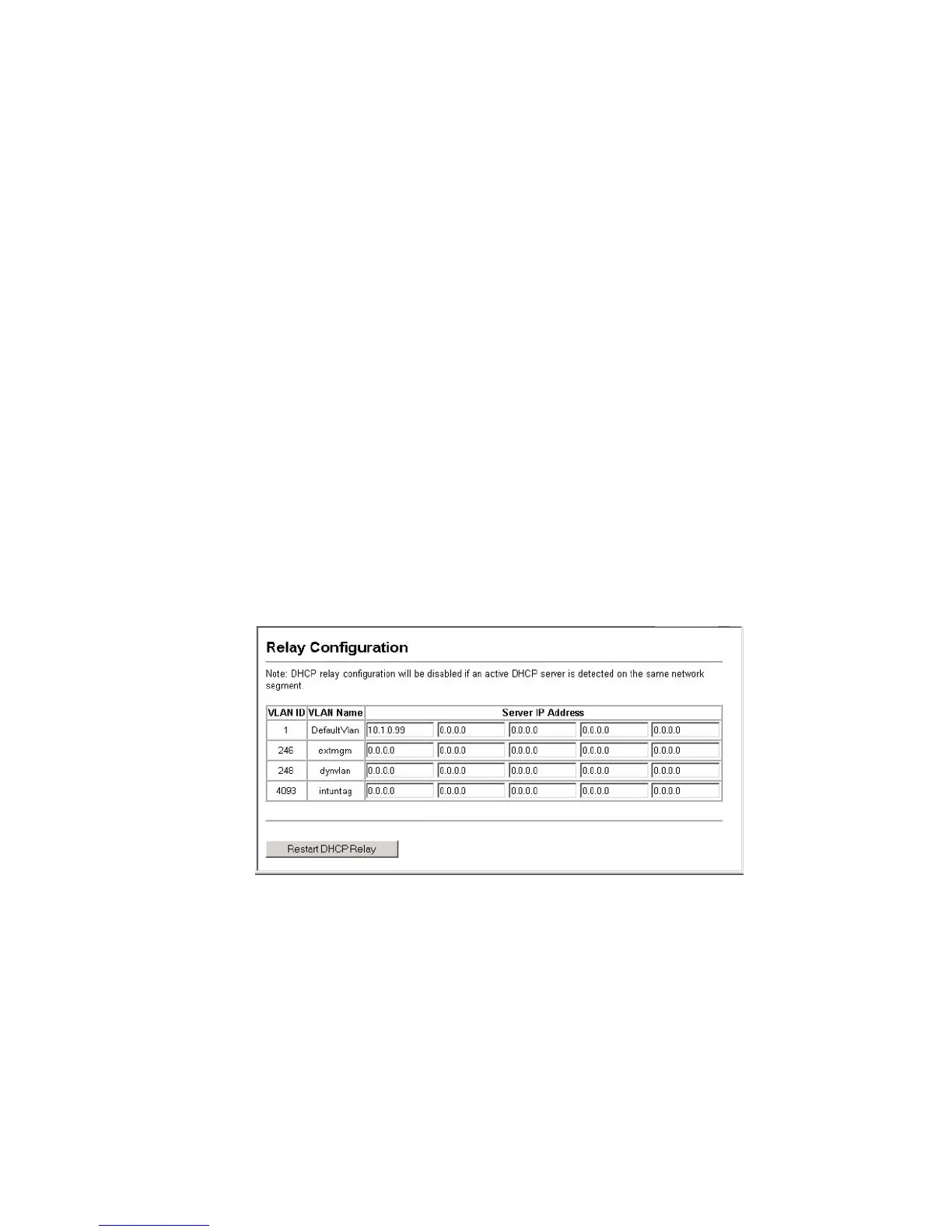
• VLAN ID – ID of configured VLAN.
• VLAN Name – Name of the VLAN.
• Server IP Address – Addresses of DHCP servers to be used by the
ECN330-switch’s DHCP relay agent in order of preference.
• Restart DHCP Relay – Use this button to enable or re-initialize DHCP
relay service.
Web – Click DHCP, Relay Configuration. Enter up to five IP addresses for any
VLAN, then click Restart DHCP Relay to start the relay service.
Figure 158 DHCP Relay Configuration



 To Next Page