Configuring the ECN330-switch
72 1553-KDU 137 365 Uen D 2006-06-16
• QinQ Mode – Sets the ECN330-switch to QinQ mode, and allows the
QinQ tunnel port to be configured. For an explanation of QinQ see
“Configuring IEEE 802.1Q Tunneling” on page 296.
• L2MPLS Mode – Sets the ECN330-switch to L2MPLS mode, and
allows all L2MPLS commands to be configured. For an explanation of
L2MPLS see section 6.13 on page 314.
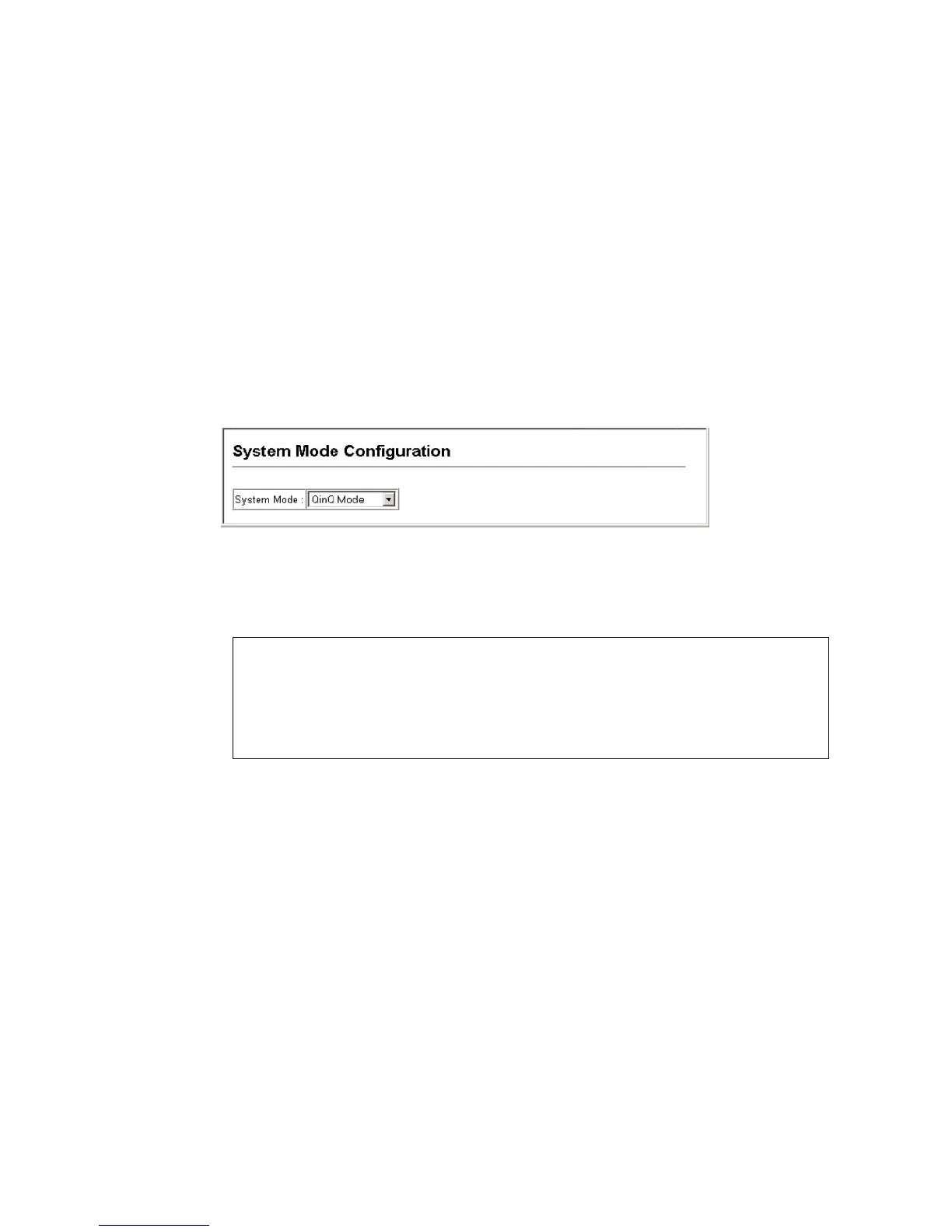
Web – Click System, System Mode. Select the required system mode, and click
Apply.
Figure 10 System Mode
CLI – This example sets the ECN330-switch to operate in QinQ mode.
6.3.3 Configuring the Maximum Frame Size
The maximum transfer unit (or frame size) for traffic crossing the ECN330-switch
should be set to minimize unnecessary fragmentation and maximize the transfer
of large sequential data streams.
Command Usage
• Fast Ethernet ports are only affected by the System MTU setting.
• Gigabit Ethernet ports are only affected by the Jumbo frame size
setting.
• The ECN330-switch provides more efficient throughput for large
sequential data transfers by supporting jumbo frames on Gigabit
Console(config)#system mode qinq
Console(config)#exit
Console#show system mode
System mode is QinQ mode
Console#



 To Next Page