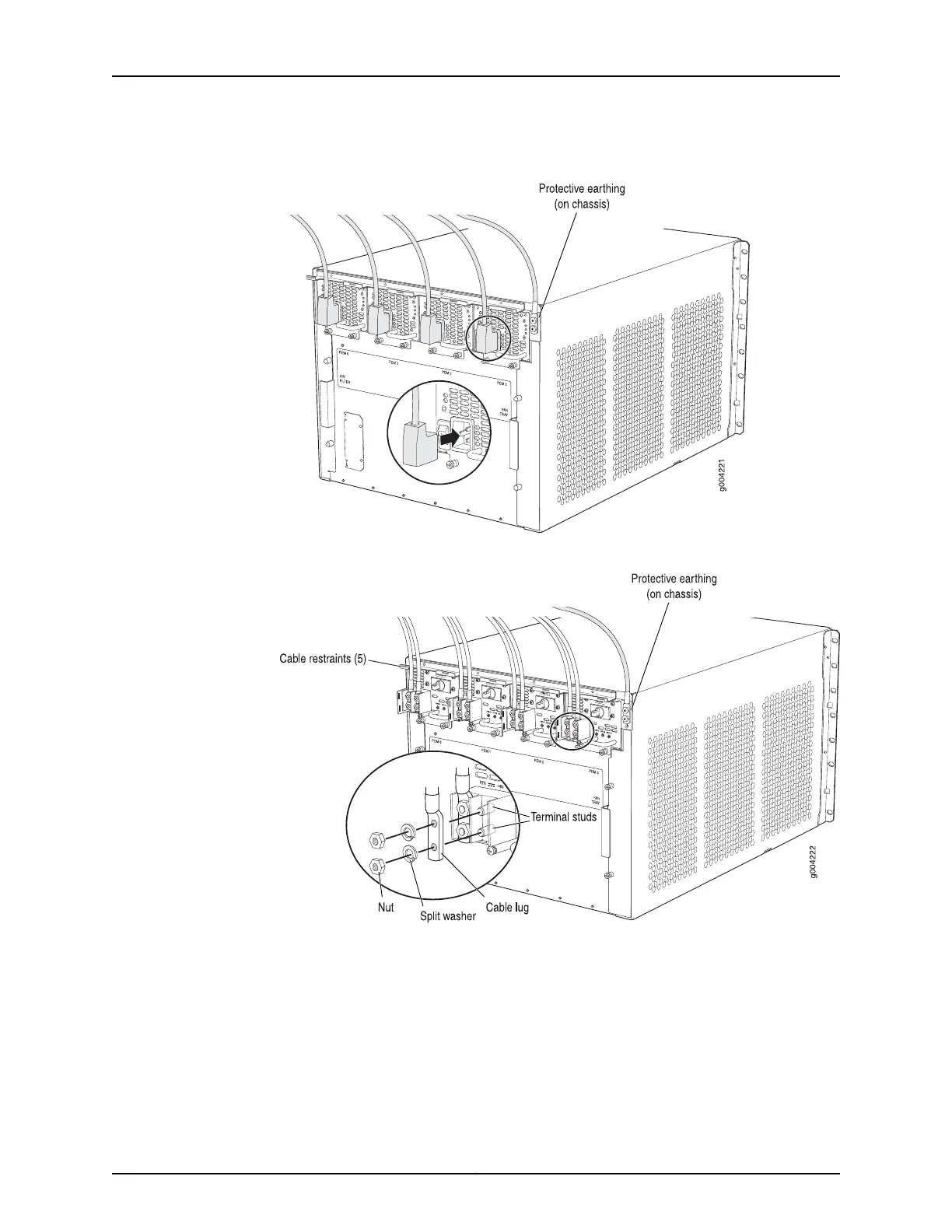
Figure 43: Connecting AC Power to the Router
Figure 44: Connecting DC Power to the Router
MX480 Router Grounding Cable Lug Specifications
The accessory box shipped with the router includes one cable lug that attaches to the
grounding cable (see Figure 45 on page 129) and two UNC 1/4–20 screws used to secure
the grounding cable to the grounding points.
Copyright © 2017, Juniper Networks, Inc.128
MX480 3D Universal Edge Router Hardware Guide



 To Next Page